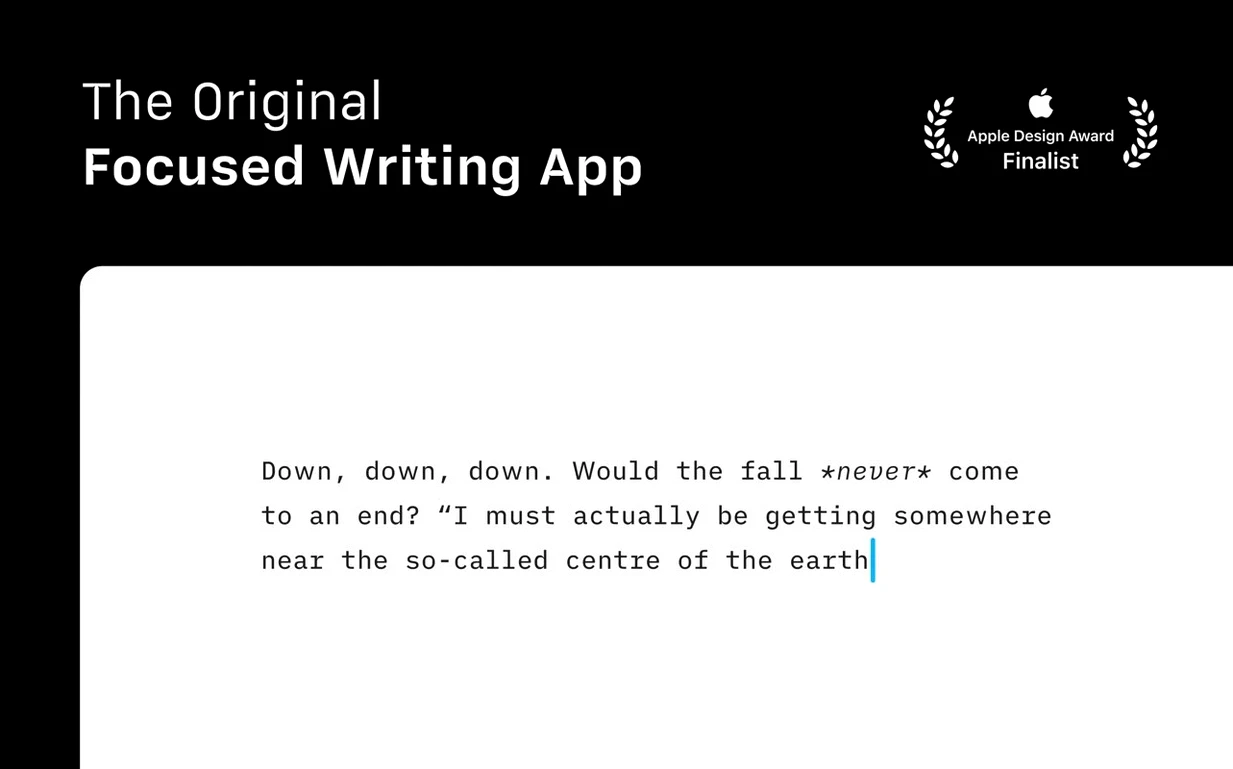
You sit down with a blank screen, an assignment due, and a head full of half-formed sentences. iA Writer on Mac is built for exactly that moment — it clears away toolbars, formatting panels and interface chrome until only the text remains. The app treats Markdown as a first-class writing environment, not a developer's afterthought, so you can compose in plain text and export polished documents without touching a mouse.
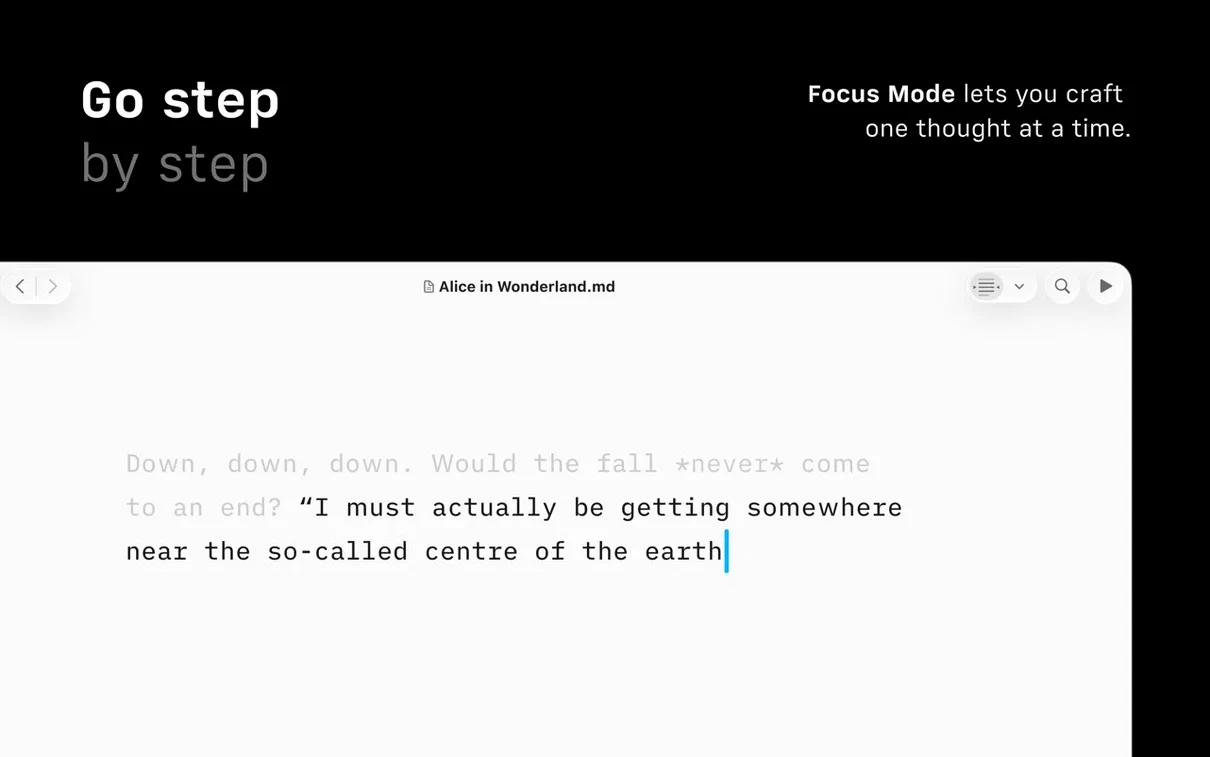
- Focus Mode dims everything except the sentence or paragraph you are working on right now.
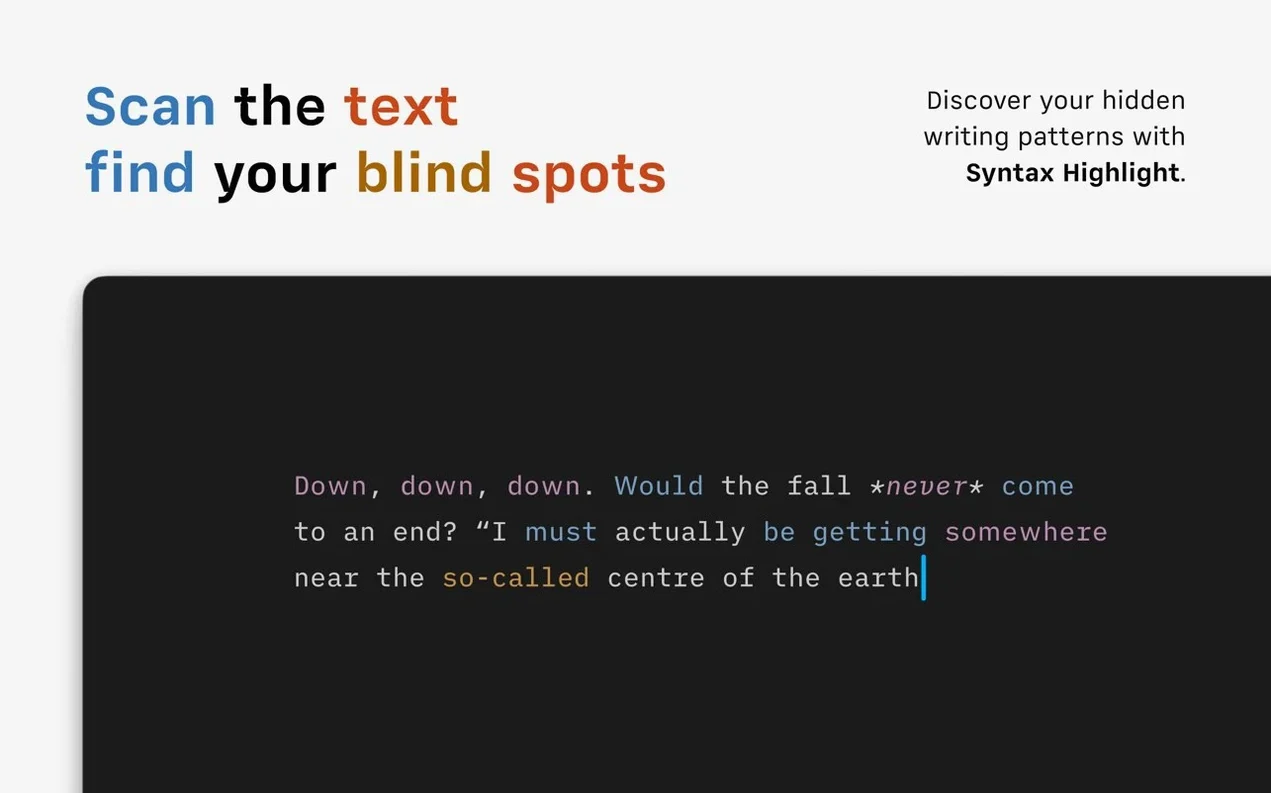
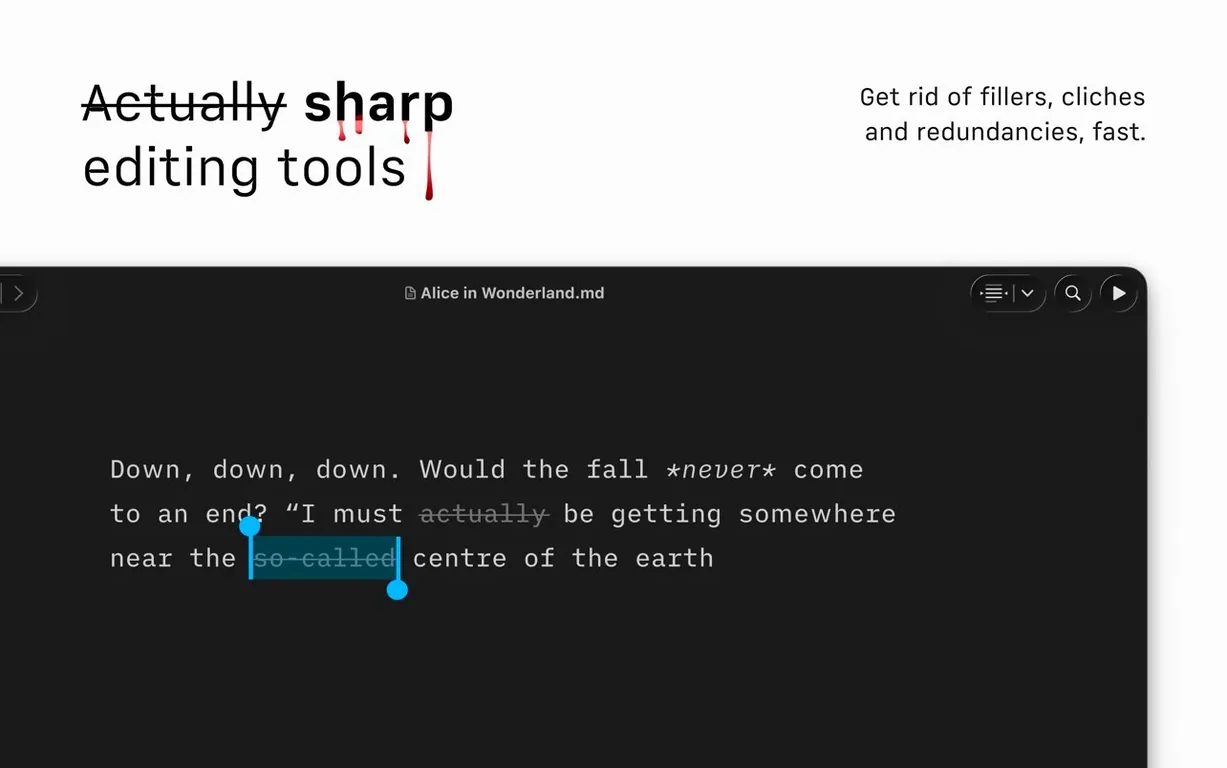
- Syntax Control can highlight filler words, weak verbs and repeated nouns so you can tighten your prose before anyone else reads it.
- Document Outline with Quick Search lets you jump between sections in long-form work without scrolling.
- Exports straight to HTML, PDF and Microsoft Word DOCX — no converter app required.
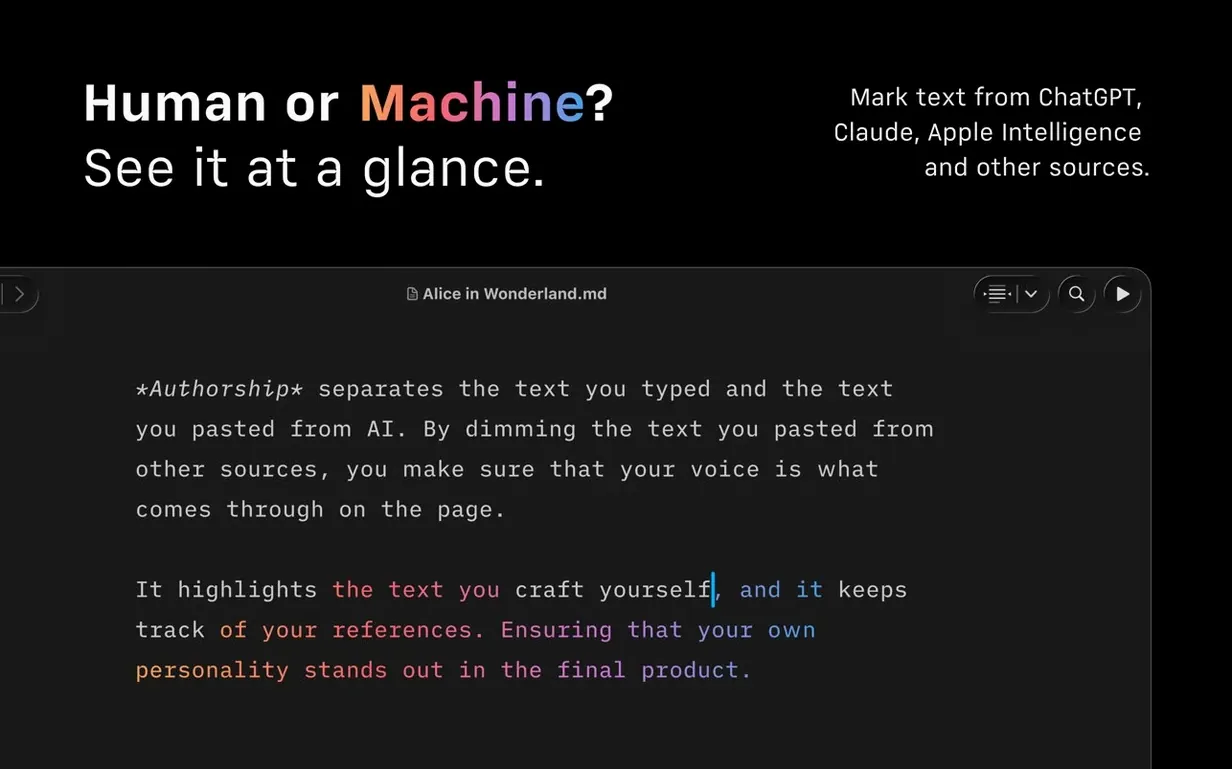
- Authorship indicators in version 8 assign colours to collaborators, visible in menus and the editor.
- Light and dark appearance modes adapt the writing surface to late nights or bright afternoons.
The Command Palette in version 8 ties formatting, export and authorship actions to a single keyboard shortcut, and a compact Library layout hides dates and excerpts when you want a cleaner file browser. Voice Control and Reduced Motion support round out an app that works with how you write, not against it.
How iA Writer sits among its peers
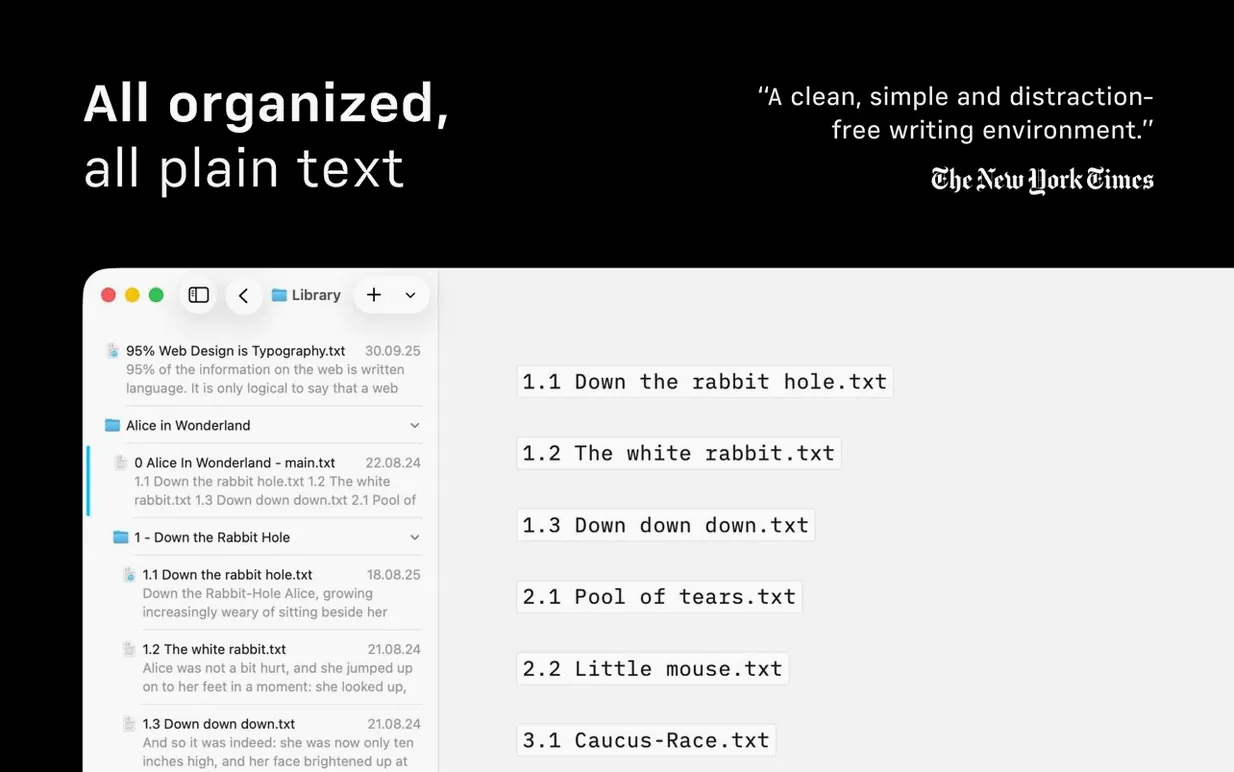
Placing iA Writer next to something like Ulysses or Byword clarifies who it is really for. Ulysses wraps writing in a database: every sheet lands in a unified library, grouped by project, with a sidebar that tracks goals and deadlines. It aims to be the only place your words live. iA Writer takes the opposite stance — it reads and writes plain .md files in ordinary Finder folders, a choice that keeps your work portable and free of proprietary lock-in. If you already organize drafts in Dropbox or a local folder structure, iA Writer slots in without asking you to reorganize anything.
Byword shares the plain-text philosophy but strips things down further. It offers a clean editing pane and little else, which suits someone who wants a typewriter feel and nothing more. iA Writer keeps that minimal surface while layering tools — Syntax Control, Document Outline, the Command Palette — in ways that stay out of sight until summoned. Where Byword feels like a single room, iA Writer feels like a room with hidden drawers.
Compared to Scrivener, the difference is architectural. Scrivener is a research studio with corkboards, index cards and a binder for fragments. It excels at sprawling projects that need structural oversight. iA Writer does not try to match that scope. Instead it sharpens the act of putting one sentence after another, then lets you assemble them via Document Outline. For a novella drafted across dozens of text files in a folder, iA Writer often feels more immediate than a heavyweight project manager.
Friction points worth knowing about
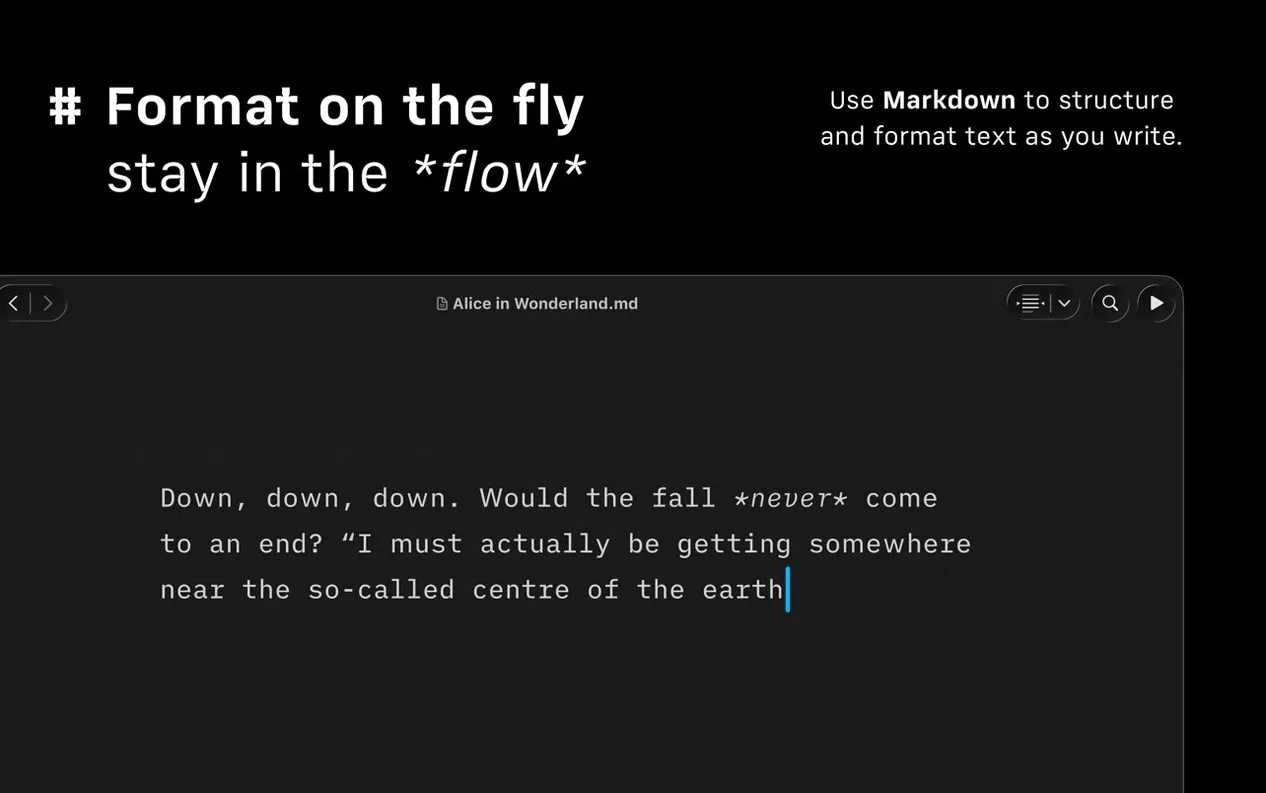
A handful of snags surface when you first settle into the app. The most common is Markdown preview confusion — live preview in the editing window renders basic formatting, but block-level elements like tables and fenced code blocks only show their final shape in the separate preview pane. Writers who expect a fully rendered live view sometimes think the app is broken when a table stays plain in the editor. The fix is muscle memory: tap the preview shortcut once you want to check layout, and trust that the editor focuses on prose, not page design.
Syntax Control can feel overzealous until you dial it in. Highlighting every adverb in a 3,000-word draft lights up the screen like a Christmas tree. The solution lives in the app preferences, where you can toggle individual checks — weak verbs, nouns repeated too close together, filler words — on or off per session. Turning off everything except repeated nouns during a revision pass keeps the feedback precise rather than noisy.
Another recurring friction involves WordPress publishing. The built-in connection works smoothly for most self-hosted sites, but users on managed WordPress hosts with custom authentication layers sometimes see upload failures. The workaround is to export to HTML and paste into the WordPress editor manually; the export preserves heading structure, links and image references without alteration.
People who grab an ia writer mac download expecting a rich-text editor occasionally hit a conceptual wall. The app does not style text with font pickers or colour wells — it uses Markdown syntax and a monospaced writing face by default. That design choice is deliberate. Spending an hour composing in plain text before switching to the preview theme usually makes the reasoning click.
Start with a blank window, not the settings
Start by writing something short — a letter, a blog outline, a scene fragment — without touching any settings. The blank window is the point. On day two, open Preferences and turn on Syntax Control for adjectives and weak verbs only, then run it across what you wrote. The highlights will feel accusatory at first, but they train your eye to spot padding you would otherwise gloss over. Resist the urge to disable everything immediately; sit with the feedback for a few paragraphs and you will start self-editing before the highlighter catches you.
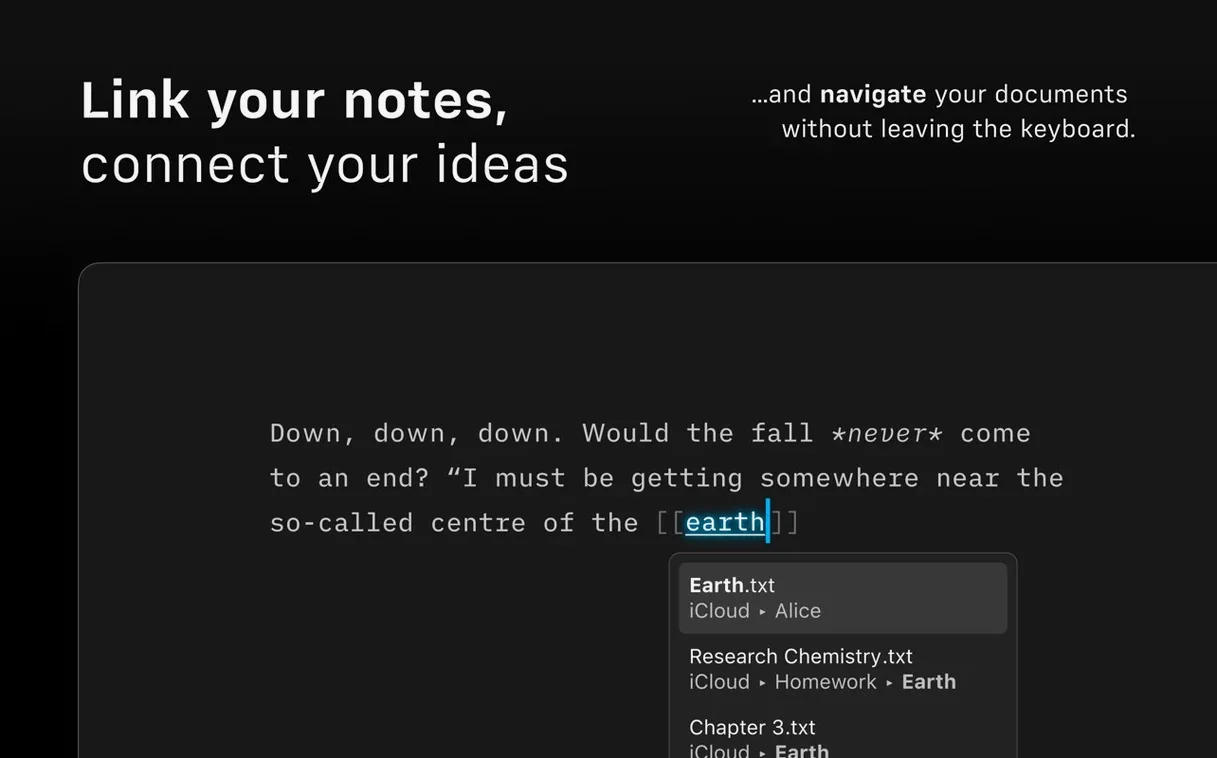
Set up a working folder in Finder and point the Library sidebar to it. Because iA Writer reads the file system directly, anything you save there appears in the app and vice versa — no import step, no database sync to break. Drop a few existing Markdown files into that folder and open them to see how the app handles prose it did not create. The Document Outline populates from headings automatically, which makes navigating old notes feel like adding a table of contents after the fact.
On day three, try the Command Palette. Hit the shortcut, type pdf and watch the export options filter down to PDF with template choices. The muscle memory builds quickly: the palette becomes a launcher for nearly every action you might otherwise hunt through menus for. This is also a good moment to test an ia writer free download trial period setup — drop a DOCX file into your working folder and open it. iA Writer converts it to Markdown on the fly, preserving headings, lists and basic formatting while discarding the cruft that Word wraps around text.
Draft in iA Writer, version in Fork, edit in Nova
iA Writer does not try to be an island. Since it reads and writes plain files, you can draft in iA Writer, switch to a Git client like Fork to version your prose, then open the same file in Nova or BBEdit for heavier find-and-replace work. Nothing breaks. Some writers keep a /Drafts folder synced via iCloud Drive and bounce between iA Writer on Mac and a text editor on iOS or iPadOS; the file format stays identical across devices.
The app plays well with Shortcuts and the Share sheet. You can build a Shortcut that grabs a Markdown file from a watched folder, runs it through iA Writer's export engine to produce a PDF, and drops the result into a client delivery folder — all without opening the app. Automator workflows from older macOS releases work similarly, though Shortcuts on recent systems offers tighter integration with the file system.
VoiceOver support means the editor reads back your sentences aloud with enough context to catch awkward rhythms, and the Reduced Motion setting strips away interface animations that can distract or disorient. For a writer who spends hours in dark mode — perhaps after an iA Writer torrent download session late at night — the dimmed chrome and monospaced font reduce eye strain more than a typical word processor's bright ribbon ever could.
The Medium publishing integration routes through the same export pipeline as HTML, so formatting stays consistent whether you post to a blog or hand a DOCX to an editor. Exported Word files open cleanly in Pages and Microsoft Word, with heading styles mapped and images embedded. That round-trip matters when a collaborator insists on tracked changes in Word: you write in iA Writer, export to DOCX, receive corrections, and drop the revised file back into your working folder for the next draft.
Version 8.1.1 [MAS] is available with the developer's latest fixes and refinements. Release notes are posted on the official site.
- macOS 10.15 or later
- Apple Silicon or Intel 64-bit