
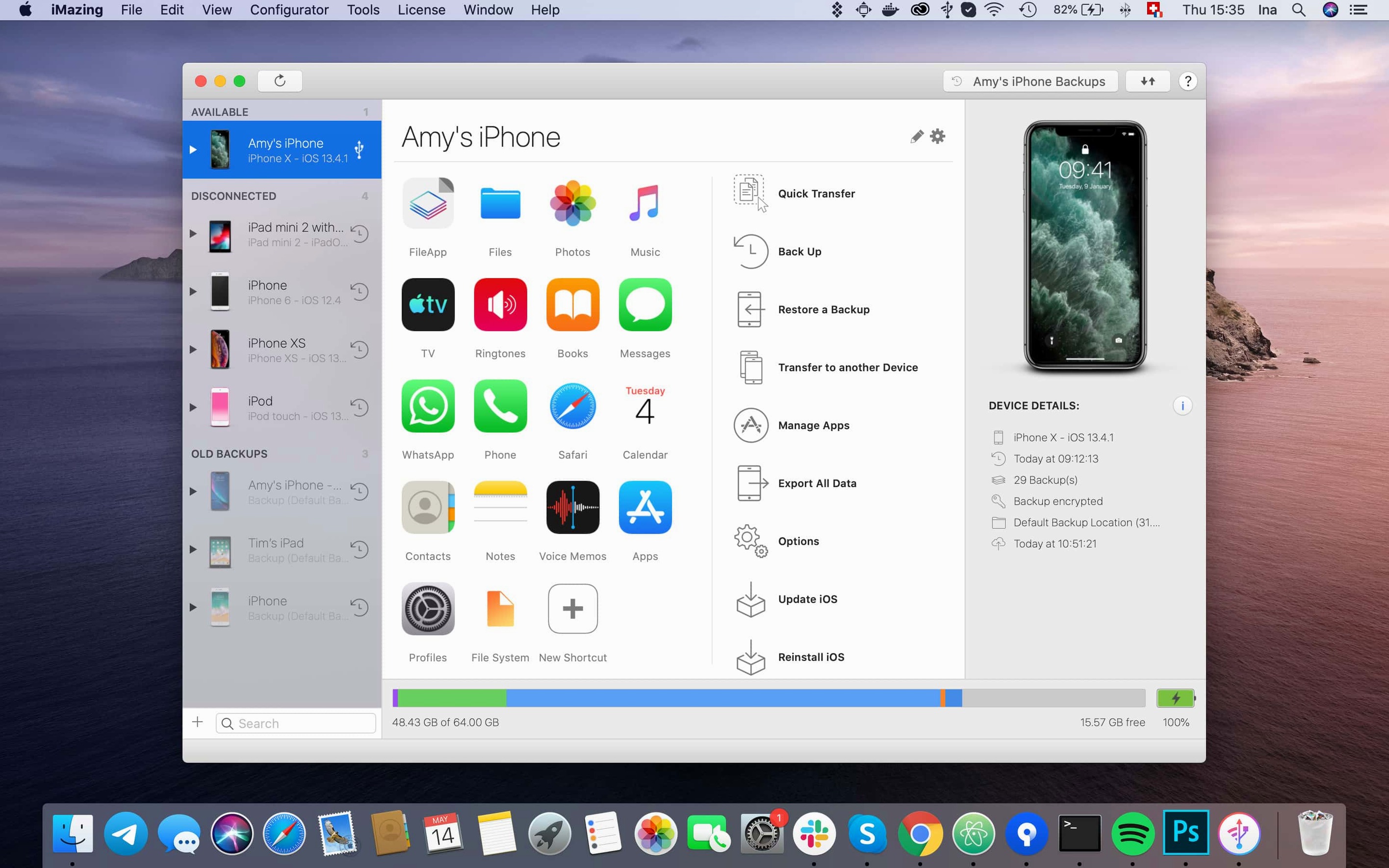
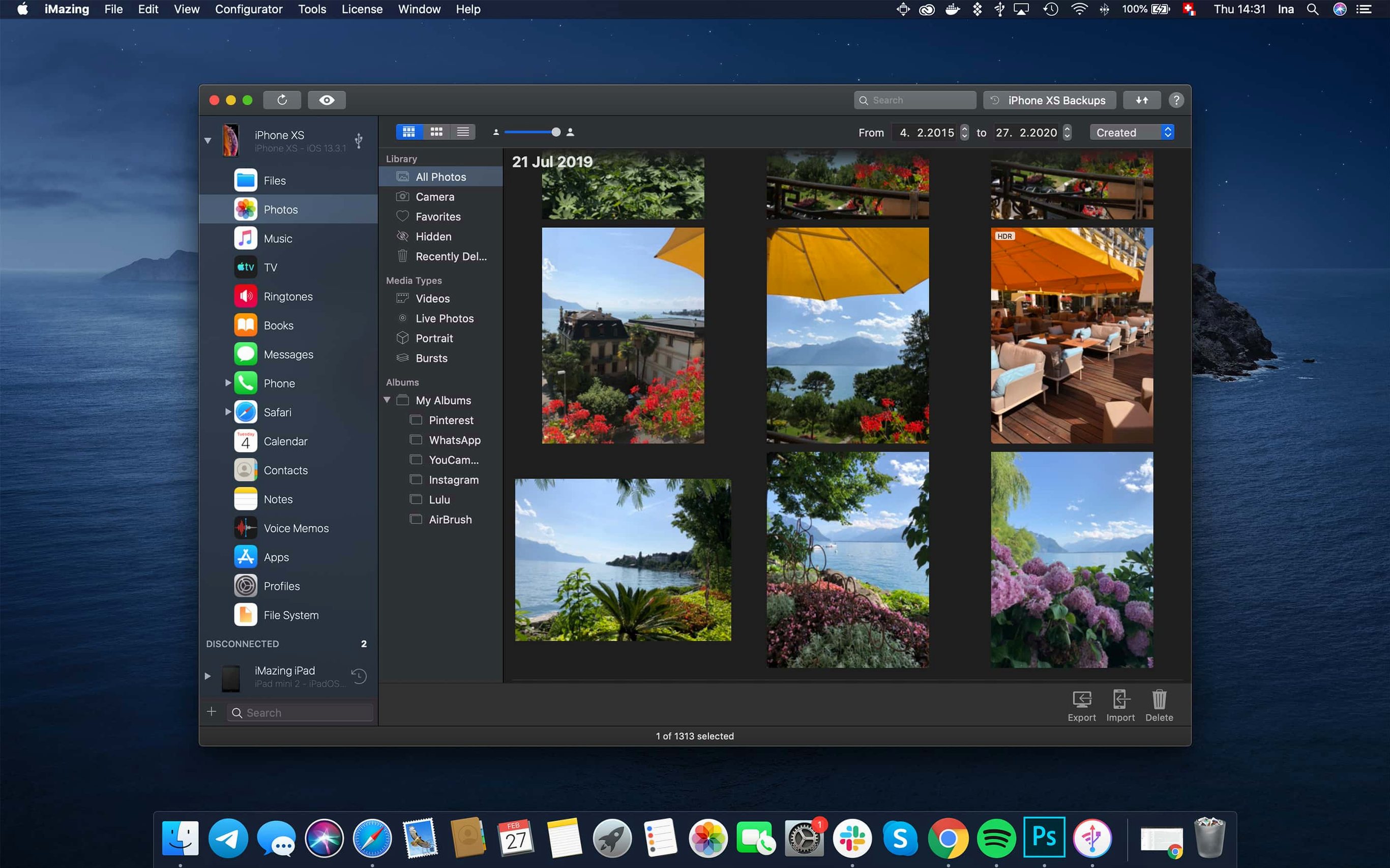
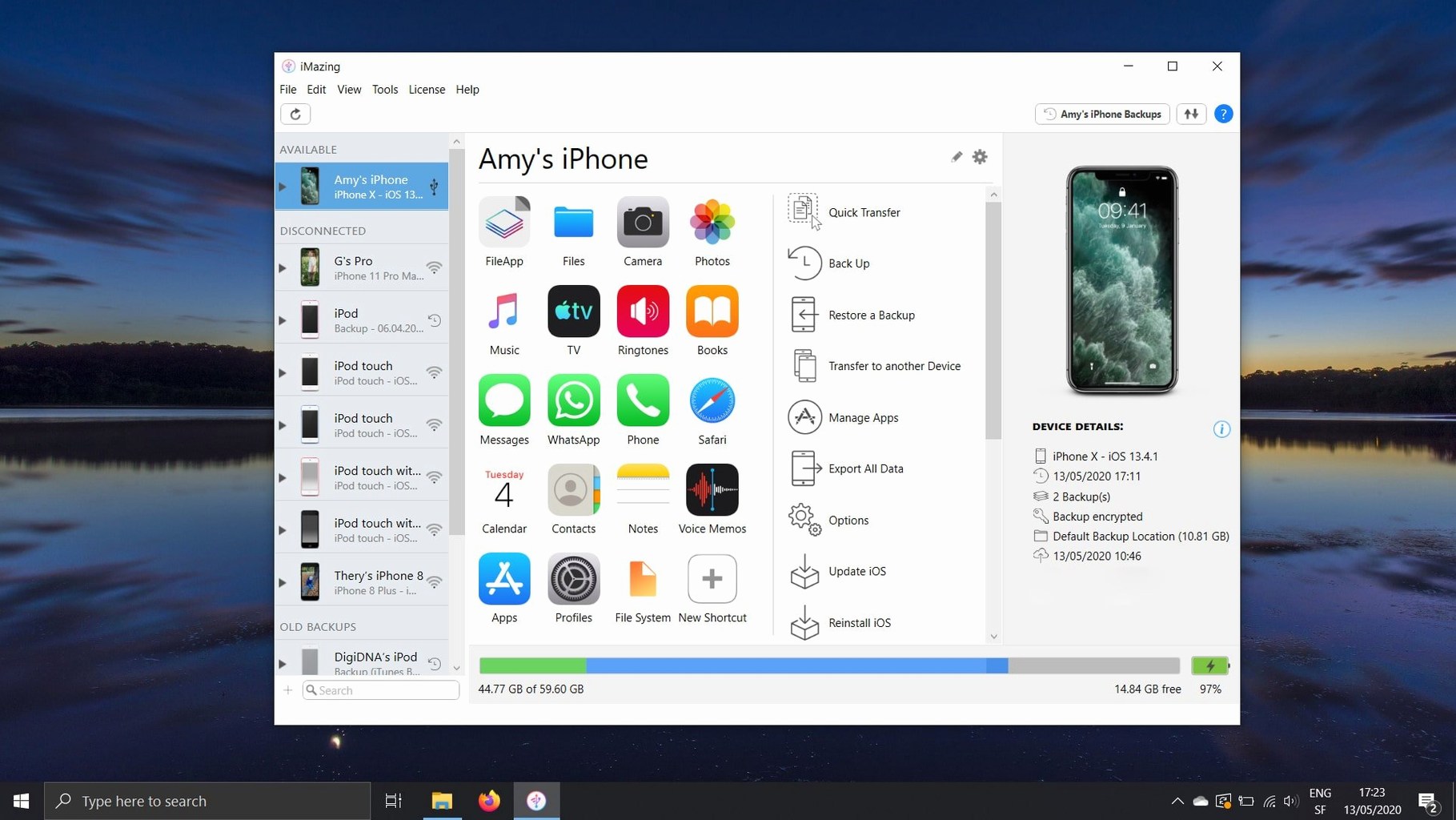
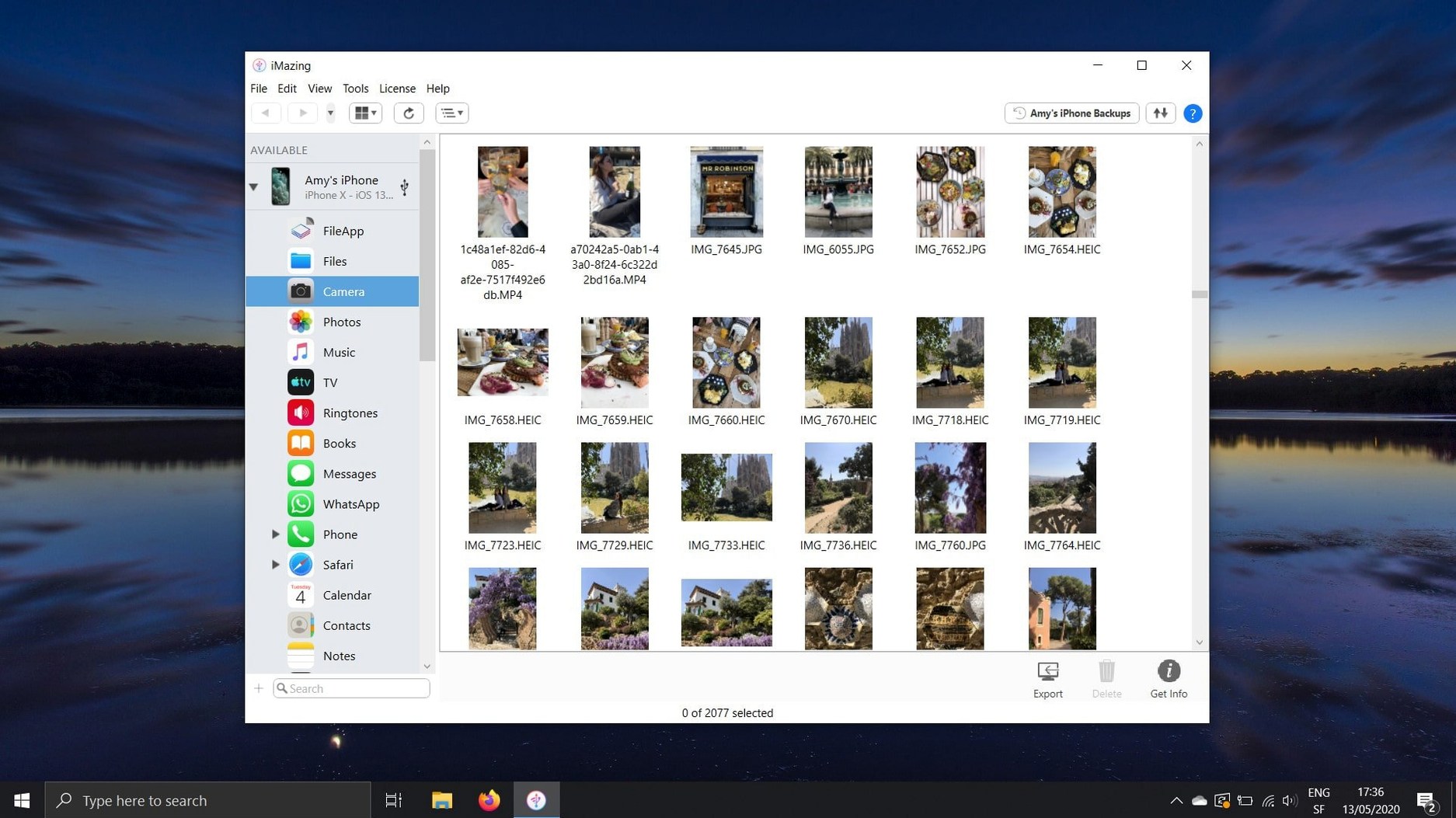
iMazing is a desktop manager that treats your iPhone or iPad as more than a sync destination—it opens the device as a browsable drive and a granular backup archive.
Drag rushes straight into DaVinci Resolve without iCloud
- Filmmakers pulling rushes from an iPhone. You can export photos and videos straight to a project folder, bypassing iCloud and the Photos app entirely. The transfer keeps original quality and metadata, which matters when footage heads into DaVinci Resolve or Final Cut Pro.
- Writers and researchers saving conversations. Text messages and their attachments—voice memos, images, PDFs—copy out as standalone files. Voicemail messages export as playable audio, handy for interview logs or field recordings you forgot to label.
- Anyone who treats their phone as a flash drive. The file system view lets you drag documents, ePub books, or PDFs between the device and your Mac. Importing books into Apple Books works from the same pane, so a downloaded screenplay or reference PDF lands where you actually read it.
- Backup habits that need detail, not mystery. iMazing creates local backups you can browse, not just restore. If you archive project notes or location stills before wiping a phone, you can pull a single file instead of resurrecting the whole image.
You’ll still reach for Music and streaming apps separately
- It is a companion tool, not an iTunes replacement for everything—music and streaming app data still live inside their own silos.
- Full device access requires an initial trust pairing, and encrypted backups need a password you set; forgetting it locks the data permanently.
- Large photo exports over Wi-Fi take time. A wired connection is the practical choice when you are offloading a day's shoot.
When the Mac refuses to see your iPhone
Most friction with iMazing comes down to one of three things: the Mac not seeing the device, a backup refusing to unlock, or an export sitting at zero progress for too long. The device recognition issue is nearly always a trust prompt you missed. Plug in the iPhone, unlock it, and watch for the "Trust This Computer" alert. If it does not appear, unplug, wait ten seconds, and reconnect. Still nothing? Open iMazing's device list, right-click the greyed-out entry, and choose "Forget"—then start fresh. The app re-triggers the pairing handshake.
Encrypted backup passwords are a harder knot. When you set one inside iMazing, the app stores nothing on its own servers. Lose the password and the backup is a brick. Some users keep a single entry in a password manager labelled with the device name and the date they turned on encryption. If you inherited an encrypted backup from an old iTunes setup and cannot remember the passphrase, try the obvious ones first: your Mac login password, an old Apple ID password, or the four-digit screen passcode you used at the time. Beyond that, there is no reset path. The security is designed that way.
A stalled export hints at a flaky Wi-Fi connection or a very large file. Switch to a USB cable, ideally straight into the Mac rather than through a hub. If photos still hang, check whether the iPhone has iCloud Photos set to "Optimize Storage"—the full-resolution versions may not live on the device. Temporarily switching to "Download and Keep Originals" in the phone's settings fetches them, though you will need enough free space. For message attachments that refuse to export, the culprit is often a single corrupted preview thumbnail. Exporting conversations in smaller date ranges usually isolates the problem item.
Export standard files that Lightroom reads instantly
iMazing writes to the Mac's file system, which means it slots into almost any workflow without demanding a proprietary library. Exported photos land as standard HEIC, JPEG, or PNG files that Lightroom and Capture One read natively. Dragging a voice memo onto the desktop gives you an M4A; dragging it onto an Audacity window imports it straight into a session. The CSV export for call logs opens in Numbers without mangling the date formatting—one less thing to clean up before archiving interview call records.
Drag-and-drop works both ways. Pull a PDF from a Finder window into iMazing's Books section, and the app hands it to Apple Books on the device. The same goes for ePub files. If you use a reference manager like Zotero that exports formatted PDFs, you can move a reading list onto an iPad in seconds. App file sharing ties into the macOS document model too: a game that stores progress in a plist can have that plist backed out to a folder, versioned manually, and dropped back in later. It is not cloud sync, but it is deliberate and reversible.
The app respects standard macOS conventions. The menu bar shows recent devices in the File menu. Spotlight does not index iMazing backups directly, but exported folders work like any other Finder content—tag them, stack them, or pipe them into a Shortcut. If you run Time Machine, pointing it at the folder where iMazing stores its backups gives you snapshots of device states over time, though restoring a single message from a Time Machine copy still requires opening the backup in iMazing itself.
Offloading two iPhones of unlabelled field recordings
A documentary researcher returns from a shoot with two iPhones full of location stills, voice memos labelled only by date, and a long text thread with a fixer that contains addresses and phone numbers. iCloud is not an option—the production's data policy forbids cloud uploads of raw field material. The researcher plugs the first phone into a MacBook Pro, opens iMazing, and navigates to Photos. A date-range filter narrows the grid to the three shoot days. Selecting all and clicking Export pushes the stills into a folder named by location code. The voice memos follow, each landing as an M4A with its original recording timestamp intact.
The text thread is more valuable. The researcher opens Messages, finds the fixer's conversation, and exports it as a PDF for the production binder. Attachments—a scanned permit, a handwritten note photographed on the fly—are extracted in one pass. The call log exports as a CSV, giving the line producer a timestamped record of every coordination call without anyone transcribing a screen. When the shoot wraps and the phones must be wiped, the researcher creates a full encrypted backup to an external SSD, knowing that a single file can be pulled from it six months later without restoring the whole device.
New device recognition arrives before you unpack the box
Version 3.6.5 is a maintenance release with a few tangible improvements for daily use. Support for the most recent iPhone and Apple Watch models means the app recognises a new device immediately, no waiting for a follow-up update. Unified Logs can now be exported as complete archives directly from the view where they appear, which saves a step for anyone troubleshooting app behaviour or gathering diagnostics before a support call. The inclusion of shared app group containers in .imazingapp files exported from backups is a quiet but significant change: if you are preserving an app's full state, the shared data it relied on now travels with the package rather than being silently omitted.
A small quality-of-life addition is the link to iMazing Chatbot in the main window toolbar. It sits unobtrusively and is easy to ignore, but for a first-time user trying to understand why a backup is not decrypting or how to transfer Safari bookmarks without iCloud, it is faster than digging through a support site. Scanned documents created under iOS 26 also display correctly beyond the first page, which matters if you use a phone as a portable scanner for multi-page contracts or storyboards. The fix for app downloads failing with error code 429 clears up a server-rate-limiting issue that could stop an .ipa transfer dead mid-session.
Photographers treating a phone as a B-camera on a drive
People who keep local archives rather than trusting everything to a cloud tend to feel most at home with iMazing. That includes photographers who treat a phone as a B-camera and want originals on a drive, not in a synced photo library they cannot easily separate from personal snaps. Writers and researchers who need conversations preserved as searchable text or PDFs find the message export more precise than scrolling through a phone screen. Musicians who use voice memos as scratch pads value the clean M4A export that drops straight into a DAW session.
Developers and testers benefit too, especially from the backup browser and the ability to extract individual app containers. A tester running through a build can back up the app's sandbox before a risky action, then restore only that app's data if something breaks—no full-device rollback required. The .imazingapp format makes sharing a specific app state with a colleague feasible, as long as both sides understand the security implications of what is inside the file.
Users who rely heavily on iCloud and Apple's automatic device-to-device transfers may find iMazing redundant for day-to-day tasks, but even they hit edge cases where a local tool solves a problem elegantly. Transferring Safari bookmarks from an old work phone to a new Mac without merging personal iCloud data, for instance, or pulling a single voicemail from an archived backup of a phone that died two years ago. These are not everyday needs, but when they arise, a tool that can browse a backup like a folder tree is the difference between recovering the thing and losing it. Some people search out an iMazing torrent download or an iMazing 3 torrent precisely because they want that capability without committing to a purchase upfront; others look for an iMazing crack Mac or iMazing torrent when they need a one-off migration and do not plan to keep the app. The version on this disk image is a full 3.6.5 build, activated and ready, so none of that legwork is required.
Version 3.6.5 adds support for the iPhone 18 Pro, iPhone 18 Pro Max, and iPhone Duo, alongside Apple Watch Series 12 and Ultra 4. Scanned multi-page documents from iOS 26 now display correctly past the first page, and the long-standing error 429 on app downloads has been fixed. A link to iMazing Chatbot appears in the toolbar, and you can now export complete log archives from the unified logs view.
- macOS 10.11 or later
- Works on Intel and Apple Silicon Macs
- Requires an iPhone, iPad, or iPod touch with a Lightning or USB-C connection
Questions from the booth
Yes. You can archive a full backup and transfer it to another computer, then browse or restore individual files from that archive without touching the original phone.
Yes. Drag an ePub or PDF onto your device in iMazing and it lands inside Apple Books, ready to read. You can also export books from the device back to your Mac.