
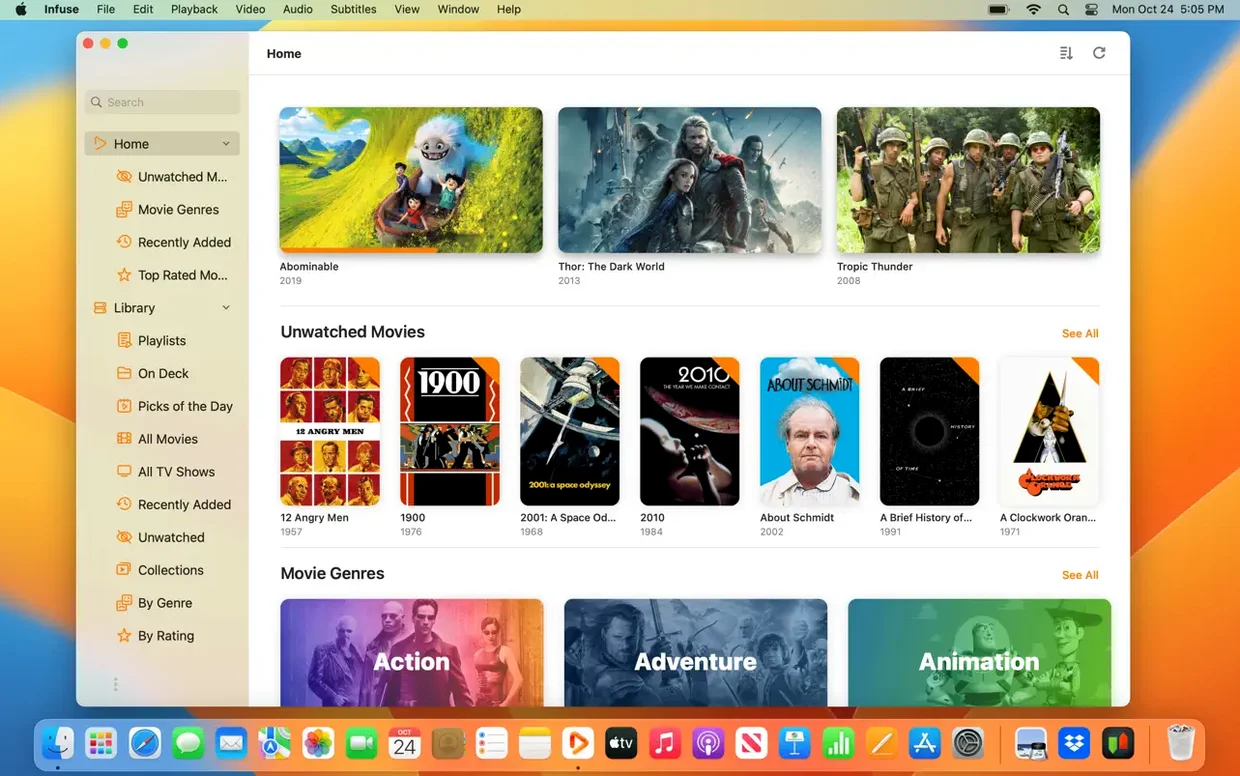
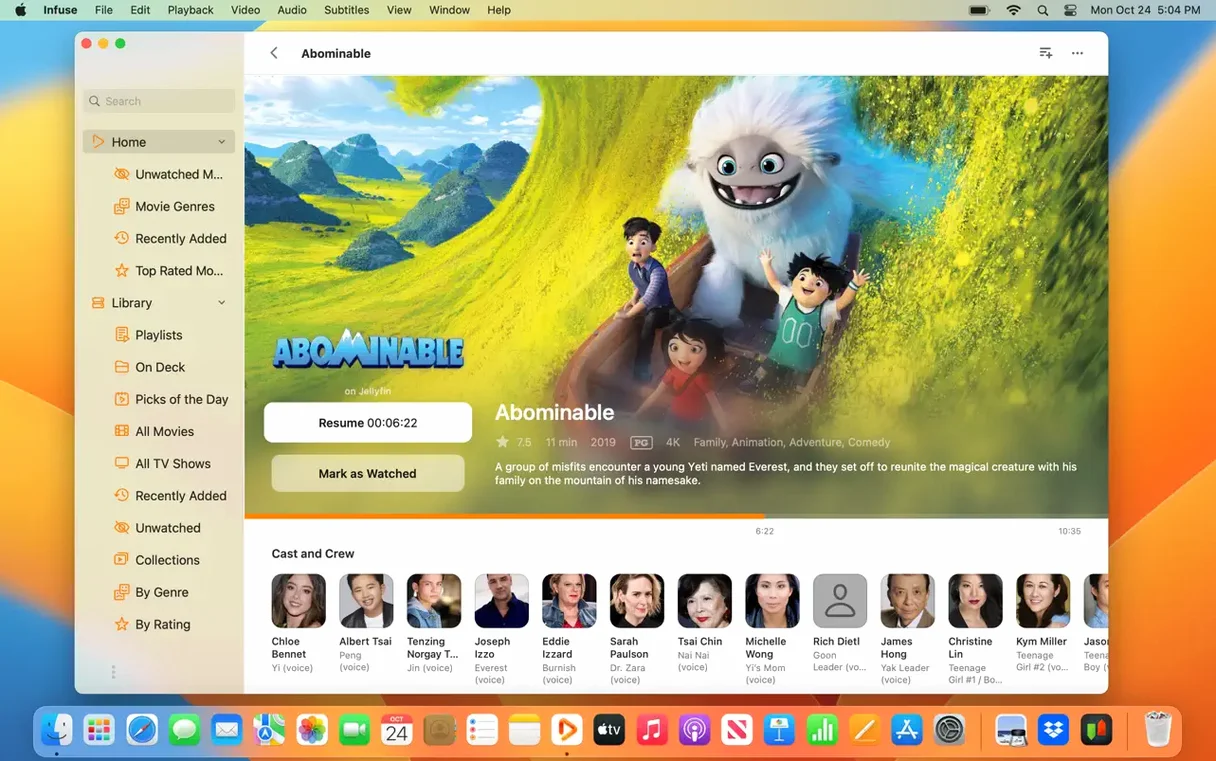
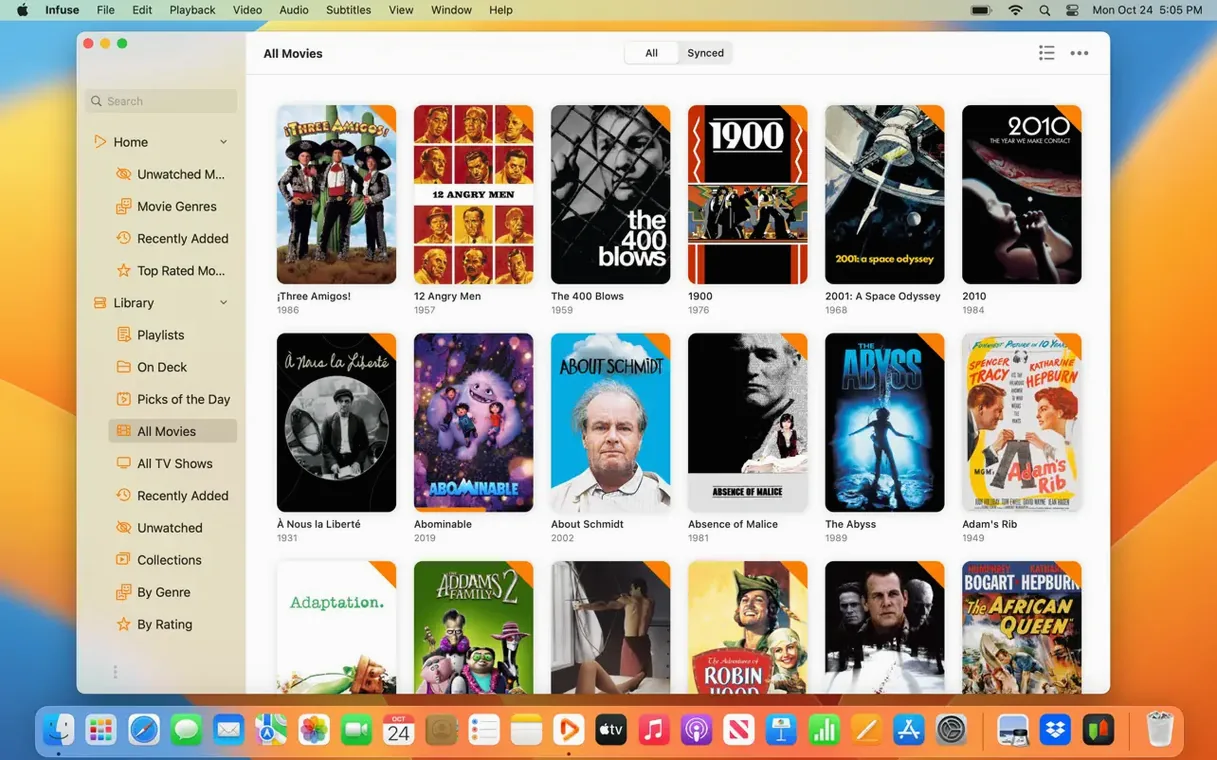
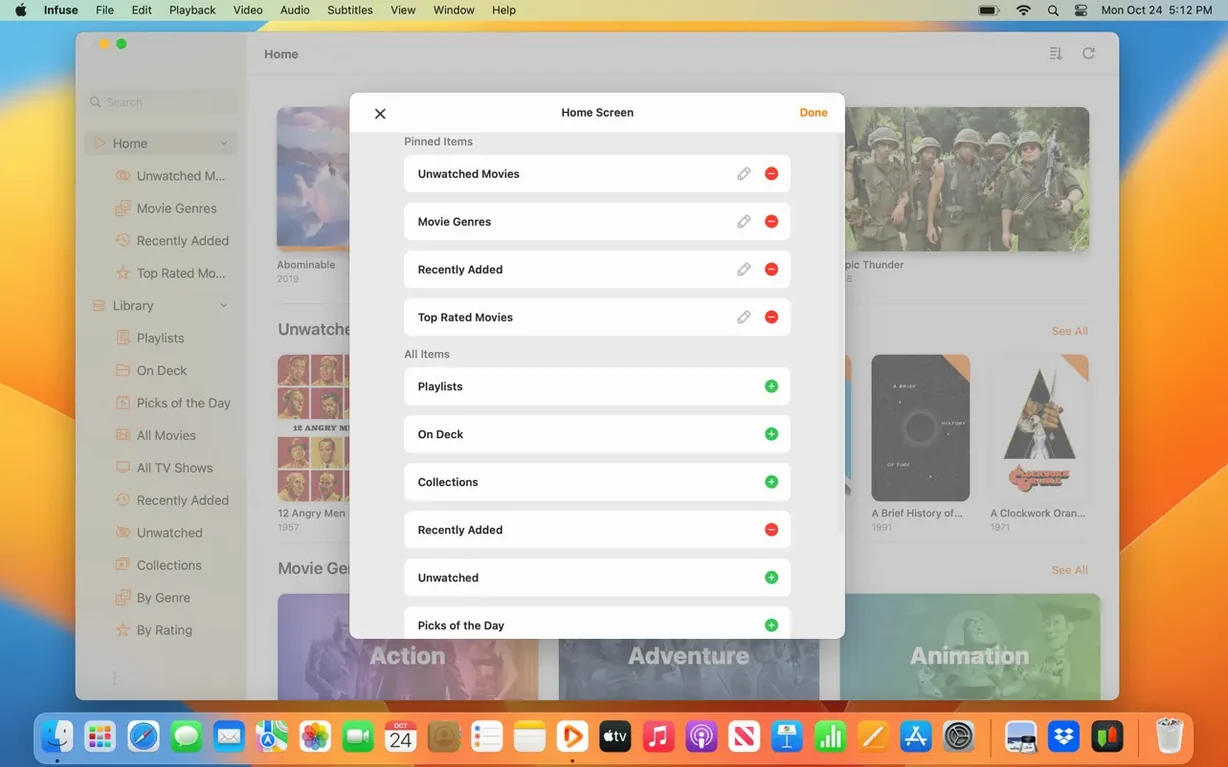
Infuse is the kind of player you land on after QuickTime shrugs at an MKV and VLC feels a little too utilitarian. It’s built by Firecore for people who keep film libraries on a NAS tucked in the hallway closet and want something that fetches artwork without being asked.
First time in, point it at a network share. Infuse talks SMB, NFS, FTP and WebDAV, so it’ll see folders on a Mac, a PC, or that dusty drive plugged into the router. It also reaches into Plex, Emby and Jellyfin servers, plus a long list of cloud services: Dropbox, Google Drive, OneDrive, Box, pCloud, Yandex.Disk and Mega.nz. Once connected, the library view starts pulling in posters and sorting things into seasons before you’ve had your coffee.
Format support is unusually broad. MP4, M4V, MOV, MKV, AVI, WMV, MTS, ISO, FLV, OGV, 3GP, WebM and WTV all play without transcoding. The thing worth trying early is Trakt integration—sign in once and your watched history, ratings and comments sync across iPhone, iPad, Apple TV and Vision, so a film paused on the Mac picks up right where you left it on the couch.
Things that can trip you up early on
Network shares sometimes vanish from the sidebar without warning. Nine times out of ten the Mac has grabbed a different IP address and the NAS no longer recognises the saved connection. Assigning a static IP to the server—or at least to the Mac if it handles the shares—stops this from becoming a weekly ritual. If the share is already configured and suddenly throws a permissions error, the SMB version negotiation is usually the culprit. Infuse defaults to SMB 2 and 3, but some older NAS boxes only speak SMB 1. Switching the connection to FTP or NFS, or enabling SMB 1 on the server side, sorts it immediately.
Another headache that shows up in the first few days is duplicated library entries. When a folder gets added as a favourite and then the parent directory is also added separately, Infuse dutifully indexes both paths. The fix is to remove one of the overlapping sources from the Files tab—hold the Option key while clicking the share to reveal the full path and decide which one stays. Cloud services can cause similar clutter when a single Google Drive account is mounted twice under different connection methods. Pick one and stick with it.
Subtitles are the third recurring snag. Infuse pulls from OpenSubtitles by default, which works beautifully if the filename includes a release group tag the service recognises. When it grabs nothing, or fetches a subtitle that drifts three seconds out of sync, the fastest route is to drag a subtitle file straight onto the video window. The app reads SRT, ASS and SSA without fuss. For files that constantly need offset adjustment, the subtitle delay controls—tucked under the playback menu—remember the offset per file, so you only fix it once.
Spend your first ten minutes in Playback settings for clearer dialogue
Before building a sprawling library, spend ten minutes in Settings > Playback. The default audio boost is subtle, but enabling it makes dialogue cut through at low volume on MacBook speakers. If you have a HomePod stereo pair or an Atmos-capable soundbar, switch the audio output from Auto to Passthrough so Infuse hands DTS-HD and Dolby TrueHD tracks to the receiver untouched. The difference on a properly set up system is not subtle.
Trakt sync needs a one-time sign-in under Settings > Trakt. After that, check the sync direction—bidirectional is the default and usually the right call, but if you have years of scrobbling history in Trakt and a blank Infuse library, set it to Trakt → Infuse for the initial import. Once everything matches, flip it back. The sync is quick, but the first run on a large library can take ten minutes; leave the app open and let it finish.
For anyone coming from an app that struggled with image-based subtitles in MKV containers, test a file with PGS subtitles early. Infuse renders them without transcoding, and the scaling is crisp on Retina displays. If the subtitle track is not selected automatically, the Subtitles button during playback shows every embedded and downloaded track in a clean list—far less digging than most players require.
High-bitrate 4K HDR streams now buffer more predictably
Version 8.5.5 landed on September 16, 2026, and the release notes focus on stability for iOS and iPadOS, but the Mac build inherited the same under-the-hood tightening. Network stream buffering feels more predictable with high-bitrate files, especially 4K HDR rips over Wi-Fi, where earlier builds occasionally stuttered during the first thirty seconds of playback. The change is not flashy—no new buttons or menus—but anyone who streams large MKVs from a NAS will notice the smoother ramp-up.
Over the last few point releases, the library indexer has become noticeably quieter in the background. Earlier versions would spin up the Mac’s fans while scanning a network share with thousands of files; the current build throttles the scan when other processes demand CPU time. Practically, this means you can keep Infuse open while rendering in DaVinci Resolve or compiling in Xcode without the whole machine grinding to a crawl. The poster-fetching logic also got a quiet upgrade—fewer mismatched artworks for films with colons in their titles, which used to confuse the metadata parser almost every time.
DTS and Dolby audio decode completely without extra system tweaks
Does it handle DTS and Dolby audio without extra fiddling? Yes, and this is the part that surprises people who have spent years installing Perian or configuring audio passthrough in other players. Infuse Pro decodes Dolby Digital Plus, DTS, and DTS-HD natively. There is no plugin to hunt down, no supplementary codec pack. On a Mac connected to an AV receiver via HDMI, passthrough mode sends the raw bitstream for the receiver to decode. On built-in speakers or headphones, Infuse mixes everything down to stereo with surprisingly good dialog clarity.
Will it sync my library across devices? iCloud syncing is the Pro feature that ties everything together. Your library structure, watched status, and in-progress queue follow you from the Mac to an iPad, iPhone, Apple TV, or Vision headset. The sync is lightweight—it sends pointers and metadata, not the video files themselves—so iCloud storage is barely touched. It also means the Mac does not need to be on for the Apple TV to know you stopped a film halfway through the second act.
What about formats that QuickTime refuses to open? That is essentially the reason Infuse exists. MKV, AVI, WMV, FLV, and WebM play without conversion. ISO disc images mount inside the app like a virtual drive. The silence that follows a first successful playback of a ten-bit H.265 MKV on an M-series Mac is usually followed by a quiet moment of relief.
Infuse 8.5.5 arrived on September 16, 2026, with release notes covering the iOS and iPadOS editions.
- macOS 12 or later
- Apple Silicon or Intel Mac
Questions from the booth
Yes. Infuse connects to Mac, PC and NAS storage over SMB, NFS, FTP and WebDAV, and also supports Plex, Emby and Jellyfin media servers.
It plays a wide range including MP4, MKV, AVI, MOV, WMV, MTS, ISO, FLV, OGV, 3GP, WebM and WTV, among others.
Trakt synchronization keeps your watched history, ratings and comments in step across iPhone, iPad, Apple TV, Mac and Vision.