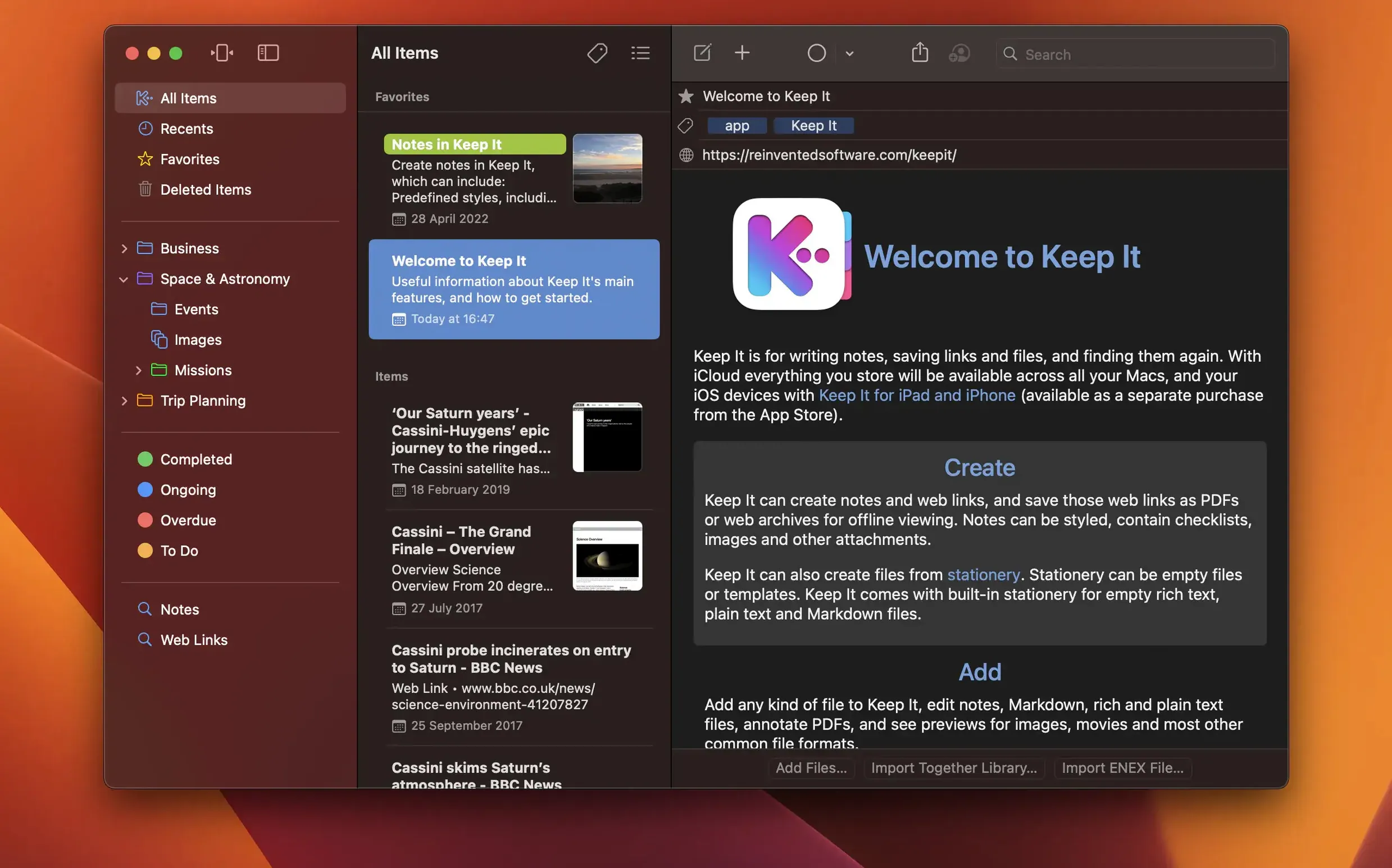
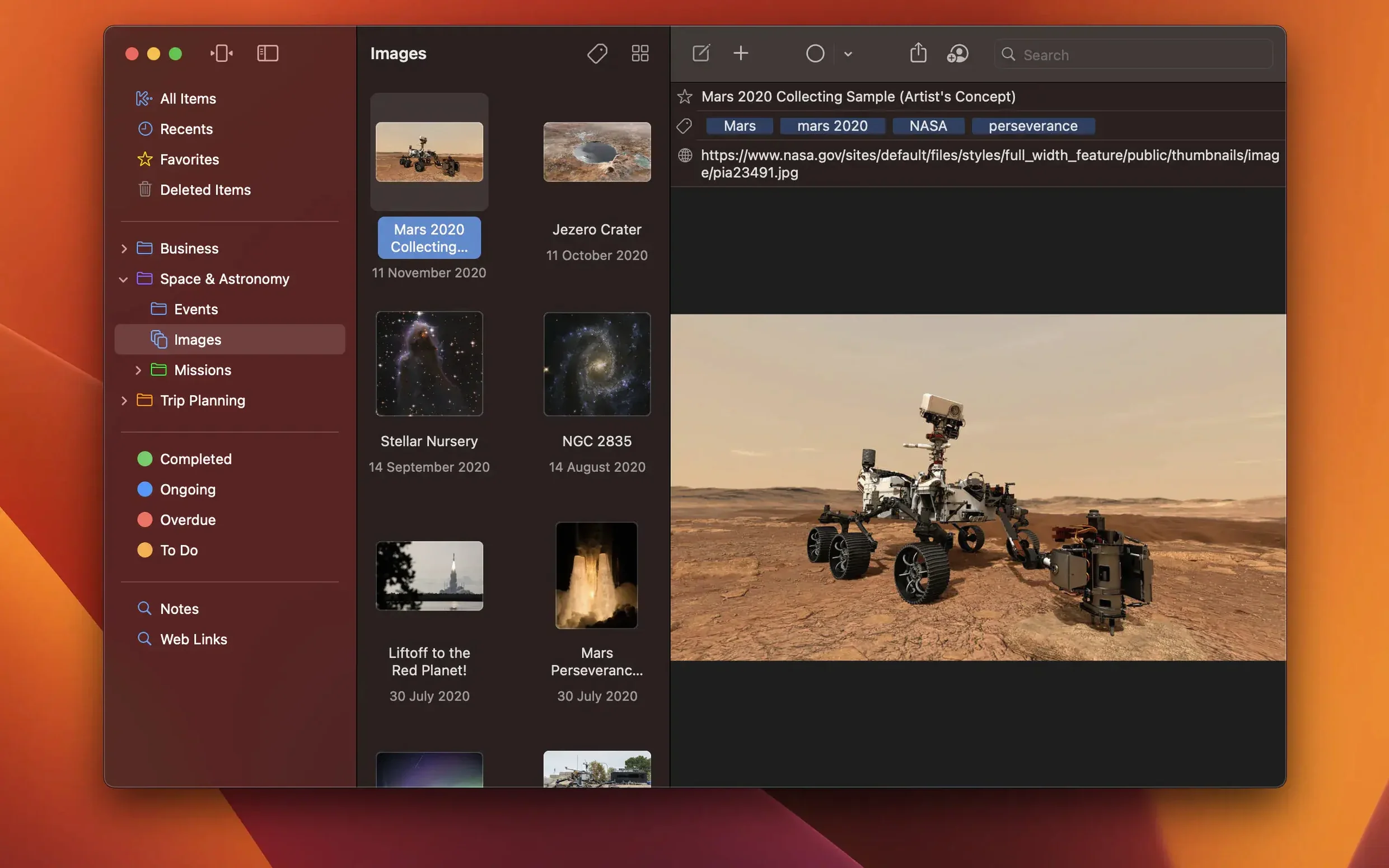
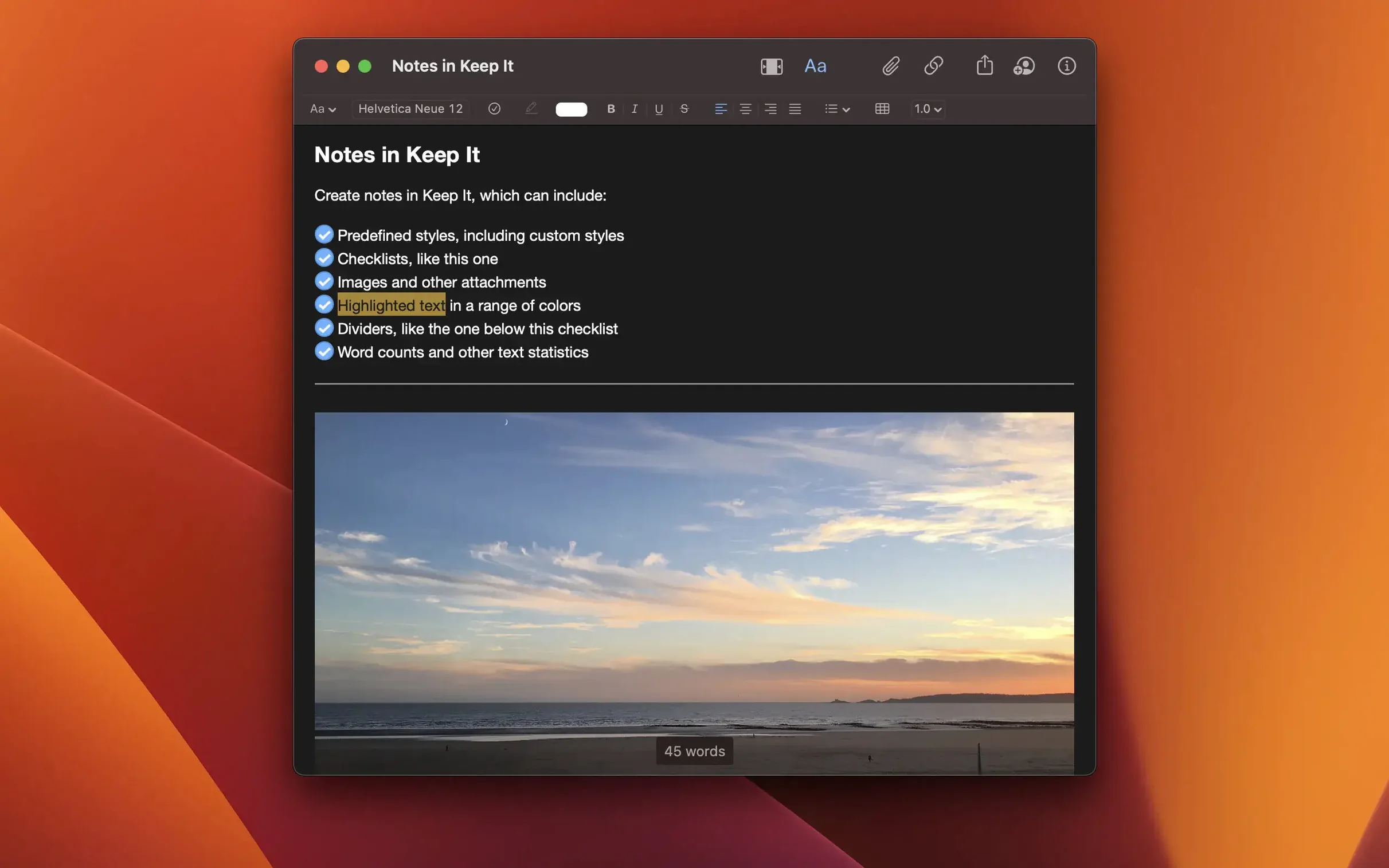
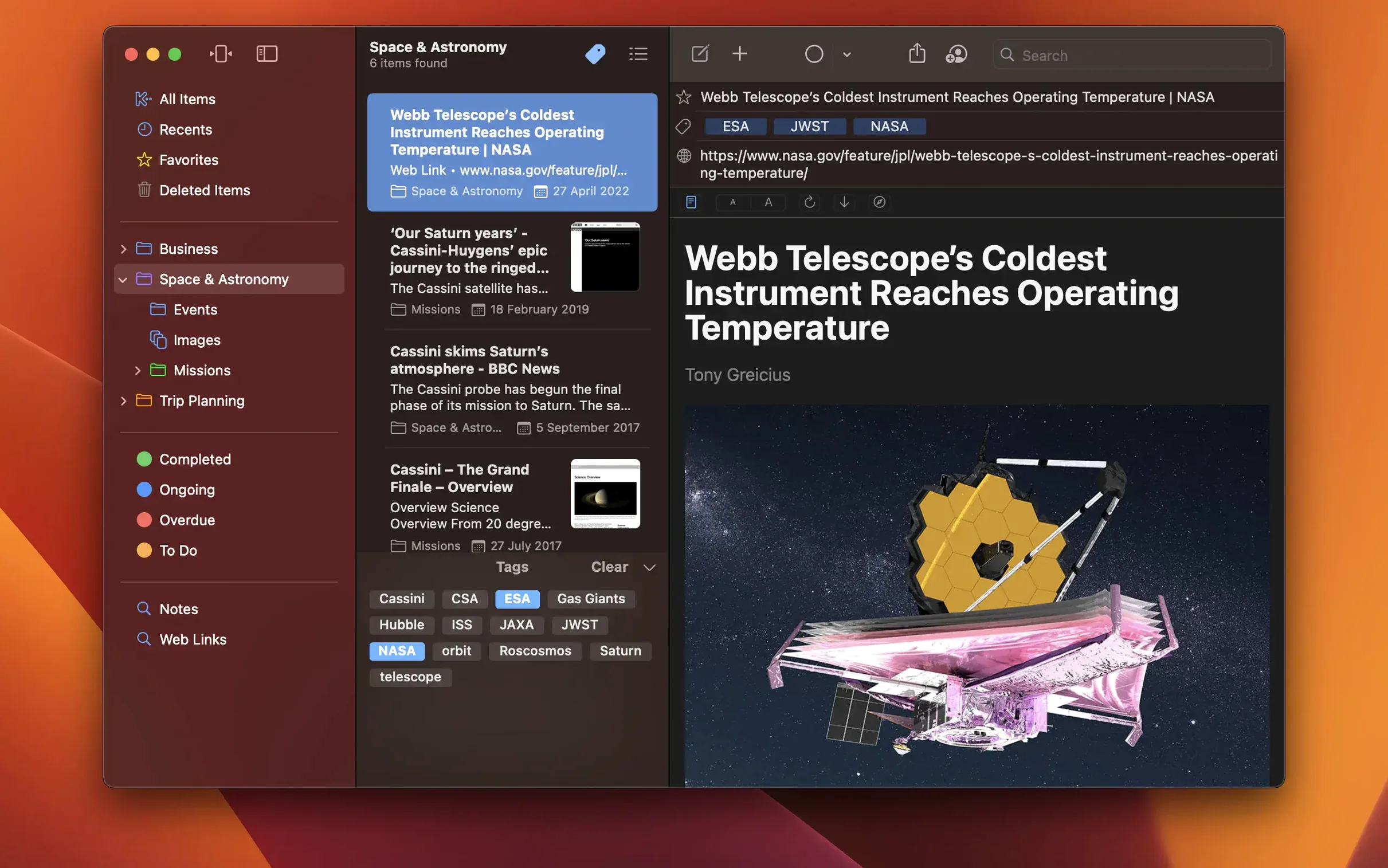
Keep It is a Mac notebook and document organizer that treats your files like first-class citizens instead of attachments locked inside a database.
Where Keep It goes further
Most note apps stop at the sidebar. The deeper tools here are for people who already have a way of working and don't want the app to get in the way. A few things that set it apart once you settle in:
- Bundles without boundaries. An item can belong to multiple bundles at once, and folders can hold both items and bundles in a single hierarchy.
- The Finder is a peer, not an afterthought. Add, rename, move, or delete files and folders directly in the Finder and Keep It reflects every change.
- System-wide reach. Spotlight finds what you've saved. Time Machine backs it up. AppleScript and Shortcuts let you wire Keep It into larger workflows.
- PDFs that earn their keep. Highlights and notes live right on the page, not in a separate pane.
What happens to the things you delete
Deleted items sit in a trash area for 30 days before they're removed automatically. That's long enough to catch a mistake but short enough that the library doesn't quietly balloon. Files stored in iCloud sync to companion apps on iPhone and iPad, and you can open any item in its native app for editing while Keep It tracks the current version.
How Keep It talks to the rest of your Mac
The real strength of Keep It isn't just what it stores — it's how willingly it shakes hands with everything else you use. Because items live as ordinary files and folders on disk, Spotlight indexing works without any special pleading. You search for a buried client brief or a recipe you clipped two years ago, and it surfaces in a standard Finder search alongside your other documents. Time Machine backs up your library incrementally, file by file, so restoring a single corrupted note doesn't mean rolling back an entire opaque database.
On the automation side, AppleScript and Shortcuts support turns Keep It into a quiet middleman in larger workflows. A Shortcut that captures a web page, strips it to readable text, and saves it into a specific bundle takes about five minutes to build. AppleScript can rename batches of items, extract tagged files for export, or rebuild folder structures from metadata — the kind of script you write once and forget about until the day you need to reorganize six hundred research clippings before a deadline. The Share extension handles incoming material from Safari, Mail, or any app that supports the system share sheet, so you rarely need to switch windows just to tuck something away.
What the 2.9.1 fixes mean day to day
No marquee features in this release — just the kind of quiet corrections that make the difference between an app you trust and one you hesitate to drag things into. The crash when dragging mail messages onto Keep It is gone, which matters if Mail is your primary collection point for receipts, confirmations, and correspondence you want to annotate later. The search scope bar no longer lies about what it's filtering when a saved search is active, so you stop second-guessing whether you're looking at everything or a subset. List color icons now appear reliably in contextual menus, and app icons show up correctly in Open With menus — small visual cues that keep navigation fast when you're scanning for the right item at speed. The stale Finder display issue that could leave old filenames or tags hanging around after a rename has been patched, so what you see in a Finder window finally matches what's in the app.
A production researcher's Tuesday morning
Picture a documentary researcher preparing a treatment. She drags a folder of location stills from the Finder into Keep It and watches the folder structure appear intact. She highlights a paragraph in a scanned archival PDF — the app recognizes the text and lets her draw a yellow highlight across it, then add a sticky note that reads "check rights clearance." She saves three web links from Safari via the Share extension, converts one into an editable note, and drops all three into a bundle called "Location B — coastal." The same bundle also contains interview transcripts and a budget spreadsheet, because bundles here don't care about file type. Before heading out, she runs a Spotlight search for the cinematographer's name and finds the email she dragged in from Mail three weeks ago, complete with attachment previews. Nothing needed importing, exporting, or reformatting. The files stayed files. The structure stayed hers.
- macOS 14.6 or later
- Apple Silicon or Intel 64-bit
Questions from the booth
Yes — bundles let an item appear in multiple collections at once, and an item can belong to several bundles simultaneously without duplicating the file.
It does. Spotlight can search the files you add, and Time Machine can back them up as part of your regular Mac backups.