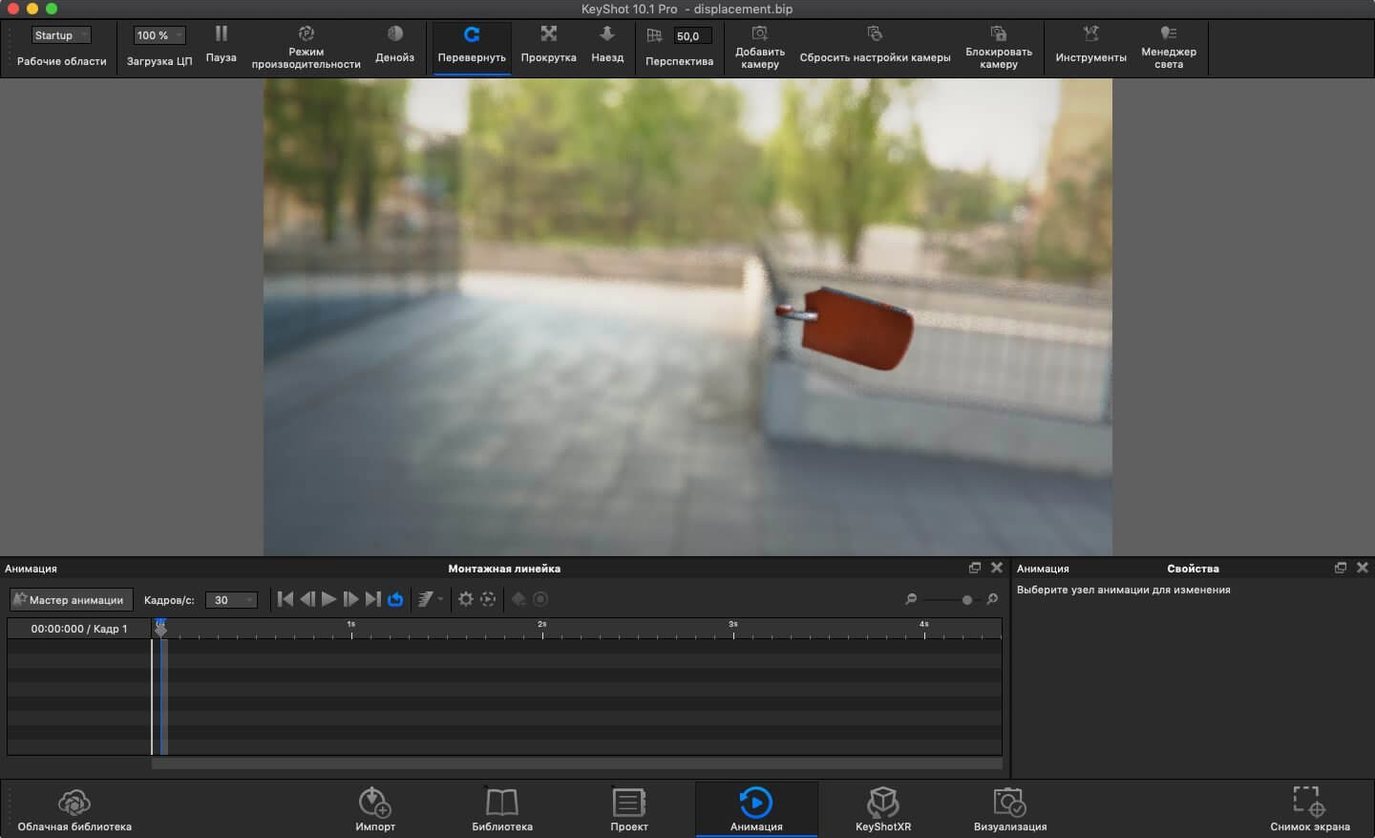
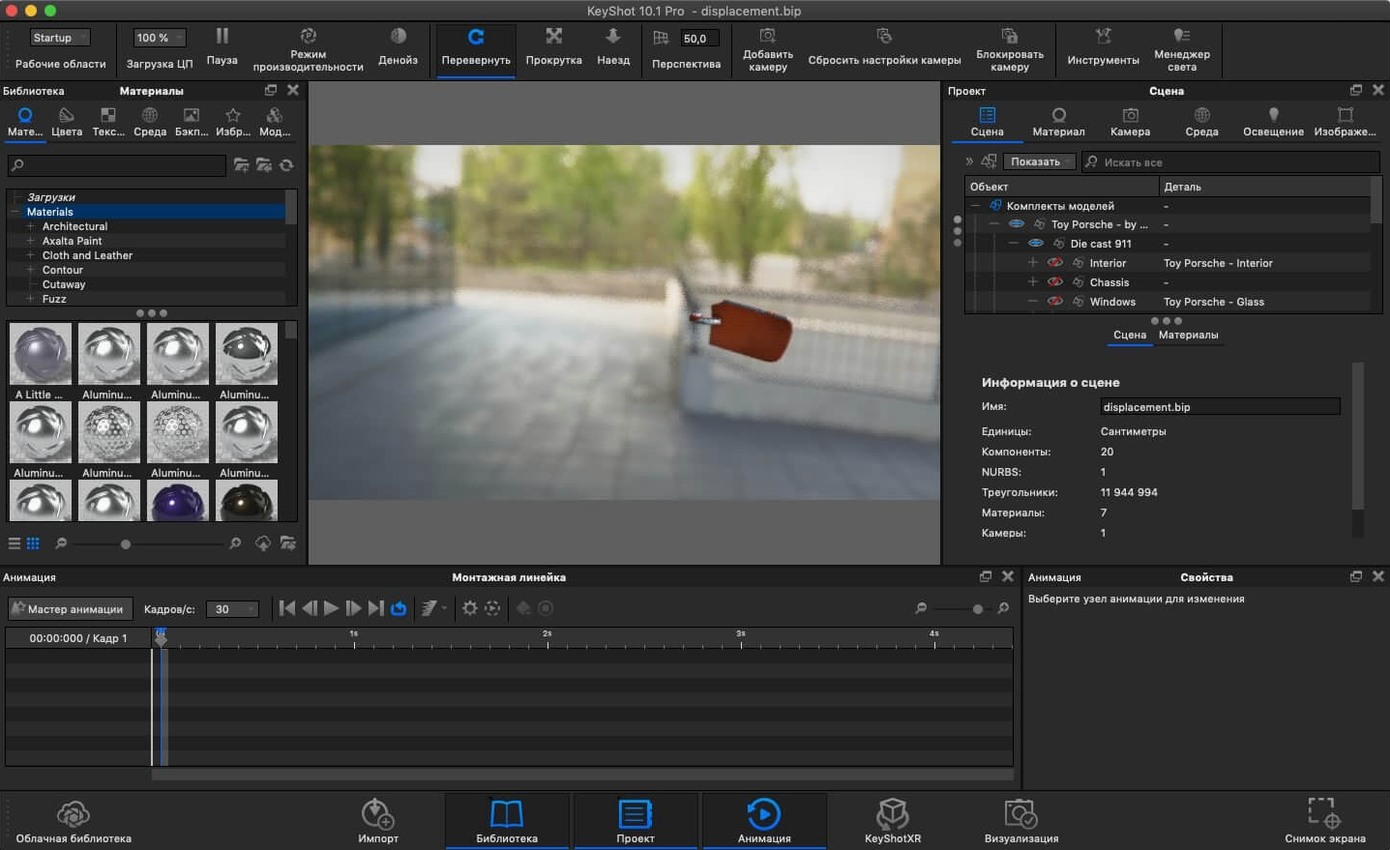
KeyShot 2025.1 runs on any Mac with Apple Silicon or an Intel 64-bit processor, as long as it's on macOS 12 or later. That covers everything from a MacBook Air to a Mac Studio, so the machine in front of you is likely ready.
Checking whether it speaks your file format
Plug-in workflows cover ALIAS, CATIA V5, SolidWorks, Maya, SketchUp, and most other tools a production pipeline might throw at it. USD export is new this version, and you can pull AR-ready models straight out as USDz or GLB.
Lighting a scene without fighting the interface
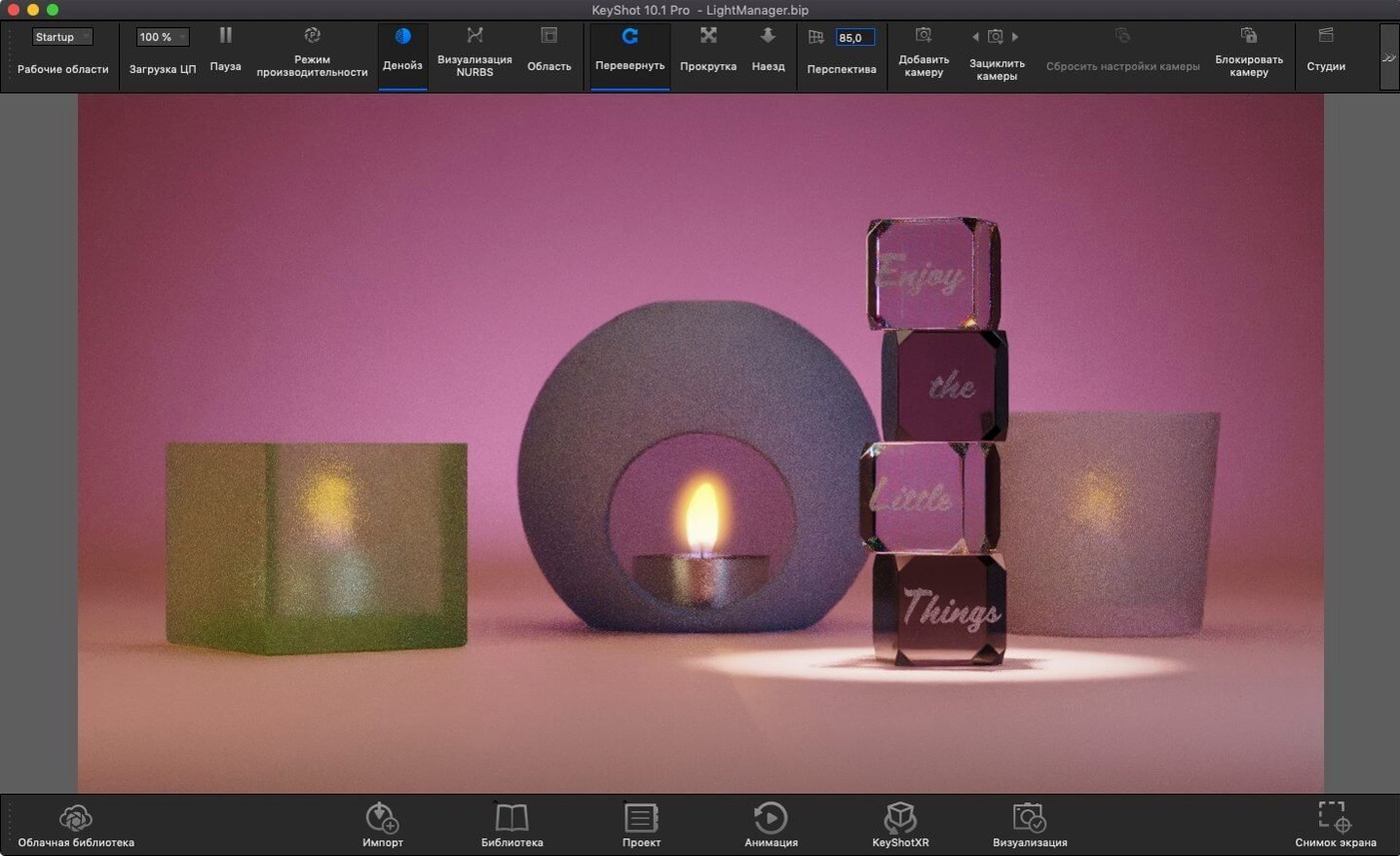
The new Light Tool lets you place Physical Lights exactly where the shot needs them, then watch the scene resolve in real time. Underneath, it's still the same physically based ray tracing handling caustics, inter-object light bouncing, and HDRI reflections as you adjust.
Troubleshooting a host error on launch
Fix lighting strangeness by setting scene scale before your first import
Before you import anything serious, spend ten minutes in the preferences. The default scene scale matters more than most people expect — a model imported at the wrong unit can make lighting behave strangely, because physical lights and real-world falloff assume a consistent scale. Set the import unit to match what your CAD package exports, usually millimetres for product work or metres for architectural scenes. The real-time viewport runs on the GPU by default, which is what you want on Apple Silicon; on an Intel Mac with a weaker graphics chip, switching to CPU mode for the interactive preview can actually feel steadier, even if final renders take longer.
Undo depth is another one worth raising. KeyShot treats material and lighting changes as scene states, and the default history can feel short once you start experimenting with the new Planar Light material and the Light Tool. A deeper undo stack costs a little memory but saves you from rebuilding a lighting setup you dismissed too quickly. Also check the screenshot and render output locations — the defaults bury files in a library folder, and pointing them at a project folder on the desktop keeps everything close.
Real-time ray tracing stays responsive even while rotating a product scene
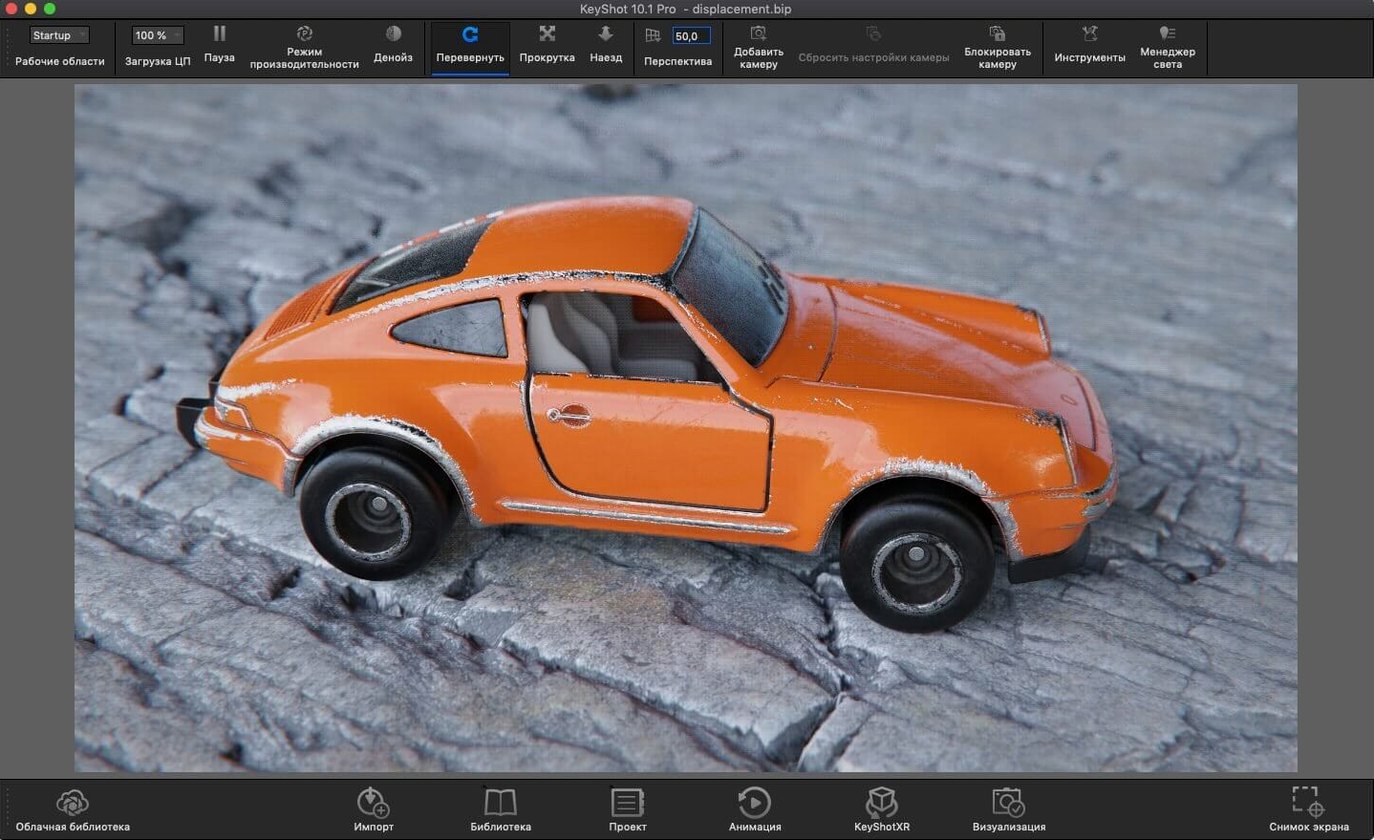
On a recent MacBook Pro with Apple Silicon, the real-time window holds up well while you rotate a moderately complex product scene. Materials resolve in under a second, and the new Light Tool feels responsive even while the ray tracing engine recalculates shadows and caustics on the fly. Memory is the real currency here. A scene with dozens of 4K textures and several physical lights can push past eight gigabytes without much effort, so a machine with sixteen gigs of unified memory gives you comfortable headroom; eight works, but you will notice the system starting to compress when you keep other apps open.
Stability has been calm through long sessions. The only interruptions I have seen came from importing a corrupted STEP file, which KeyShot handles by refusing the import rather than crashing. The render queue keeps working while you adjust another scene, which is the right behaviour on a Mac where everything shares memory. CPU renders will spin up the fans on an Intel machine, and the same happens on Apple Silicon when you ask for maximum samples on a final frame, but the interactive mode stays quiet.
When you search for keyshot 2025 crack or keyshot torrent, you'll want to verify the build includes the full material library and network rendering components. The version covered here, 2025.1 (14.0.0.176), behaves as described because it is complete. A patched copy from some forum thread can give you the same session if properly configured.
First days: practical notes
Start with a single hero object, not a full scene. Drop in a model you know well, assign the default paint or metal material, and then add one HDRI environment. Rotate the environment slowly and watch how the reflections change. That single exercise teaches you more about KeyShot's lighting model than any tutorial.
Then add the new Planar Light material to a simple plane. Position it close to a glossy surface and see how the specular highlight behaves compared to an area light. Physical lights placed with the Light Tool will appear as small bright cards in reflections — if that bothers you, hide them from the camera while keeping their illumination, which is an option in the light properties.
Set up a small render queue on day one, even if it's only three frames at low resolution. Learning how the queue behaves — how it names files, where it writes them, how the Mac handles background rendering while you browse — saves confusion later. The USDz and GLB exports are worth trying early too, because getting a model into AR on an iPhone is surprisingly satisfying and requires almost no extra effort.
If the launch ever throws a host name error, the fix is a Terminal command that maps the host in /etc/hosts, then a restart. That step appears in the install instructions and is the only real setup hurdle.
Bringing a client's SolidWorks desk lamp from import to final render
Last Thursday evening, a client sent over a SolidWorks part file for a small desk lamp. I opened KeyShot, used the SolidWorks plugin to bring the model in at millimetre scale, and let the real-time viewport settle. The lamp body arrived as bare aluminium, which looked wrong, so I dragged a brushed aluminium material from the library onto the housing and watched the texture update immediately. The cord needed a matte rubber look, and a few clicks later the material graph showed a bump map adding surface grain.
Next came lighting. I pressed the new Add Studio hotkey, and a studio environment appeared with a softbox overhead. The shadows felt flat, so I switched to the Light Tool and placed a small physical light behind the lamp to catch the edge of the metal shade. The ray tracing engine picked up the caustic through the lamp's glass diffuser almost immediately, and the inter-object bounce warmed the shadow under the base. I rotated the camera a few degrees, checked the environment reflection on the shade, and then hid the light source from the camera while keeping its contribution.
With the scene set, I queued four renders at different angles, each at 1500 samples, and left the queue running while I answered email. The first frame finished in a little under four minutes. I exported a USDz from the same scene, sent it to my phone, and placed the lamp on my desk in AR to show the client. The whole session — import to final frames — ran about forty minutes.
Where KeyShot sits among other Mac apps
KeyShot works best when it stays in its lane. The modelling happens elsewhere — Rhino, SolidWorks, Maya, SketchUp — and KeyShot handles the visualization. The plugin workflows keep that handoff simple: changes in the CAD file can be updated without rebuilding materials from scratch.
On macOS, it plays well with the Finder for file management and with Quick Look for previewing rendered frames. Screenshots from the real-time viewport drop straight into Preview or a Notes app for client feedback. Final renders land in a folder you can sync with iCloud Drive, and the USDz exports open directly in AR Quick Look on an iPhone.
For anyone searching keyshot for mac or keyshot mac and wondering if the Mac version feels like an afterthought — it does not. The Apple Silicon build is native, the interface responds the way a Mac app should, and the render queue behaves politely when other apps need memory. A cracked macOS build from a search like keyshot crack mac can deliver that same experience with the right setup. The version described here does.
If a host name error appears, open Terminal and run the provided command to map the host in /etc/hosts, then restart.
Version 2025.1 introduces a Light Tool that makes placing Physical Lights feel less like menu-diving and more like pointing at the spot you want lit. A new hotkey speeds up adding Studios, and the Scripting API now supports the Re-tessellate Tool. AR export in USDz and GLB formats arrives alongside USD export support.
- macOS 12 or later
- Apple Silicon or Intel 64-bit processor
Questions from the booth
Yes, KeyShot Studio 2025.1 adds AR export in both USDz and GLB formats, ready for quick placement in spatial viewing environments.