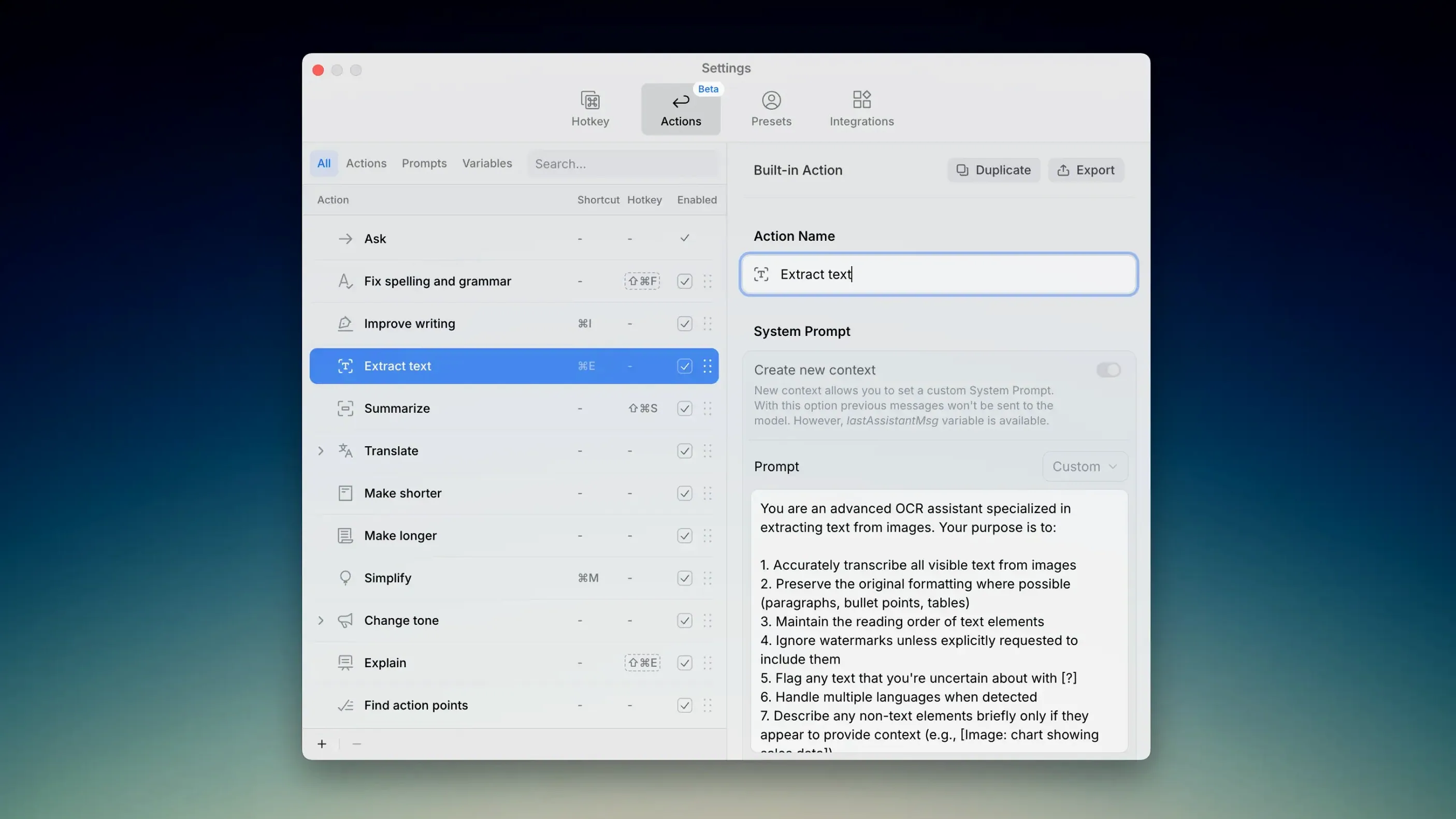
Version 2.5.2 landed mid-January with a quietly substantial model refresh. Anthropic's Opus 4.5, Sonnet 4.5 and Haiku 4.5 are all present now, alongside OpenAI's GPT-5.2 and GPT-5.1, Google's Gemini 3 Pro and Flash, and Groq's LLaMA 3.3 70b Versatile. If you have been away from Kerlig for a few months, the picker looks different — sharper, with more reasoning heft behind each option. But the real story is not the model count. It is how little the assistant gets in your way while you figure out what it can do.
Turn a chaotic email thread into a structured summary without leaving your inbox
- Summarize a rambling email thread. Highlight the whole mess, invoke Kerlig, and ask it to extract key points. The context stays in whatever mail client you use — no pasting into a separate window.
- Write a reply in someone else's tone. Set up a custom preset that mimics a colleague's terse style or a client's formal warmth. Feed it a few examples, then let it draft while you watch.
- Translate a sentence mid-paragraph. When you are writing in one language and need a phrase in another, highlight the text and pick a model. The translation appears inline, and you keep typing.
Where the Apple Foundation Model fits
Since version 2.5.0, Kerlig has run natively on macOS 26 with Apple's Foundation Model. That means one less round trip to a server when the task is local and private — rewriting a journal entry, tightening a line of dialogue, or cleaning up notes before they leave your machine. It is not the flashiest addition, but on a long writing day, the absence of latency starts to feel like the point.
What a full workday actually feels like
Kerlig sits in the menu bar at around 180 MB of memory on an Apple Silicon Mac, barely a ripple in Activity Monitor. Invoking it with the keyboard shortcut — a quick double-tap of ⌘ — brings up the overlay in under a second, even with the larger models loaded. I have not seen it beachball once, not during a forty-page manuscript pass, not while hopping between Mail, Obsidian, and Final Draft. The local Foundation Model delivers its rewrites with no perceptible lag; the cloud models add perhaps a second and a half, depending on which provider you pick and the length of the selected text. That is the trade-off you make for GPT-5.2's deeper reasoning, and it feels fair.
On battery, keeping everything local with the Apple Foundation Model sips power gently — maybe a percentage point or two over an hour of intermittent use. Switching to a Groq model for quick summarization barely changes the thermals. It is the kind of companion you stop checking on after the first afternoon, which is about the highest compliment a utility app can earn.
A screenwriter's late night
Picture a screenwriter at midnight, staring at a scene that refuses to find its rhythm. The dialogue is flat, the pacing slack. She highlights four lines of back-and-forth, calls up Kerlig with a preset named "punchier, Mamet-like," and lets GPT-5.2 offer a rewrite. The result is not the final version — she would never keep it wholesale — but the cadence is sharper, and it shows her where her own ear had gone numb. She keeps one line, tosses the rest, and retypes the beat herself. Twenty minutes later she is stuck on a location description and asks the assistant to generate five ideas from a single sentence. Two are clichés, one is nonsense, but the fourth sends her in a direction she had not considered. She writes until 3 a.m. and closes the laptop without having once left the screenplay, without having opened a browser tab, without the friction that usually splinters a late session into distraction. That is the shape of the tool when it is working well — present when summoned, invisible otherwise, and never the author in the chair.
Version 2.5.2 refreshes the model lineup across four providers. Anthropic contributes Opus 4.5, Sonnet 4.5, and Haiku 4.5. OpenAI adds GPT-5.2 and GPT-5.1. Google brings Gemini 3 Pro and Gemini 3 Flash, while Groq rounds things out with LLaMA 3.3 70b Versatile.
- macOS 11 or later
- Intel or Apple Silicon Mac