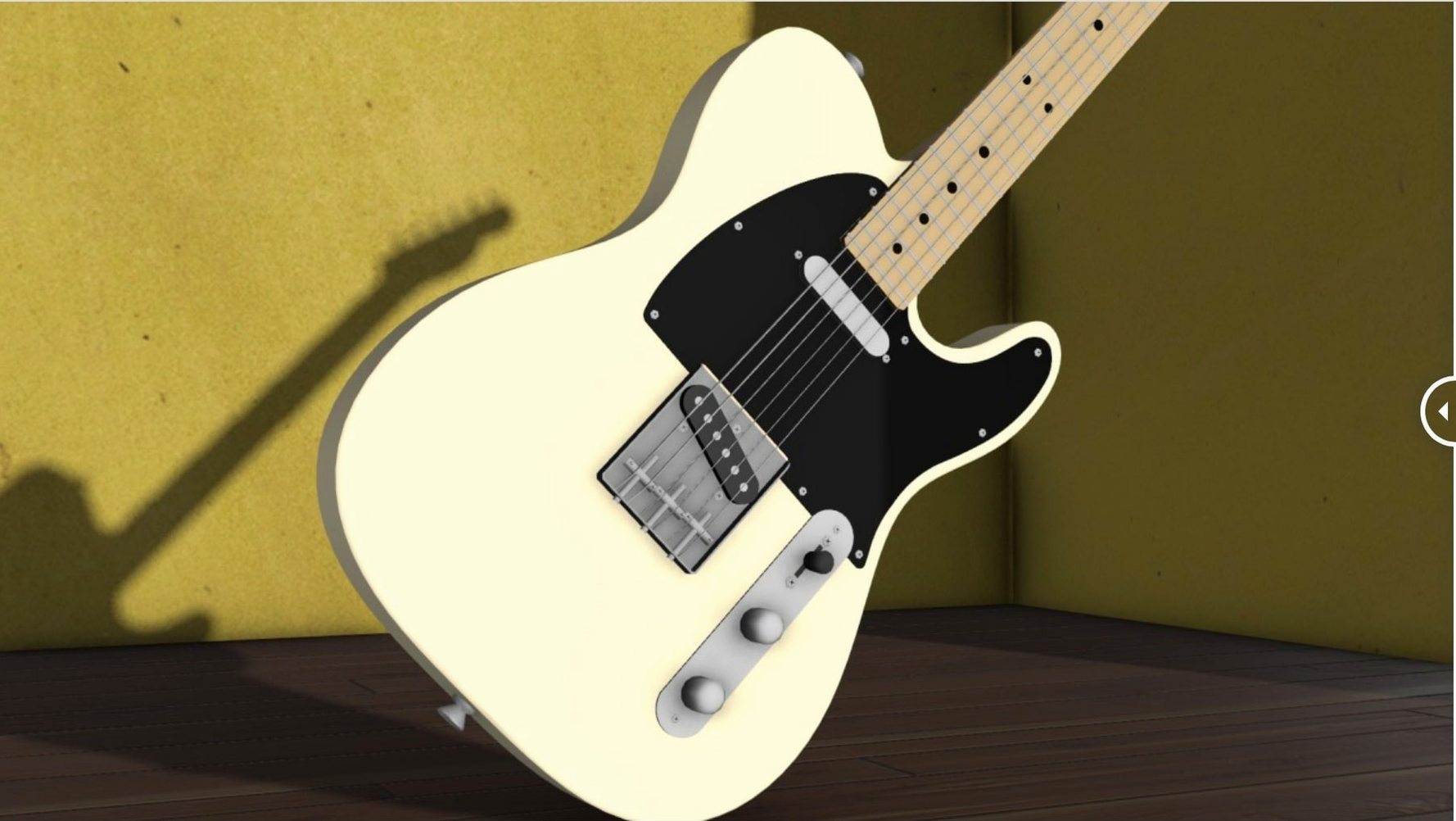
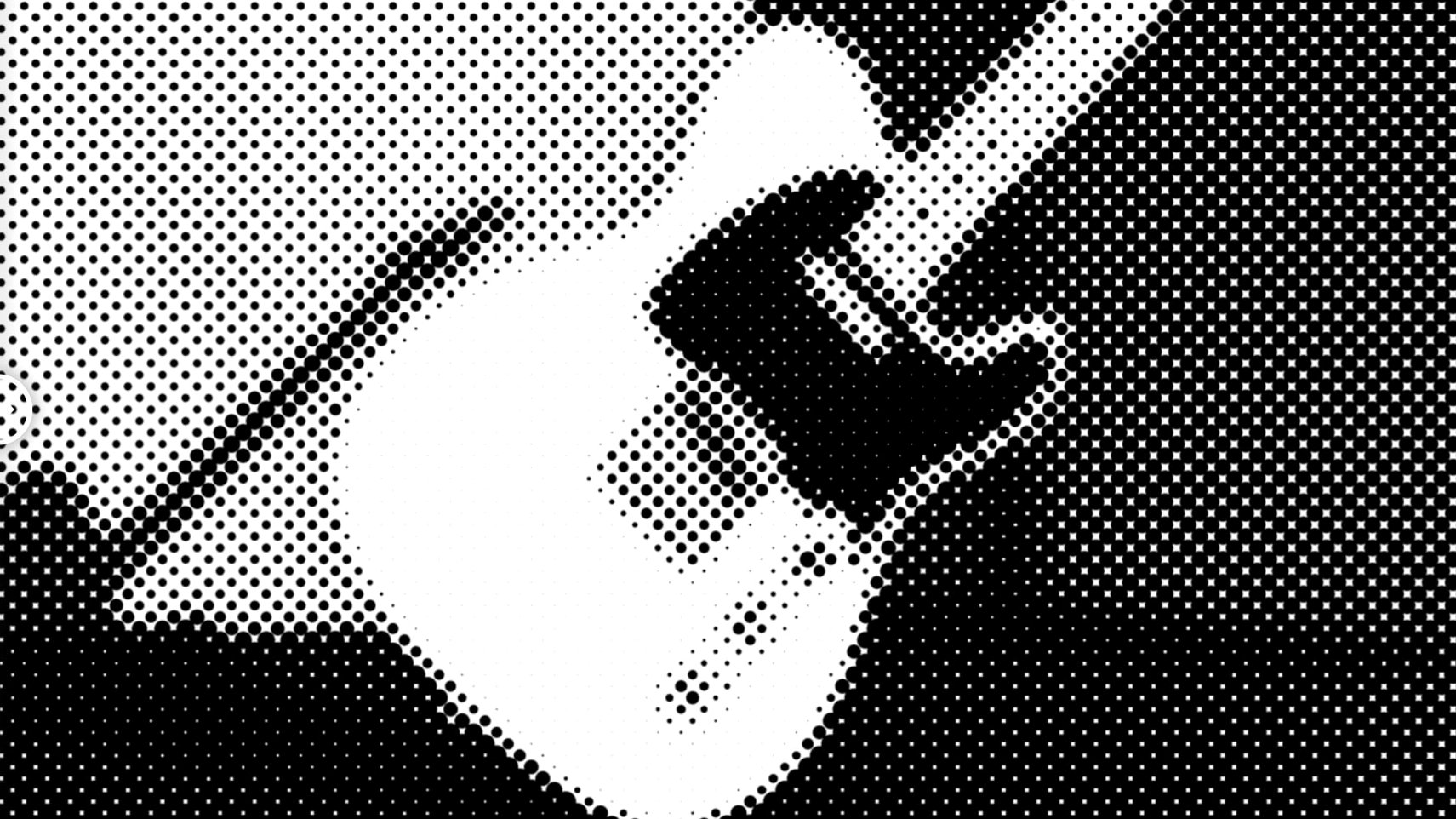
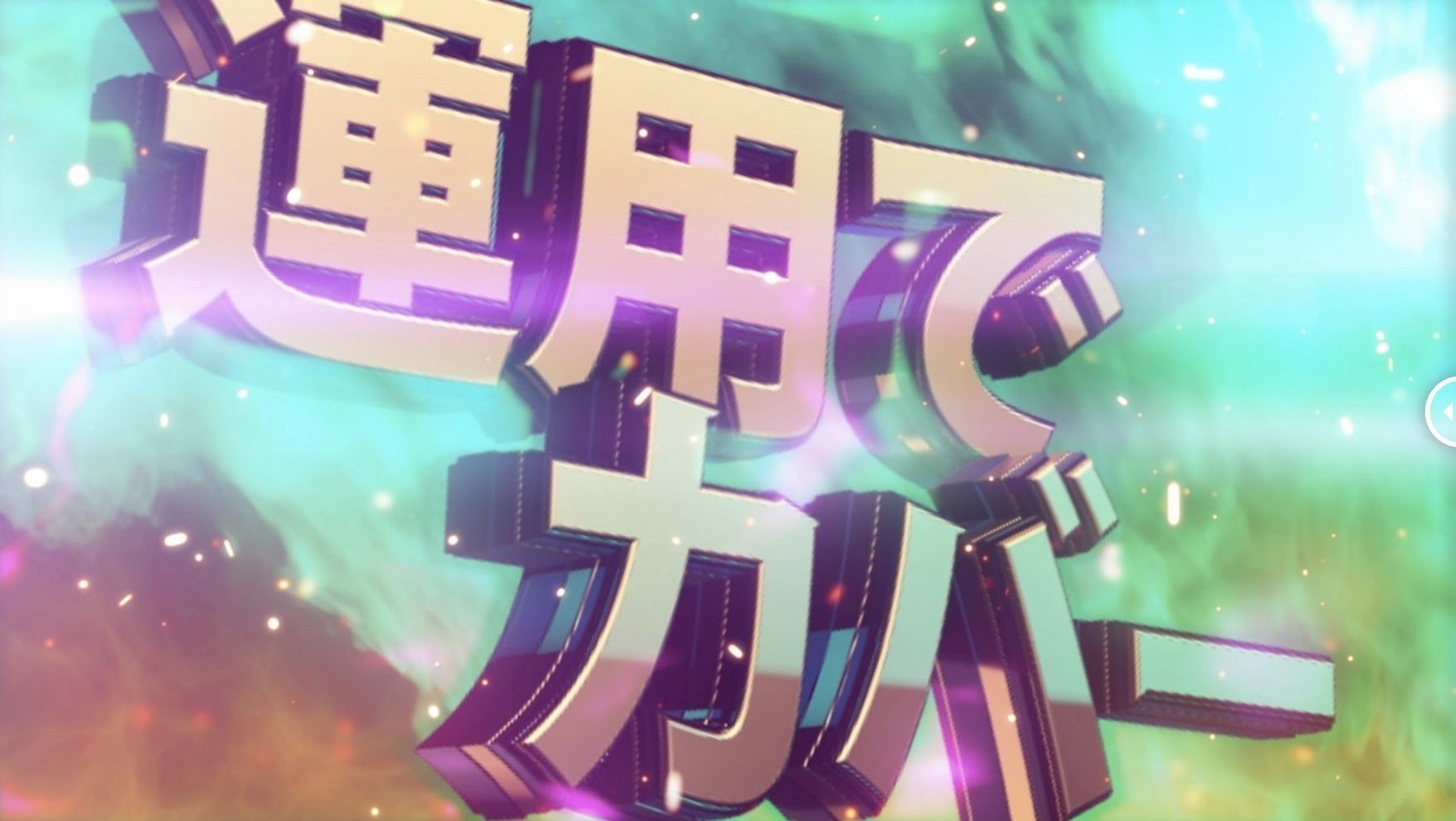
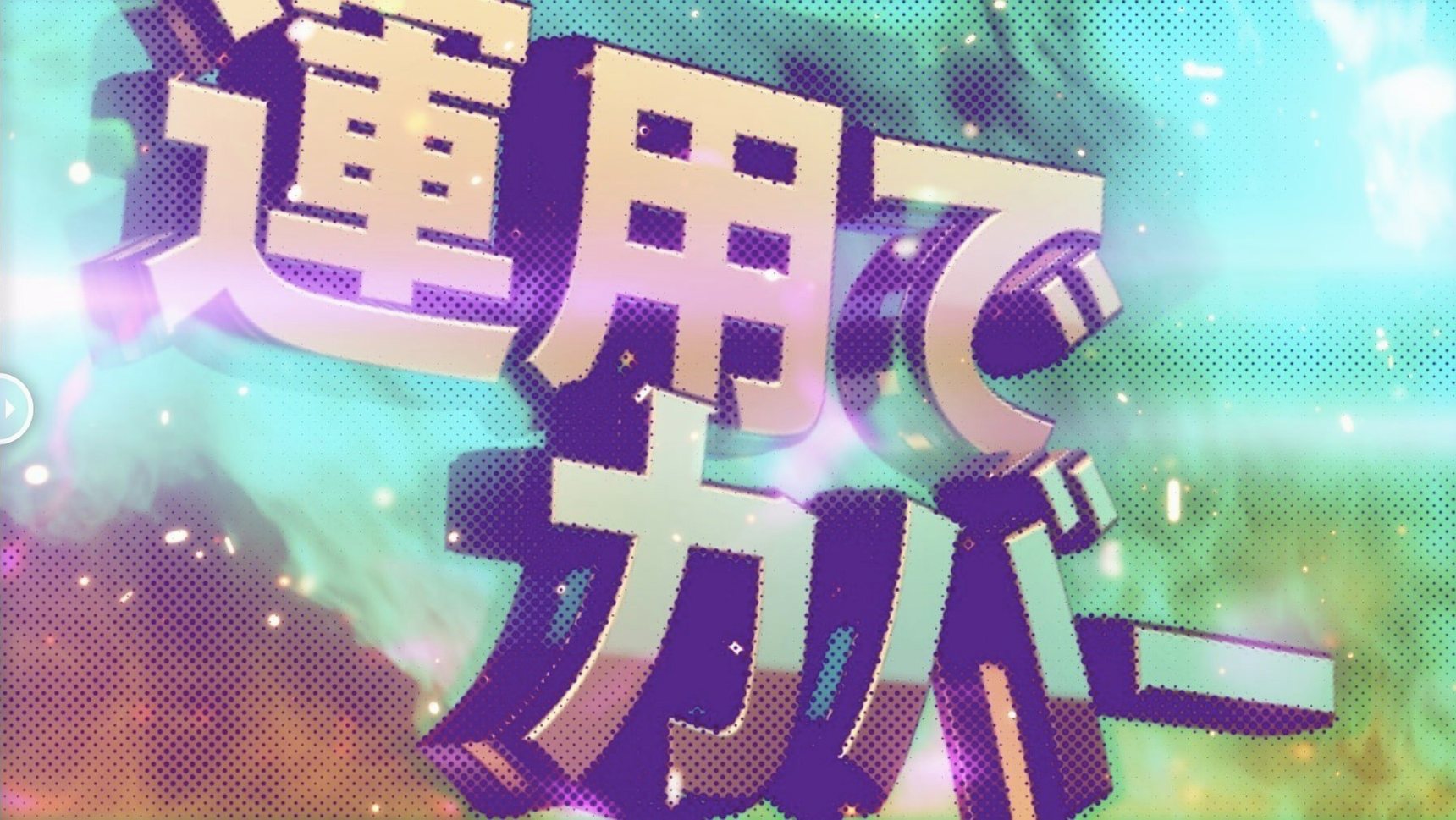
Three shapes sit at the heart of m's HalfTone — circle, square and line — and each one pulls an image toward a different era of print. The plugin applies a halftone effect directly to a single layer, no secondary map layers required, so the timeline stays clean even when you are stacking treatments across multiple compositions.
- Circle dots shift footage toward newsprint and pulp zine textures, softening precision into something tactile.
- Square patterns impose a rigid grid that reads as early digital display or security-camera grit.
- Line screens give you the angled, moiré-prone look of offset lithography, especially when you rotate the angle against fine detail.
- Because the effect lives on one layer, you can keyframe every parameter without chasing dependencies across pre-comps.
- Native ARM and x86 64‑bit support means the plugin renders at full speed on Apple Silicon workstations.
With version 1.5.3 the licensing framework moved to v4.1.4, a quiet housekeeping update that keeps the plugin opening smoothly across After Effects CS5 through the 2026 release. It is a focused tool — no presets, no panel — just a set of controls that reward someone who wants to dial in a halftone look by hand and watch the monitor shift as the dot size tightens.
what the licensing update actually means day to day
The jump to licensing framework v4.1.4 is the kind of change you never see, which is exactly the point. For anyone who has opened a project six months later only to find a plugin greyed out and demanding re-activation, the shift matters. The update tightens how m's HalfTone talks to the After Effects licensing layer, particularly on machines that bounce between user accounts or run multiple Adobe versions side by side — a common setup for studios keeping CS6 alive on one partition while testing the latest Creative Cloud build on another. Since the plugin reaches all the way back to CS5, a fragile activation model would be the first thing to break as macOS and Adobe tighten their own sandboxes. The 1.5.3 release heads that off. In practice, it means less time re-entering keys and fewer surprises when you open an archived project from three years ago.
Risograph chorus look survives 4K whip pans
Imagine someone cutting a three-minute music video where the chorus switches to a risograph-printed look. The footage is 4K, handheld, full of fast whip pans that would make a traditional halftone setup choke on motion vectors. With m's HalfTone applied directly to the adjusted clip, the editor dials the dot size down to six pixels, switches to line mode, nudges the rotation sixteen degrees to avoid the singer's face landing in a moiré hot spot, then keyframes the alpha threshold so the halftone bleeds in over twelve frames. No pre-comps, no duplicated layers set to multiply. The timeline stays legible enough to hand off to the colourist without a long explanatory email. When the director asks for a circle-dot variant for the bridge, duplicating the effect and swapping one dropdown does it in under a minute.
which Mac users feel the biggest difference
Motion designers who build complex title sequences get the most from m's Halftone, because they tend to work with many short comps and need effects that do not spawn extra layers. Every adjustment layer and pre-comp adds friction when you are stepping through twenty title cards, and this plugin removes one dependency entirely. Video editors who composite in After Effects rather than round-tripping to a dedicated compositing app also benefit — halftone treatments applied in the edit suite tend to be quick, iterative, and judged by playback feel rather than pixel-peeping, which matches the plugin's immediate feedback style.
Apple Silicon users gain the most from the native ARM build. Rendering a halftone effect is not especially heavy on its own, but when it sits underneath colour correction, grain, and a camera shake expression, the cumulative load can slow previews on Rosetta-translated plugins. Running natively keeps frame rates responsive during RAM previews, which matters when you are scrubbing back and forth to catch a strobing artifact in the dot pattern. Users on older Intel machines are not left behind — the x86 64‑bit path covers everything from a 2013 Mac Pro to a 2019 MacBook Pro, and the plugin's requirements stay modest enough that it does not become the bottleneck in a CS6-era pipeline.
Anyone who archives projects long-term also gets a quieter benefit: the plugin file is self-contained, with no external texture maps or dependency folders to break when drives get reorganised. Open a project from 2018, and m's Halftone simply loads, provided the licensing framework has done its job — which the 1.5.3 update is designed to ensure.
Threshold before dot size shapes the pattern faster
Most people open the effect, see a coarse dot pattern over their footage, and reach for the dot size slider. That is the right instinct, but a few less obvious controls reshape the result faster.
Sampling threshold. The default picks a midpoint that often over-posterises skin tones. Pull it toward the highlights if you want the halftone to bite into bright areas without crushing shadow detail — useful for keeping eyes readable in a close-up. Push it the other way when you want a heavy, photocopied shadow treatment and do not mind losing some low-end separation.
Alpha behaviour. The alpha control determines whether the halftone pattern respects transparency or fills the entire layer bounds. If you are applying the effect to a logo or text layer with an alpha channel, switching this early prevents a surprise render where dots spill past the edges of your artwork.
Offset X and Y. Tiny shifts — two or three pixels — can pull a circle pattern off a subject's face or realign a square grid so it does not hit an unfortunate rhythm with the weave of a shirt. This is the control to reach for when you see strobing or swimming artifacts and do not want to change the dot size or rotation.
Rotation in line mode. Line screens are angle-sensitive by nature. A twenty-degree rotation can look like a deliberate design choice; forty-five degrees starts to read as a photocopy artifact; seventy-five degrees often produces the strongest moiré, which you might want or might need to avoid. Scrubbing this with the mouse while watching the comp window is faster than typing precise values, because the interaction with your specific frame content is unpredictable until you see it move.
After those four, the shape dropdown itself is worth reassessing shot by shot. Circle patterns soften faces; square patterns make urban exteriors feel surveilled; line screens bring an organic print-shop tension that works well for title sequences and transitional moments. Switching shapes mid-project — even mid-scene — is one of the quickest ways to differentiate two otherwise similar treatments without building separate effect stacks. For a quick textured look that feels rough and printed, some editors treat m's halftone as a starting point they keep returning to, and the free download route makes it easy to add to a toolkit without hesitation.
Licensing framework updated to v4.1.4.
- After Effects CS5 through 2026
- Apple Silicon (ARM) or Intel (x86 64‑bit) Mac
Questions from the booth
m’s HalfTone provides circle, square, and line patterns, each applied directly to a single After Effects layer.
Yes, version 1.5.3 supports both ARM and x86 64-bit architecture for native performance on Apple Silicon and Intel Macs.