You have a twenty-page production agreement open, and the last round of notes came in as scattered emails and annotated scans. Nitro PDF Pro on macOS is built for exactly that kind of afternoon — pulling stray edits into one clean, searchable PDF you can revise without leaving the file.
Edit the original text and images
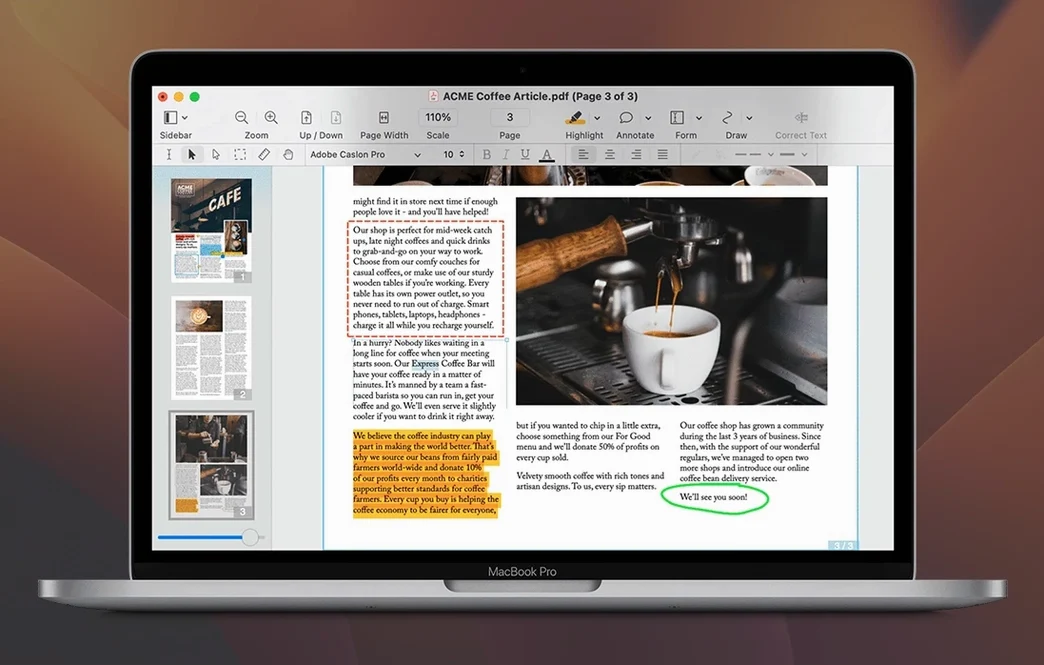
Click into any text block and type directly in the original PDF. Fonts, sizing, and line breaks stay intact enough that you can fix a misspelled name or update a date without rebuilding the file. Images can be moved, resized, copied, or deleted the same way — no round-trip to a graphics app.
Mark up a contract fast
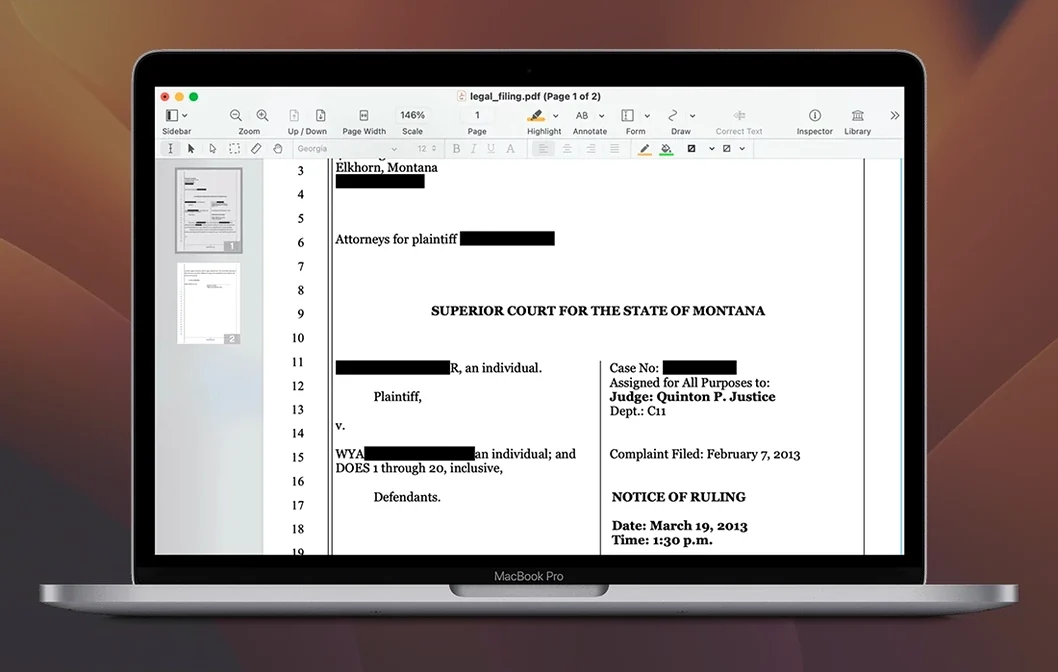
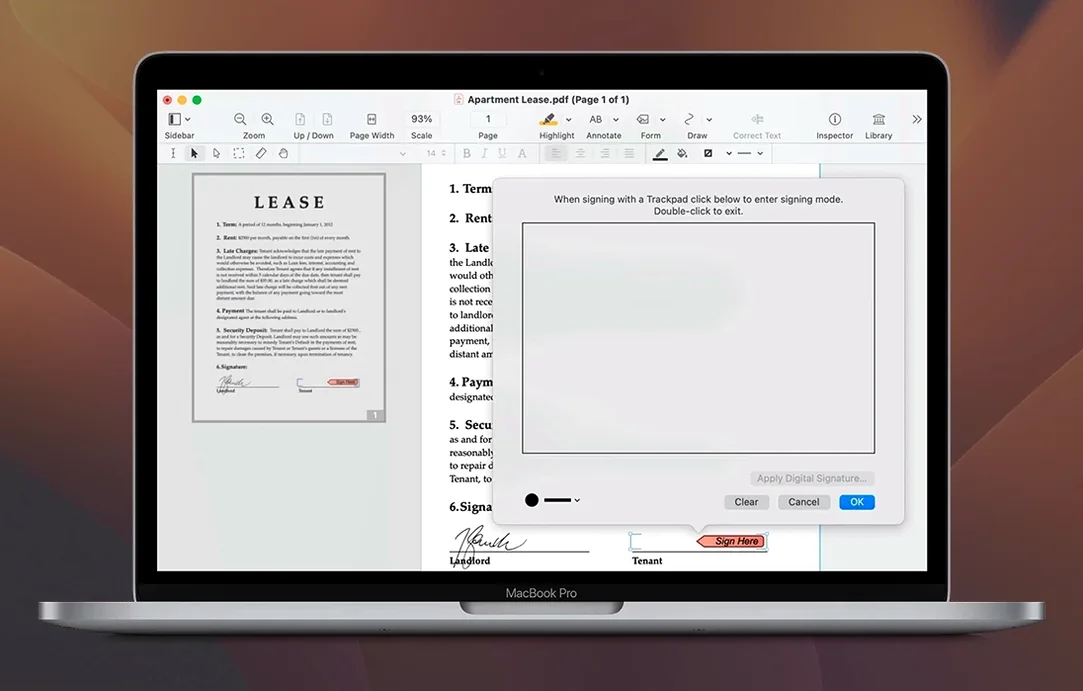
Highlight clauses, strikethrough removed terms, and place a digital signature in one pass. The tool set mirrors what you would do on paper but keeps every version reversible. When sensitive figures need to disappear for good, the redaction tool burns them out permanently rather than just drawing a black box on top.
Export to Word without the mess
When the PDF needs to become a living document, the export to Microsoft Word, Excel, or PowerPoint preserves tables and alignment better than most converters. You can also capture a full website as a multi-page PDF with hyperlinks intact, which saves you from manually stitching screenshots together for a reference document.
OCR rescues a crooked ten-page scan in thirty seconds
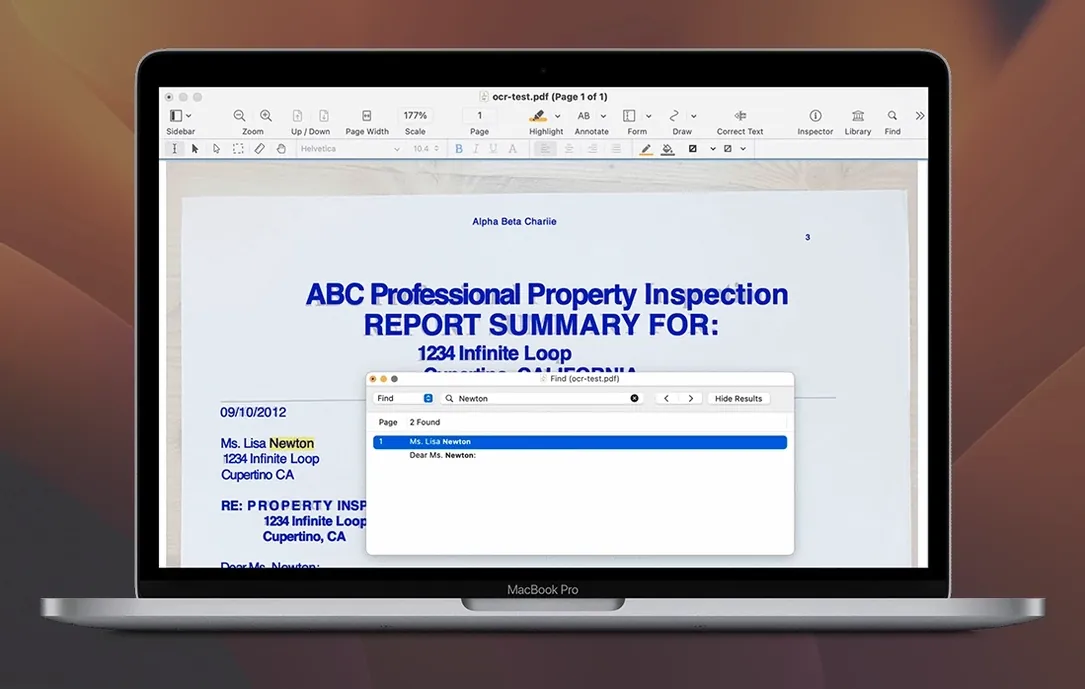
A production coordinator forwards you a scanned location agreement — ten pages, slightly crooked, some pages creased. You drag it onto Nitro PDF Pro and the OCR engine spins up. Thirty seconds later, every word on those pages is selectable, searchable, and ready to edit. You correct the shooting dates on page three by clicking directly into the text block. The font weight shifts slightly, but the spacing holds.
Next you stamp your digital signature onto the last page, add a sticky note asking the location owner to initial the noise curfew clause, and highlight that clause in orange so it stands out when they open the file. You export the marked-up copy as a new PDF and attach it to a reply email. The whole sequence — open, OCR, edit, sign, annotate, export — runs under four minutes, and you never opened Preview or a separate image editor.
Later that day, you pull six call sheets from the past week into one document portfolio. You drag them into the sidebar, reorder by date, and save the bundle as a single file you can hand to the accountant. The portfolio keeps each PDF separate inside its container, so you can extract Tuesday's sheet later without pulling the whole stack apart. This kind of session — scan, revise, bundle — becomes second nature once you trust that edits stay in place and OCR text doesn't drift when you reopen the file.
Line producers reclaim hours with saved fillable forms
Independent producers and line managers who handle their own paperwork get the most out of Nitro PDF Pro. They are the people who fill out the same start-of-production forms a dozen times a year and can save those as fillable templates. They are the ones who receive crew contracts as flat scans and need to nudge a tax-withholding checkbox before Monday's payroll run. The form-creation tools let them build cross-platform fillable PDFs that actors can complete on an iPad and email back without printing a thing.
Editors and post-production coordinators benefit in a quieter way. They often receive deliverables lists and edit decision notes as PDFs exported from editing suites. Nitro PDF Pro preserves those rich-text columns when you copy a scene list into a spreadsheet, and it exports tables back to Excel without collapsing rows into a single paragraph. Location scouts, too, will reach for it when they convert a real-estate listing into a multi-page PDF with live hyperlinks still pointing to the property details. If you have ever used a nitro pdf pro mac search to weigh your options, you likely already know the basic pitch. The people who stay with it are the ones who realize how much of their week is spent stepping between a viewer, a scanner, and an office suite — and how that gap closes when the editor handles all three jobs.
Cold launch in four seconds, forty seconds to searchable text
Nitro PDF Pro launches cold in about four seconds on an Apple Silicon machine, and OCR on a ten-page scan rarely takes more than forty seconds. Scrolling through a heavy, image-packed document feels smooth — no staircase of blank pages while the renderer catches up. The app does not hog background CPU after you close a file, and memory use typically hovers under 400 MB even with several tabs open. On Intel Macs the experience is similar, though very large portfolios can pause for a breath during import.
Stability holds up through long editing sessions. You can jump between text blocks, image frames, and the annotation toolbar without the cursor mode getting confused about what you are trying to select. Autosave kicks in quietly, and the few times a crash might occur — usually when applying a batch OCR across dozens of files — the recovery state brings you back to where you left off. The installer itself is a straightforward disk image; once you have worked past the Gatekeeper step, the app behaves like any long-term Mac citizen, including respecting Dark Mode and standard keyboard shortcuts for zoom and navigation.
The editing layer between Preview and a design app
Nitro PDF Pro slots in between the lightweight viewing you do in Preview and the heavy page-layout work you would reserve for a design application. It does not try to replace your word processor, but it saves you from ever exporting a PDF to Word just to fix a typo and then re-exporting. When you spot a mistake in a locked-down document, you fix it right there and keep moving.
The app plays well with Finder's Quick Actions and the Share menu, so you can right-click a file and open it directly without launching the app first. Drag-and-drop into Mail and Messages works as expected, and the clipboard integration preserves formatting when you lift a paragraph out of a contract and drop it into a Notes field. Audio annotations recorded inside Nitro PDF Pro play back on any PDF reader that supports embedded sound, which makes them useful for leaving voice feedback on a cut list for an editor who works on a different platform. Whether someone arrived here after a nitro pdf torrent search or a recommendation from a producer, the tool settles into a comfortable rhythm with macOS — not as a flashy centrepiece, but as the app you open when a PDF needs to become a working document without a detour.
- macOS 10.14 Mojave or later
- Intel or Apple Silicon Mac
- 1 GB RAM
- Up to 2 GB of available disk space
- Display resolution of 1280×800 or higher
Questions from the booth
Yes, the app can create and edit cross-platform fillable PDF forms, so recipients can type their responses whether they open the file on Mac or Windows.
It does. You can run automation and batch processing across multiple files, which helps when you need to apply the same watermark, header, or export setting to a whole folder at once.
Unlike a simple black rectangle, the redaction tool permanently removes the underlying text and metadata from the document, so the sensitive information cannot be recovered later.