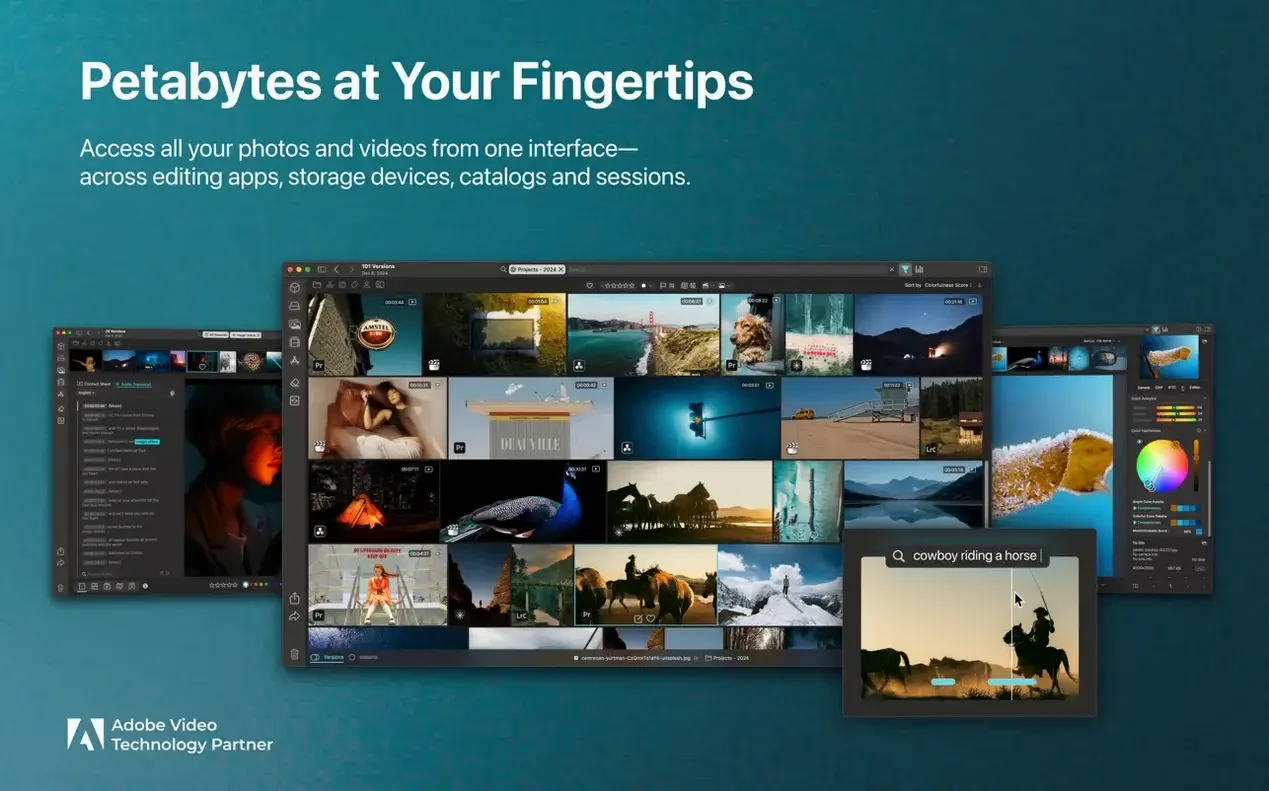

When a drive fills up with footage from three different cameras, stills from a location scout, and screen grabs from last year's colour grade experiments, the problem stops being storage space and starts being coherence. Peakto steps into that mess and treats it as a single body of work, pulling photos and videos into a unified browser that understands what is inside the frames, not just which folder they landed in.
Native Apple Silicon support and the 8 GB smooth-use sweet spot
Peakto asks for macOS 12.4 Monterey or later and runs natively on both Apple Silicon and Intel Macs. The base requirement is 4 GB of memory, though CYME nudges that to 8 GB for smoother use, and the library files want a fast SSD, preferably the internal drive. Two gigabytes of free space get the application installed, but the media itself can live on external drives, which is where most of us keep the raw material anyway. Video support leans on whatever codecs macOS already plays, so if QuickTime reads it, Peakto usually does too.
AI that tags objects, scenes, and faces across stills and video
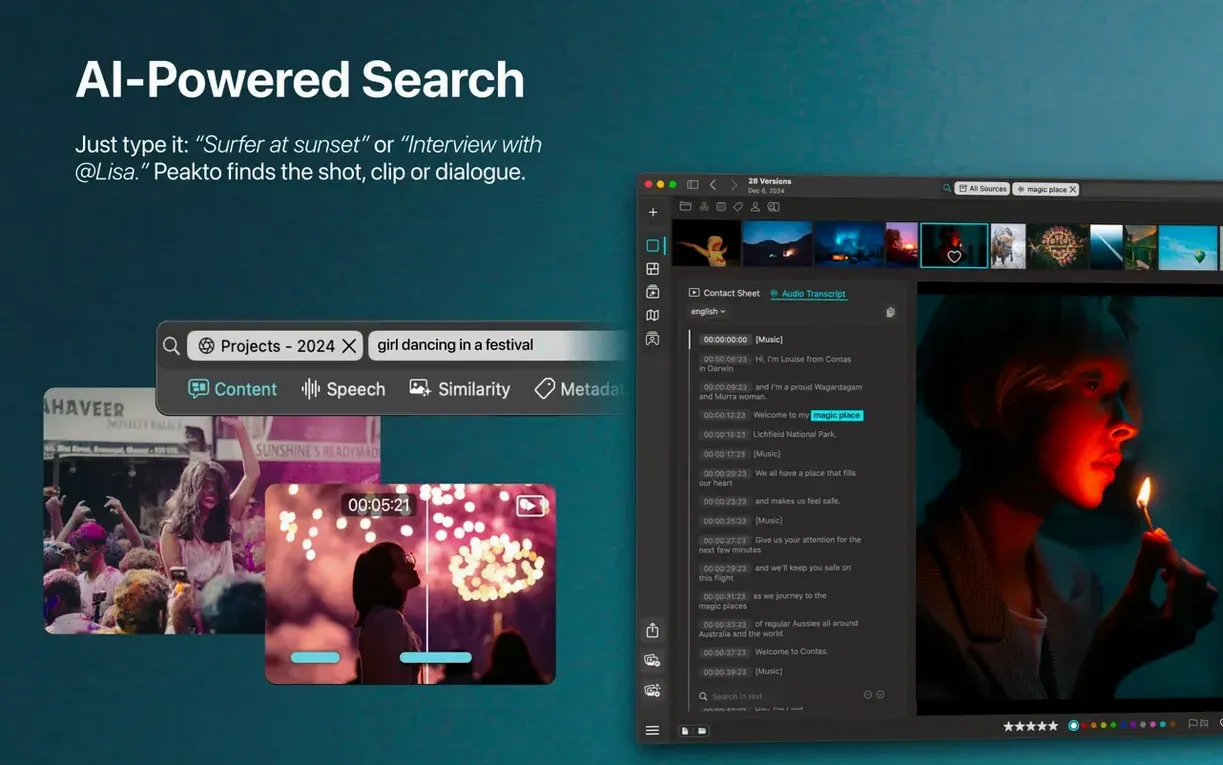
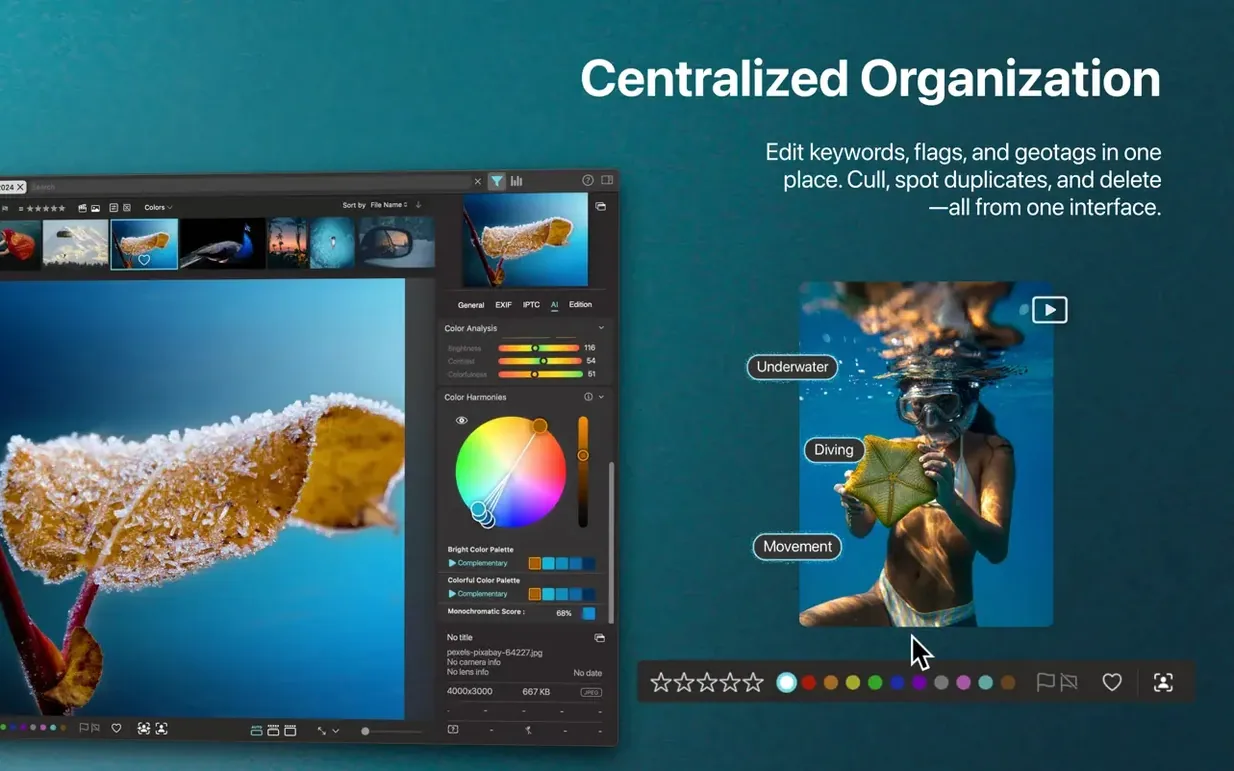
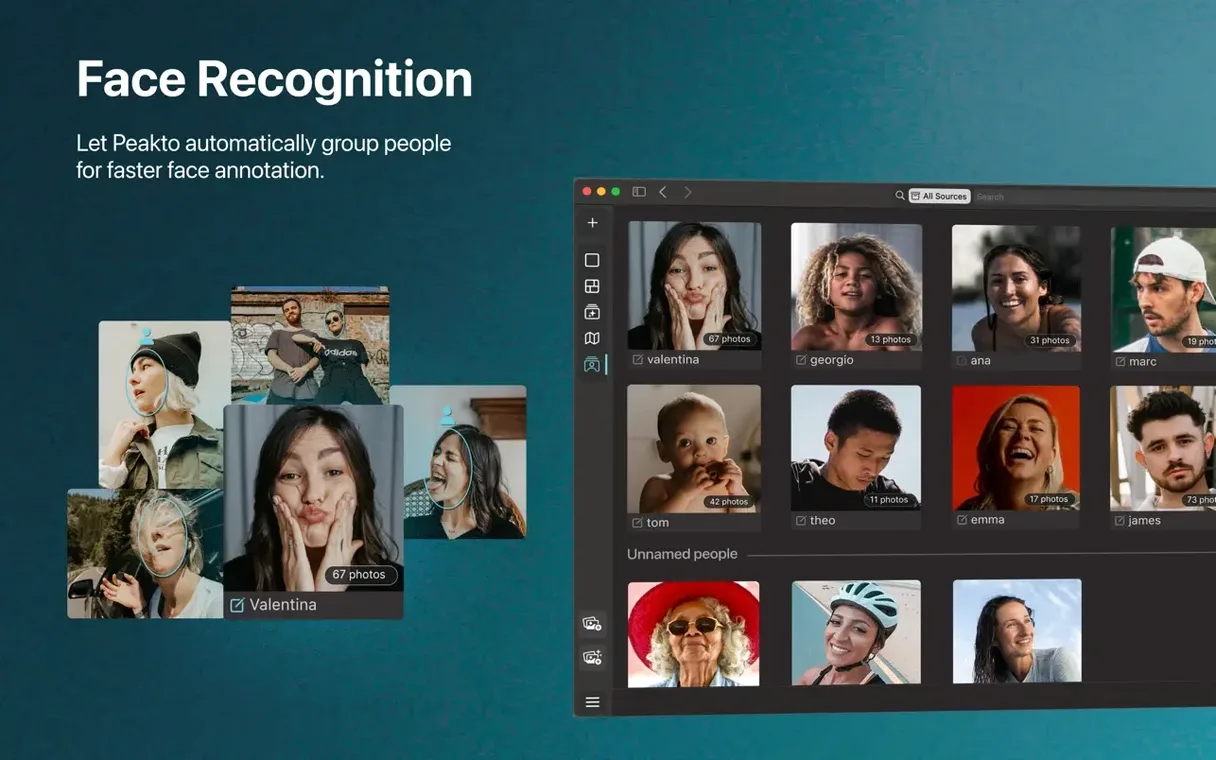
At its core Peakto is a meta-cataloger: it leaves your files where they sit and builds a searchable layer on top. AI tagging runs across both stills and video, pulling out objects, scenes, and faces without manual keywording. Facial recognition lets you trace one person across a decade of scattered folders. For video, the search reaches inside the content itself, so a half-remembered clip of a ferry crossing can surface without trawling through timelines. A calendar-based timeline view offers another path, letting you browse by date when keyword thinking stalls. Categories assemble themselves as the AI sorts the catalogue, and a lightweight sharing option sends lower-resolution versions without shuffling originals. It is built for the moment when Finder and folder names stop being enough.
Pulling a cross-source shortlist together
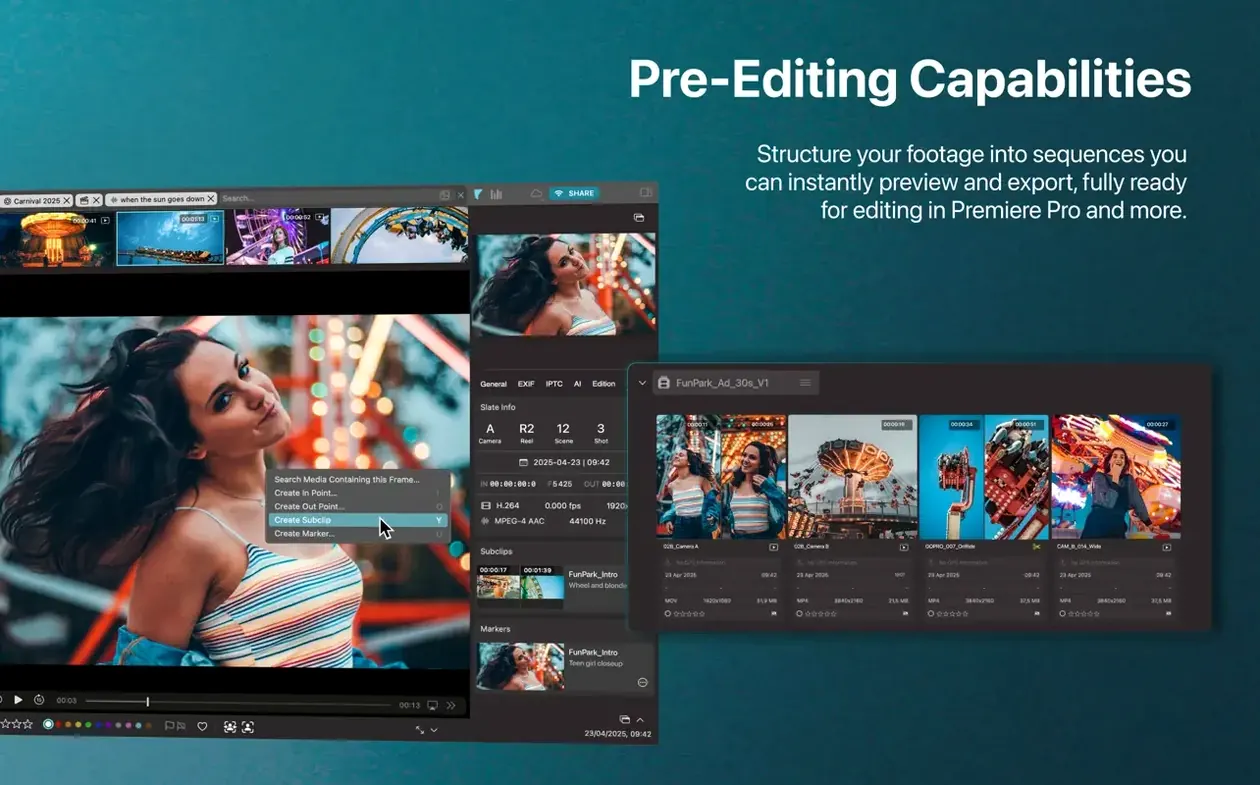
Say you are cutting a sizzle reel and need every shot of a particular location, from three different camera archives and a folder of drone footage you forgot about. Open Peakto and type the place name into the description search bar. The AI has already scanned the frame contents, so results arrive not from filenames but from what is actually visible: the jetty, the pine treeline behind it, the grey water. If the light kept changing across shoots, use a similar-image search on the strongest frame you already have. Drag a reference still into the search area and Peakto returns frames that share its visual makeup, pulled from across every connected source. From there, select the keepers, drop them into a new collection, and batch export at full resolution for your NLE. No folders were opened, no Finder windows piled up. The whole cull happened inside Peakto's single browser, across media that technically still lives on three different drives.
Why turn on Relay Mode for two-Mac remote access
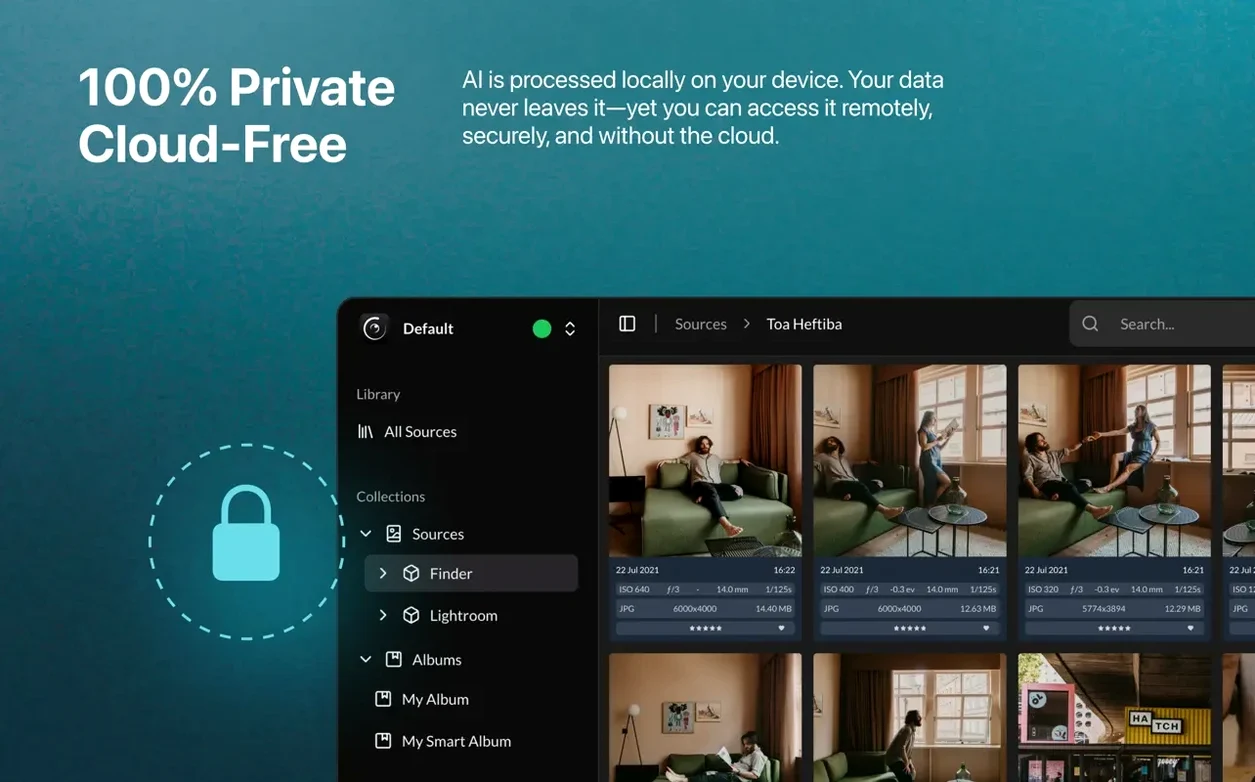
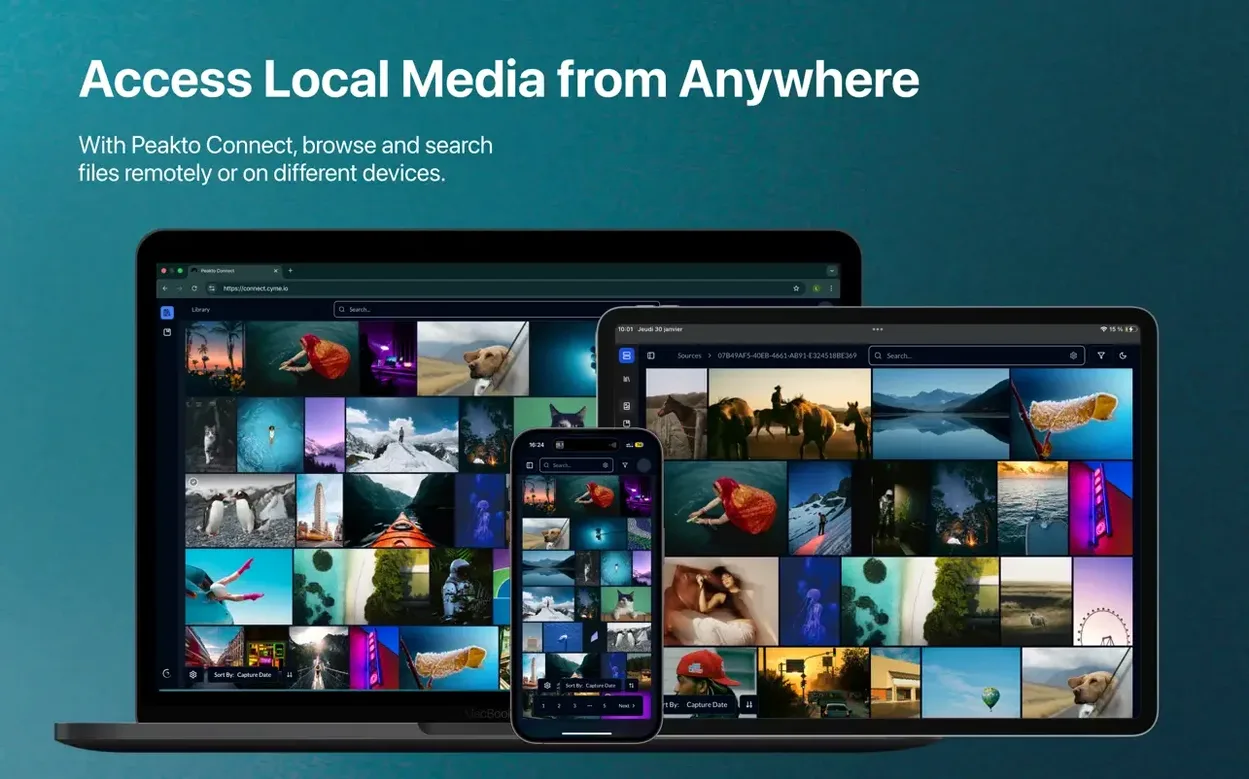
The defaults are thoughtful, but a few early tweaks make the catalogue feel more yours. Turn on Relay Mode if you work between two Macs; it keeps the library accessible remotely without syncing media to a cloud service, so the raw files stay put. In the face recognition pane, set the sensitivity to match how many unnamed faces you are willing to review — a tighter threshold means fewer false positives to clear. For video-heavy libraries, confirm that the timeline view is set to group by shoot date rather than import date, especially if you have migrated media from older drives where file creation timestamps drifted. Finally, if you share selects with clients, lower the default export resolution in the sharing prefs to something lightweight; the full-resolution export path stays separate, so you are not accidentally sending 6K frames over email. These five minutes of adjustment shape Peakto into something closer to your actual workflow, not a generic one.
Version 2.7.10 tidies up the newly added Peakto Connect interface, making remote browsing feel less like configuring a server and more like a straightforward extension of the desktop. Relay Mode arrives as the quieter headline: it opens remote access to your catalogue without pushing media files to the cloud. Several error-case workflows were also patched into more graceful behaviour.
- macOS 12.4 or later
- Apple Silicon or Intel processor
- 4 GB memory (8 GB recommended)
- 2 GB free disk space for the application
- Fast SSD recommended for the Peakto library and database
- Media files may be stored on external drives