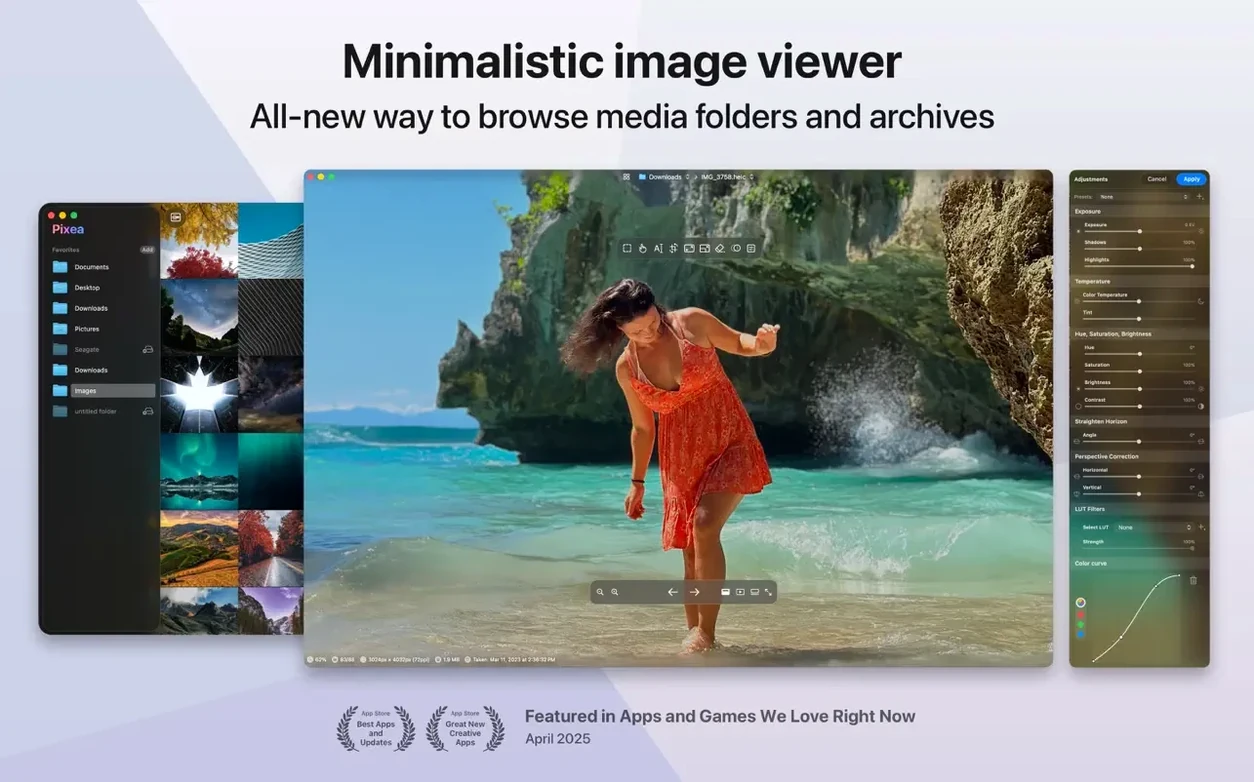
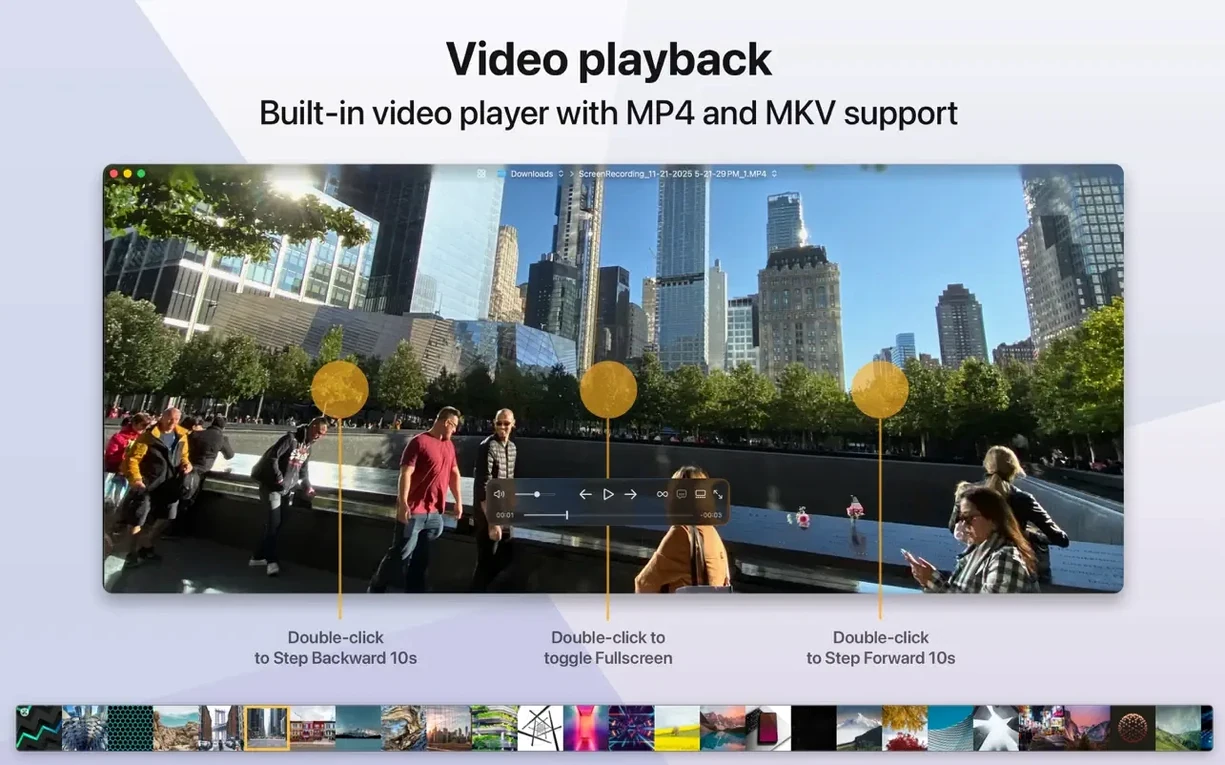
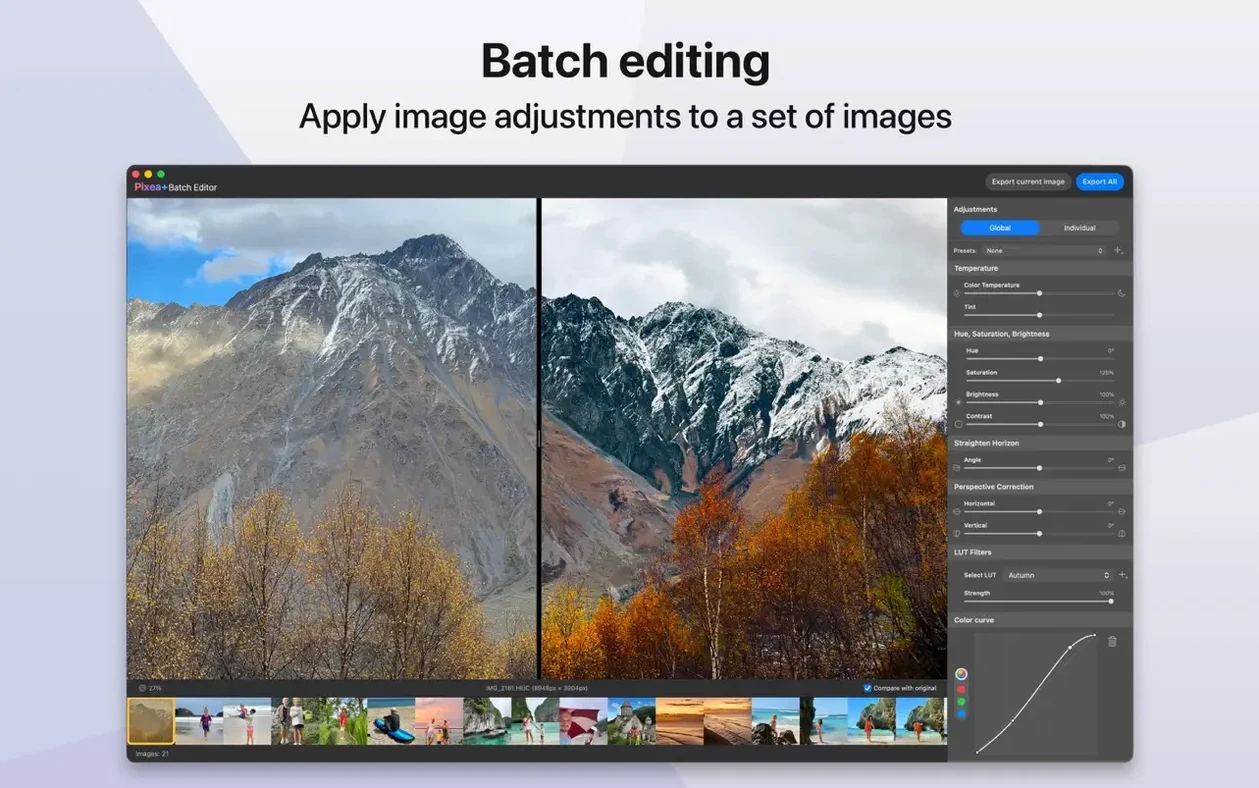
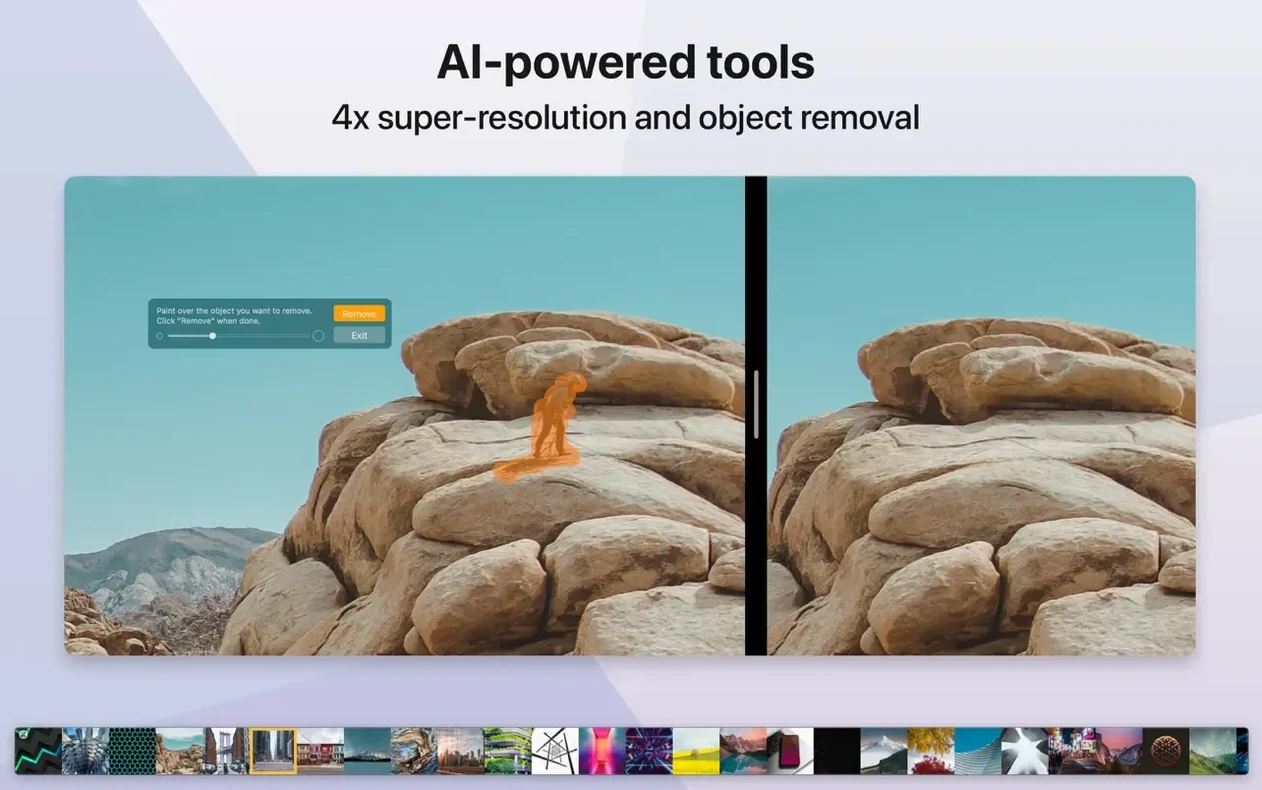
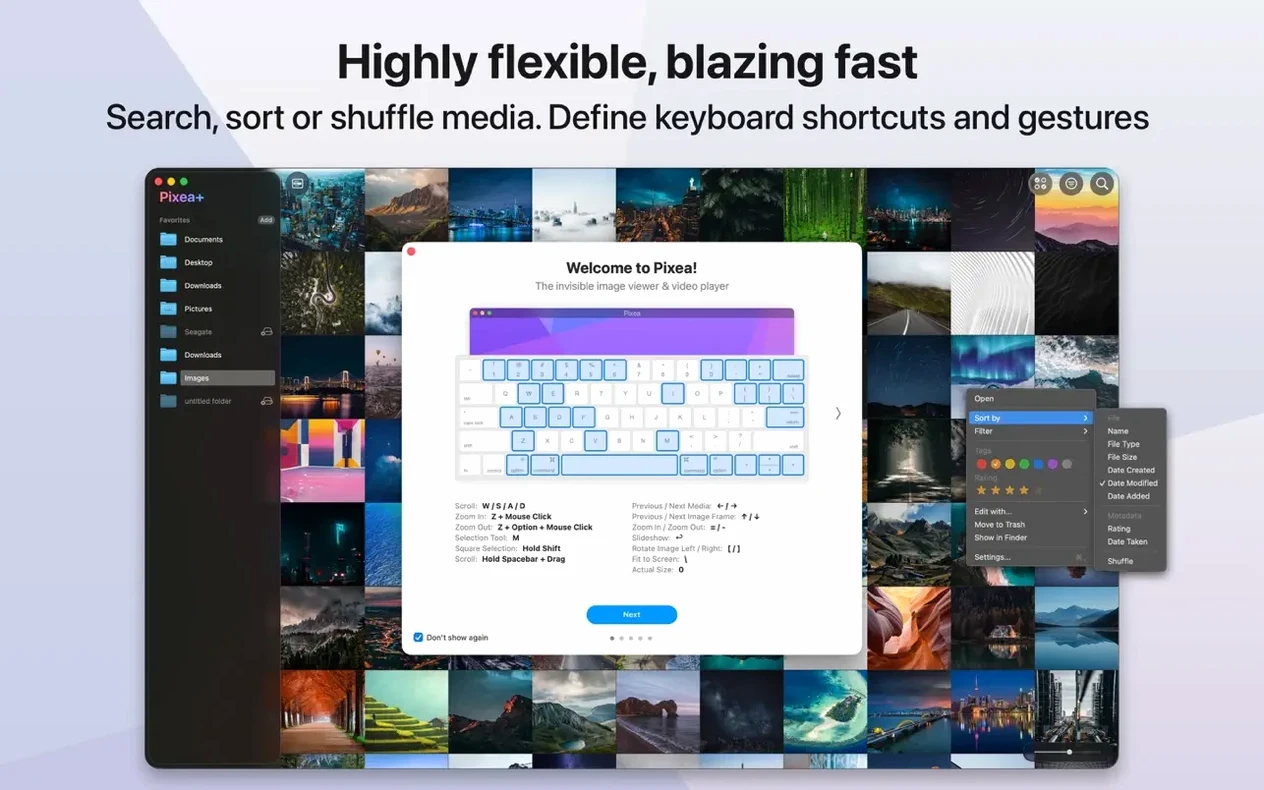
Colour histogram, underexposure warning, the little blink of a clipped highlight — these are the readouts you keep open when a grade isn't landing. Pixea Plus 8.3.0 comes from a lineage of lightweight viewers, but the current build has quietly layered in tools that reward a closer look: masks, an undo/redo stack, and a native .pixea format that keeps your edit state intact between sessions. It never feels like a darkroom replacement, yet the histogram alone — live, per-channel if you want — makes it a fast triage companion before you bounce a frame into your real pipeline.
How does the histogram help during a cull?
It gives you a data-level read on exposure and colour drift without eyeing a thumbnail. Clipped shadows and blown highlights surface immediately, which is often faster than zooming to 100%.
Rotate and correct a RAW file without touching the original
Pixea Plus reads Leica, Sony, Nikon, Canon, Fuji, Olympus, Hasselblad and Minolta RAWs, and while edits are basic — flip, rotate, a few corrections — the .pixea format saves those adjustments non-destructively so your original stays untouched.
Dodge a face or lift a shadow without opening a separate tool
They let you isolate a basic adjustment to part of an image without leaving the viewer. It is not layer-based compositing, but a quick dodge or a lifted shadow across a face works right inside the same window.
Surface the histogram and EXIF inspector immediately after launch
A few defaults in Pixea Plus lean toward a clean, almost bare window, which is fine until you need the histogram and the EXIF inspector to feel immediate rather than tucked away. Open preferences and set the info panel to stay visible as a right-hand sidebar — it keeps the histogram live while you browse, so every arrow-key tap through a folder updates the graph instantly. While you are there, switch the background from dark grey to the neutral grey checkerboard for any session where colour perception matters; a plain grey field can skew your sense of white balance without you noticing.
Trackpad and keyboard shortcuts are worth a skim too. The defaults map ⌘E to the new export path, but if you frequently send a frame out to Preview or another editor, remap that combo to a habit you already carry from other software. Gesture support includes pinch-to-zoom and a two-finger swipe between images, and the sensitivity slider actually makes a difference on a Magic Trackpad — dial it down a notch so you do not overshoot a cull when you are moving fast.
Quick cull and grade check: a workflow from SD card to selects
Imagine a card full of afternoon exteriors shot on a Fuji body — shifting cloud, tricky highlights on water, and maybe half a stop of drift across the sequence. You do not want to import everything yet. Mount the card, open the folder directly in Pixea Plus, and let thumbnail generation run its first pass. Switch to fullscreen view and set the info panel to show histogram plus highlight clipping warning.
Work left to right with the arrow keys. For each frame, eyeball the clipping warning first — it is a fast reject signal if the sky is gone — then glance at the histogram shape. A frame that reads flat across the midtones with no shadow detail gets a quick ⌘⌫ to move aside. The ones that hold onto texture in the low end get a star rating via the metadata tag, or you can save a masked adjustment directly into the .pixea format if you already know a face needs a quarter-stop of exposure lift. By the end of the pass you have a folder of selects, each one carrying a non-destructive edit note that other apps cannot read, but Pixea Plus remembers perfectly the next time you open it. Export the keepers as JPEG or TIFF, or keep them in .pixea until you are ready to hand frames off for grading.
Which Mac users feel most at home here
Pixea Plus makes the most sense for someone who already has a primary editor but wants a faster front-end for the first pass — a stills photographer who grades in Capture One or Lightroom, a compositor who just needs to check RAW plates without launching a full suite, or a designer pulling selects from a client folder before the real layout work begins. The histogram and the mask system are modest on their own, but they eliminate the round-trip to a heavy app for small decisions.
It also suits anyone who works across oddball formats without wanting to manage five different viewers. Opening a ZIP of TIFFs or a stray PSD without unpacking or launching Photoshop keeps the afternoon moving. And if you shoot on a Hasselblad or a Leica alongside a Sony body, the unified RAW support means you are not switching tools per camera system — the same keyboard shortcuts and the same histogram layout apply to everything. For a quick Pixea mac download, the current build runs natively on Apple Silicon and Intel, and macOS 11 keeps it available on older machines still in service on set.
This update brings a handful of image adjustments that feel genuinely geared toward pulling depth and texture out of flat frames. The new Reshape tool lets you push local geometry around with a light touch — useful when a lens has let you down just slightly at the edges. Spatial dehaze works on a depth-aware basis, so you can clear atmospheric haze in the background without scrubbing contrast out of the foreground where it belongs. Clarity joins the stack as well, and the Brilliance adjustment has been reworked to behave more predictably across high-key scenes. Elsewhere, the print dialog now handles auto-rotate, scale, and images-per-sheet options with less friction, and the Copy to Clipboard command gives you a choice between maximum compatibility or preserving HDR statistics and headroom for colour-managed pipelines. A scatter of UI polish and bug fixes rounds it out.
- macOS 11 or later
- Apple Silicon or Intel 64-bit
Questions from the booth
Yes — Pixea Plus surfaces detailed EXIF data, GPS coordinates, and file information for JPEG, HEIC, TIFF, PSD, and most supported RAW formats.