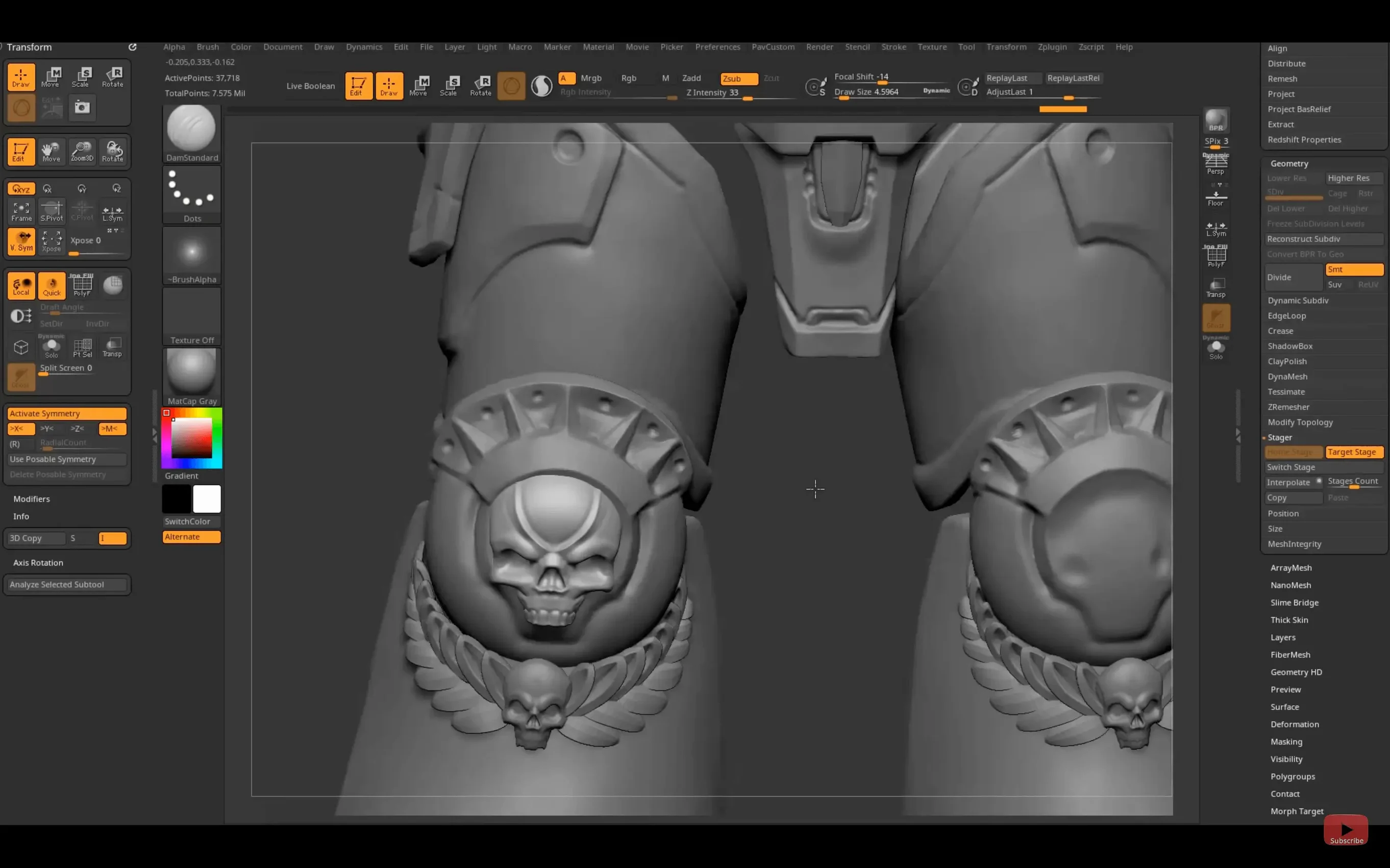
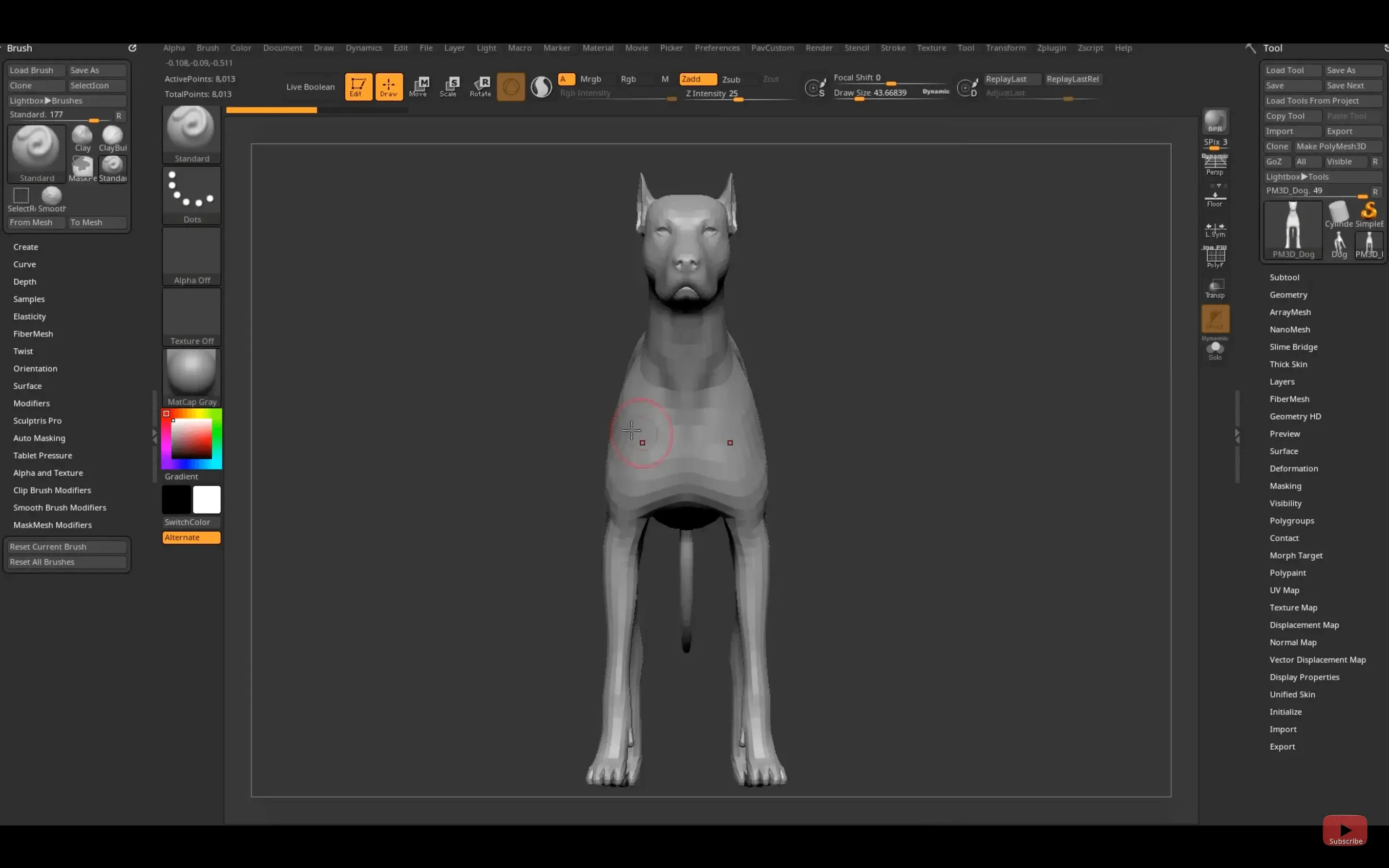
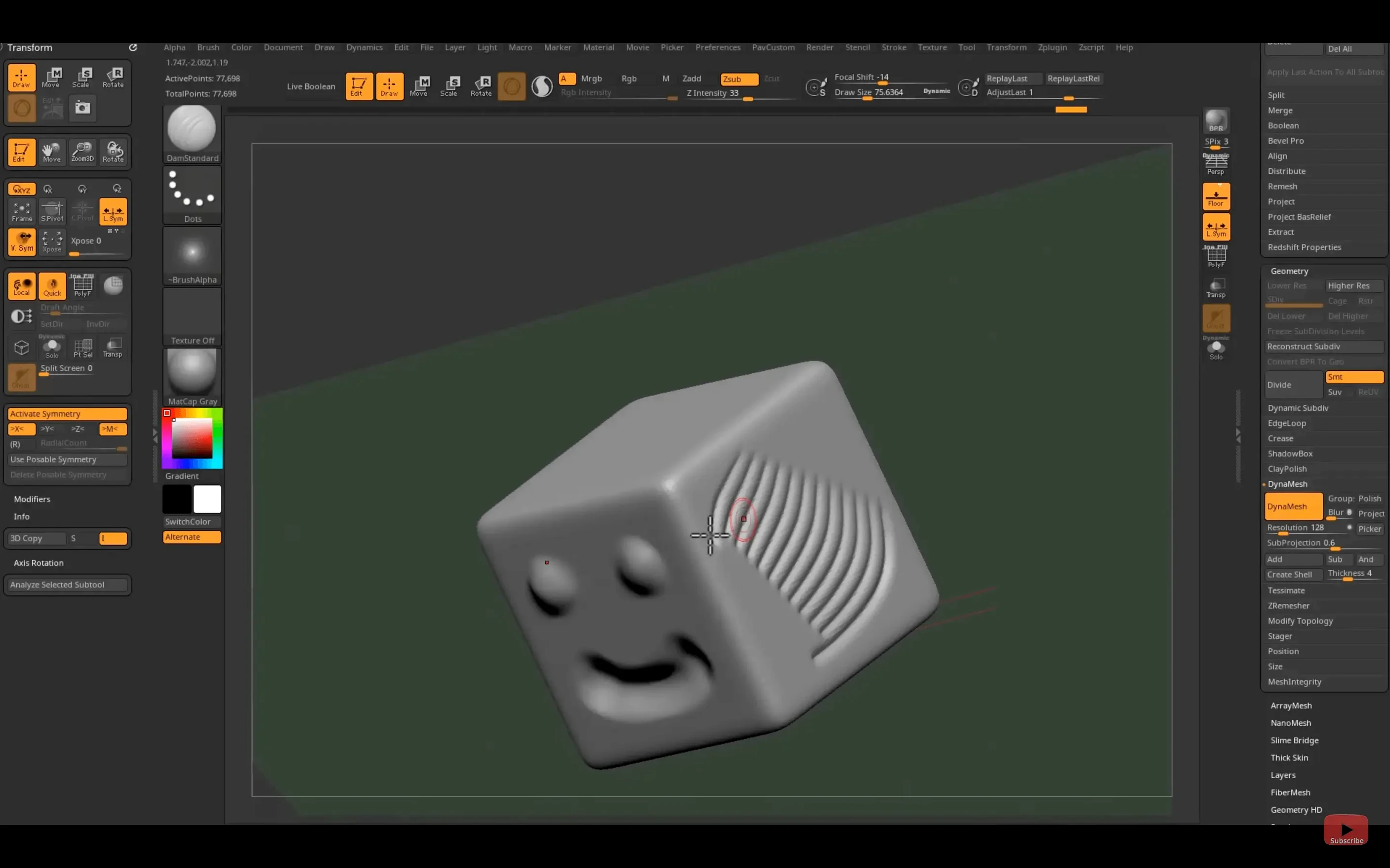
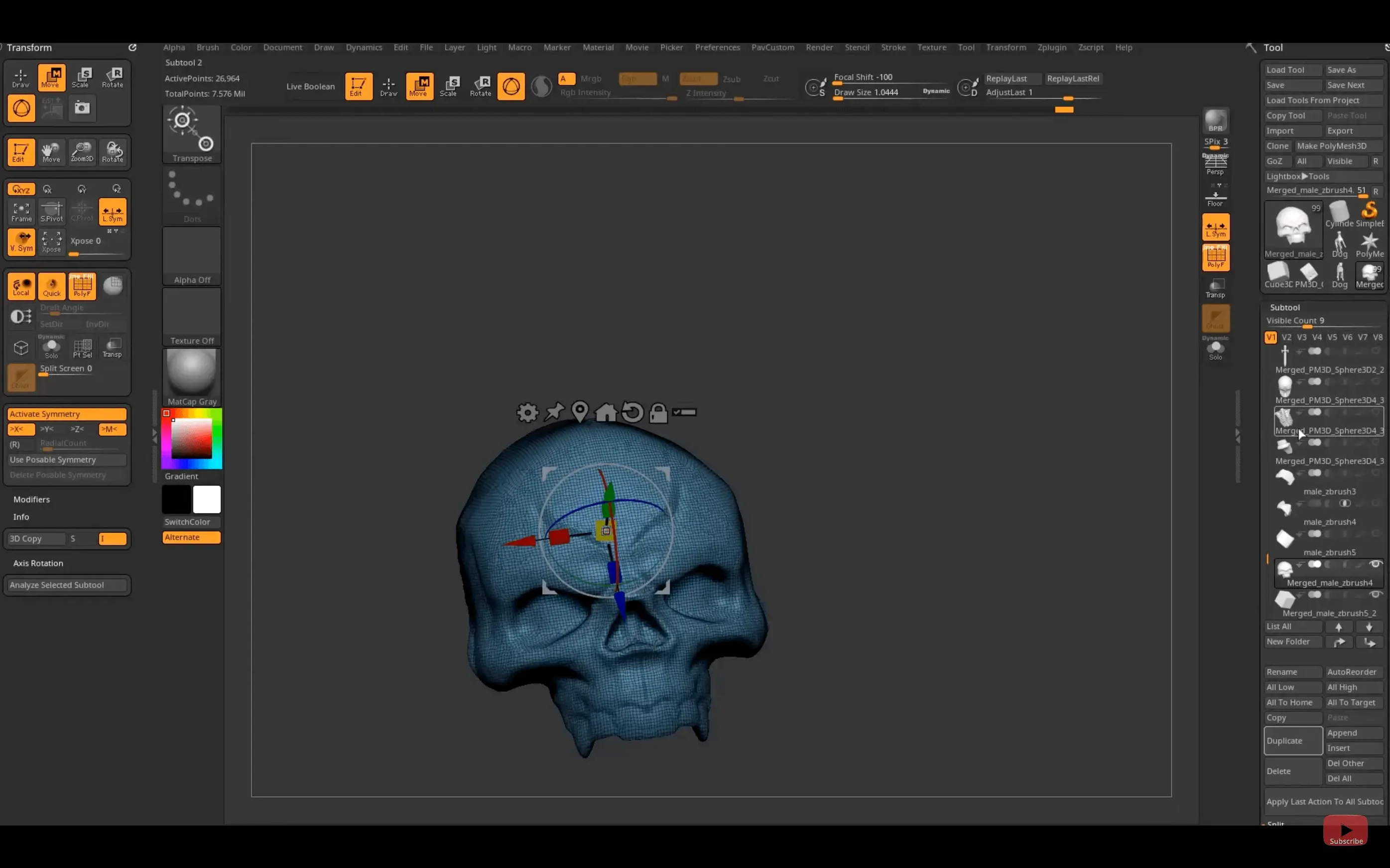
On the Mac side, ZBrush 2026.2.1 runs on macOS 12.6 and later, with native support for both Intel and Apple Silicon machines. It is first and foremost a digital sculpting environment, one that simulates the pressure and drag of clay through millions of polygons rather than treating a model as a surface to simply push and pull. Every point on the canvas is stored as a pixol, carrying XY coordinates, colour, Z depth, orientation, and material information — a data model that makes dense, painterly detailing feel immediate.
For users who have moved beyond basic blocking and subdivision, the deeper workflow holds most of the interest:
- Working sessions routinely cross into very high polygon counts without collapsing into proxy geometry or baked normal maps.
- The real-time 3D rendering engine keeps lighting and material response visible while sculpting, so surface breaks read correctly under the current environment.
- Concept design, film production, game assets, toys, collectible models, and scientific illustration all lean on the same core toolset, which means techniques transfer cleanly between disciplines.
- The Substance Bridge in 2026.2.1 sends geometry to Substance Painter in one click, reducing the friction between sculpted detail and texture work.
- Interface languages — English, German, Spanish, Simplified Chinese, Korean, French, and Japanese — keep the deeper menus legible across multilingual studios.
GoZ support has been updated for Maya 2026 and 3ds Max 2026, so round-tripping between ZBrush and the main animation packages stays current. The sculpting itself remains the anchor: the sense of building up form rather than drawing it.
Will your CPU-heavy machine survive ZBrush’s poly flood
People often wonder whether a machine that handles Blender or Maya comfortably is ready for ZBrush. The two workloads are not the same. Most 3D packages push polygons through a GPU pipeline, while ZBrush leans heavily on the CPU for its real-time sculpting engine, so a fast multi-core processor and plenty of RAM matter more than the graphics card. The macOS build runs natively on Apple Silicon, and the difference on an M2 or M3 machine is noticeable: denser meshes stay responsive at subdivision levels that would stall the older Intel path.
Another question that surfaces regularly is about the interface. The layout looks unfamiliar on first launch — menus stacked vertically, sliders tucked inside sliders, a canvas that does not behave like a standard viewport. That disorientation fades. Most artists settle into a routine within a couple of projects, especially once they save a custom startup configuration and pin their most-used brushes to the top tray. The seven interface languages help, though the deeper scripting and plug-in documentation tends to stay in English.
People also ask whether the Substance Bridge needs a separate Substance Painter licence. It does, and Painter must be installed and running before the one-click transfer works. The bridge sends the current tool at its visible subdivision level, so it is worth freezing the mesh at the density you actually want to texture rather than letting ZBrush guess.
The Space-bar radial menu and other shortcuts that shrink your tool hunt
A handful of shortcuts sit just outside the obvious workflow and save disproportionate time. Holding Space brings up a radial menu that adapts to whatever brush is active; it is faster than hunting through the left-hand palette. Tapping P toggles perspective on and off, which matters because orthographic view gives cleaner silhouette reads while perspective catches foreshortening mistakes early. The Shift key doubles as a smooth modifier on most sculpting brushes, so you can alternate between building form and relaxing it without switching tools.
The LightBox browser, which opens by default on launch, can be dismissed and set to not reappear. Under Preferences there is a checkbox to turn it off entirely, leaving a clean canvas for people who would rather drag in their own reference images. Speaking of references: dragging any image directly onto the canvas drops it into the background at full resolution, and the See-through slider in the right-hand tray fades it up or down. That single slider replaces half a dozen steps in other packages.
Custom hotkey saving and sharing arrived on iPad with 2026.2.1, and the desktop version has had exportable hotkey files for years. If you move between a studio machine and a laptop, exporting your configuration takes seconds and saves half an hour of reassigning brushes to the numbers you expect.
Bypassing the macOS quarantine wall with a single Terminal command
The most frequent hitch on macOS is a compatibility warning when launching a freshly installed copy. The system flags unsigned software and blocks it outright. Opening Terminal and running a quarantine removal on the app bundle clears it:
xattr -rd com.apple.quarantine /Applications/ZBrush\ 2026
A restart of ZBrush afterward is usually enough. If the warning still appears, checking System Settings under Privacy & Security for a blocked launch override is the next step.
Another recurring frustration is the canvas not responding to tablet pressure. ZBrush needs the tablet driver loaded before the application starts; plugging in a tablet mid-session often results in uniform stroke weight until the app restarts. Wacom users on Apple Silicon should also confirm they are running the latest driver, as older versions misreport pressure curves.
Sculpting at very high subdivision levels can push memory usage beyond what a lightweight MacBook can spare. The symptom is a sudden freeze or a beachball that lasts minutes. Lowering the active subdivision level before rotating the model — just drop one or two steps with D and Shift-D — keeps navigation fluid without losing the high-resolution detail stored in the mesh history. That detail is still there when you step back up.
Finally, a small number of users hunting for zbrush torrent or ZBrush Mac torrent packages end up with builds that refuse to launch after a macOS update. The quarantine behaviour above is usually the fix, and older cracked versions can be coaxed into running on newer OS releases by manually relinking or updating the patched frameworks that Apple tightens over time. A clean ZBrush 2026 download installed straight from the disk image avoids the framework mismatch entirely, and the Apple Silicon build in particular has been stable through recent macOS point releases.
ZBrush 2026.2.1 brings a one-click Substance Bridge for moving work into Substance Painter, updates GoZ support for Maya 2026 and 3ds Max 2026, and adds native Windows on Arm support. Custom hotkeys can now be saved and shared on the iPad version.
- macOS 12.6 or later
- Works on Intel and Apple Silicon Macs