Pixelsnap 2.6.4 turns every drag of the cursor into a real measurement, showing object bounds and gaps in pixels wherever the pointer moves. For anyone new to the app, the fastest way in is through a handful of core ideas.
Pixel measurement — The distance between two screen points, read live while you drag. Pixelsnap ignores zoom levels, so a value stays true whether a mockup is shown at 50% or 400%.
Object bounds — The app detects the edges of buttons, cards, and other interface elements. Rounded corners, low-contrast edges, and drop shadows are handled by a tolerance mode.
Crosshair mode — A fixed overlay for checking alignment across a full composition. Drag from the crosshair to compare spacing between separate elements.
Screen-wide capture — Measurement happens across the whole desktop, not inside a single window. Compare a Figma frame against a reference image open in Preview, or check spacing in a browser without exporting anything. CleanShot integration lets Pixelsnap work alongside existing screenshot habits.
Switch on hold-and-drag to measure faster from any edge
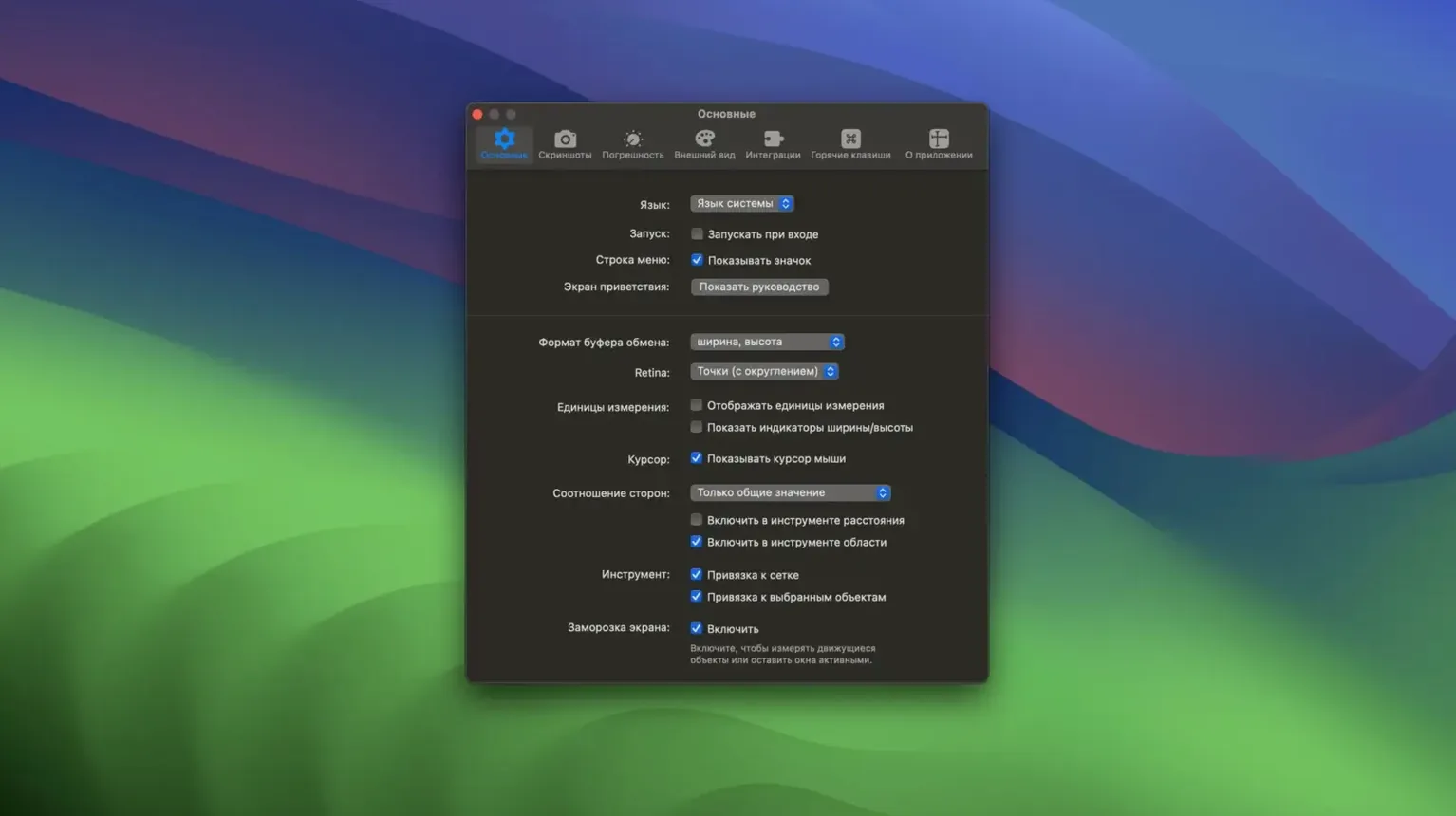
The defaults in Pixelsnap 2.6.4 are thoughtful, but a few adjustments make the tool feel immediately more personal. Opening preferences reveals a set of toggles that shape how the cursor reads the screen. The first one I recommend switching on is tolerance mode for shadows and low-contrast elements — it is off by default, and leaving it off means the app will occasionally snap to a ghost edge cast by a drop shadow rather than the solid boundary you actually want. With tolerance raised slightly, those soft edges stop confusing the detection.
Another setting worth visiting is the snap guide sensitivity. In its default state, the horizontal and vertical guides appear when you are near an aligned edge, but tightening that threshold prevents the screen from feeling cluttered when you are checking a dense layout. If you frequently switch between dark and light design mockups, the crosshair and guide colour picker is tucked a little deeper in the preferences — swapping the default red for a muted cyan or amber can make guides readable against both backgrounds without constant adjustment.
And if you reach for Pixelsnap mostly inside Sketch or Adobe XD, the integrated behaviour is already active, but confirming that the app is permitted in System Preferences → Security & Privacy → Accessibility and Screen Recording avoids the half-second delay that sometimes appears when the tool requests permission mid-measurement.
Front-end developers matching staging builds to design files
Not every Mac user needs a dedicated screen measurement tool, but for a few kinds of work, Pixelsnap changes the pace of a task almost immediately. Front-end developers reviewing a staging build against a design file get the most direct benefit — the ability to drag across a browser window and confirm that a card's padding matches the spec, without exporting an annotated screenshot, removes a persistent low-level friction. The object bounds detection is accurate enough that measuring a button's hit area or the gap between two form fields becomes a single gesture.
Designers who work across multiple tools also find the cross-app measurement quietly indispensable. A composition might begin in Figma, move to a local build in a browser, and land in a Keynote deck for a stakeholder review; Pixelsnap sits outside all of those windows and reads them identically. The real-size measurement regardless of zoom level is especially useful here — zooming in to inspect a detail does not distort the numbers, which is something built-in ruler overlays inside design apps occasionally get wrong.
Even QA testers and technical writers who document interfaces benefit. A tolerance-mode reading of a low-contrast separator line, or a quick bounds check on a modal that looks slightly misaligned, turns a vague hunch into a precise number. It is a small app, but it finds its way into workflows where precision is felt before it is spoken.
Passing measured coordinates straight into CleanShot
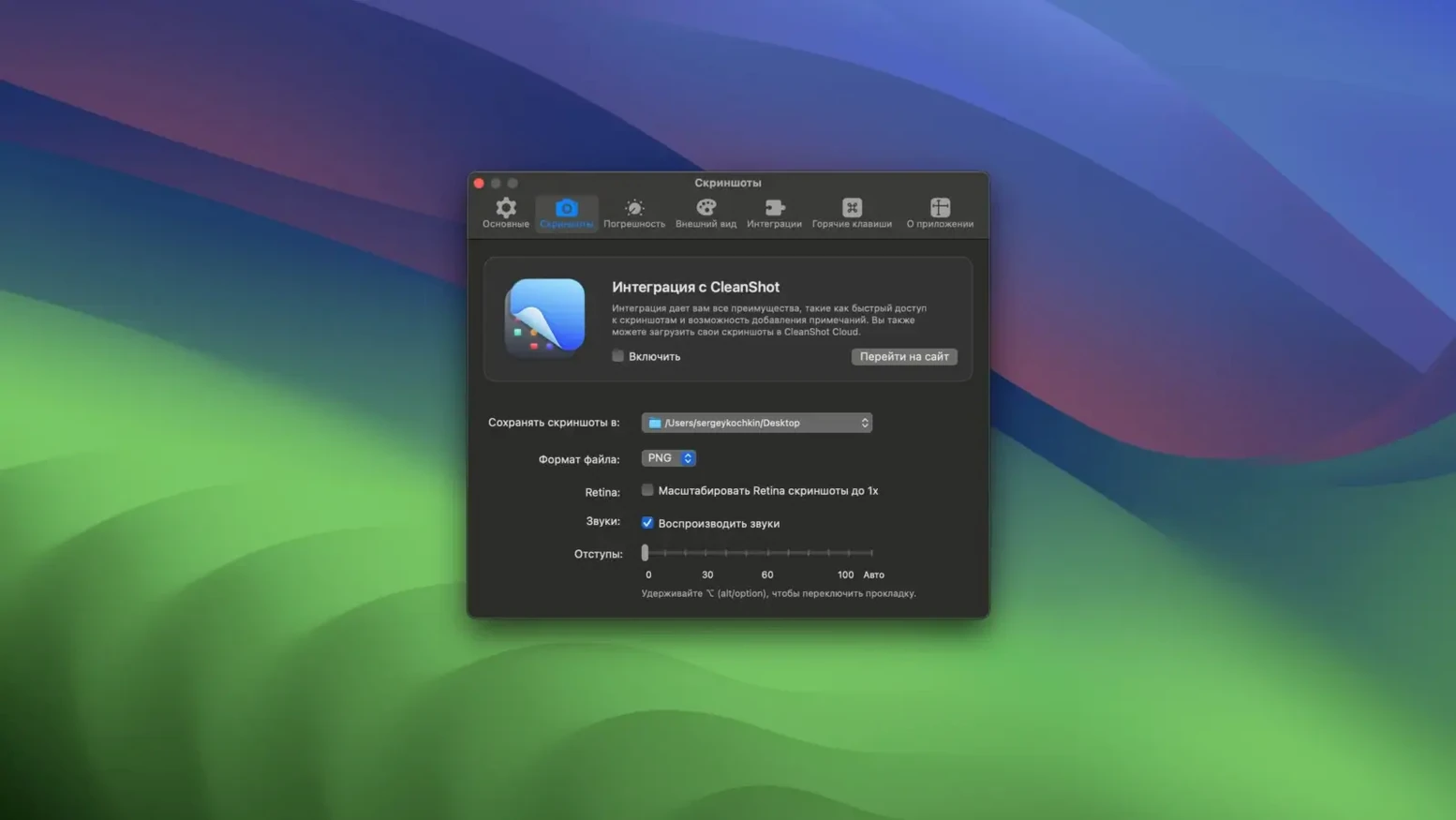
Pixelsnap does not try to replace a screenshot utility or a design tool — it slots between them. The integration with CleanShot is the clearest example: you can measure a region, then hand the coordinates directly to CleanShot for a capture at exactly those dimensions. For documentation or bug reports, that pairing means a single screen area yields both the measurement and the image that proves it.
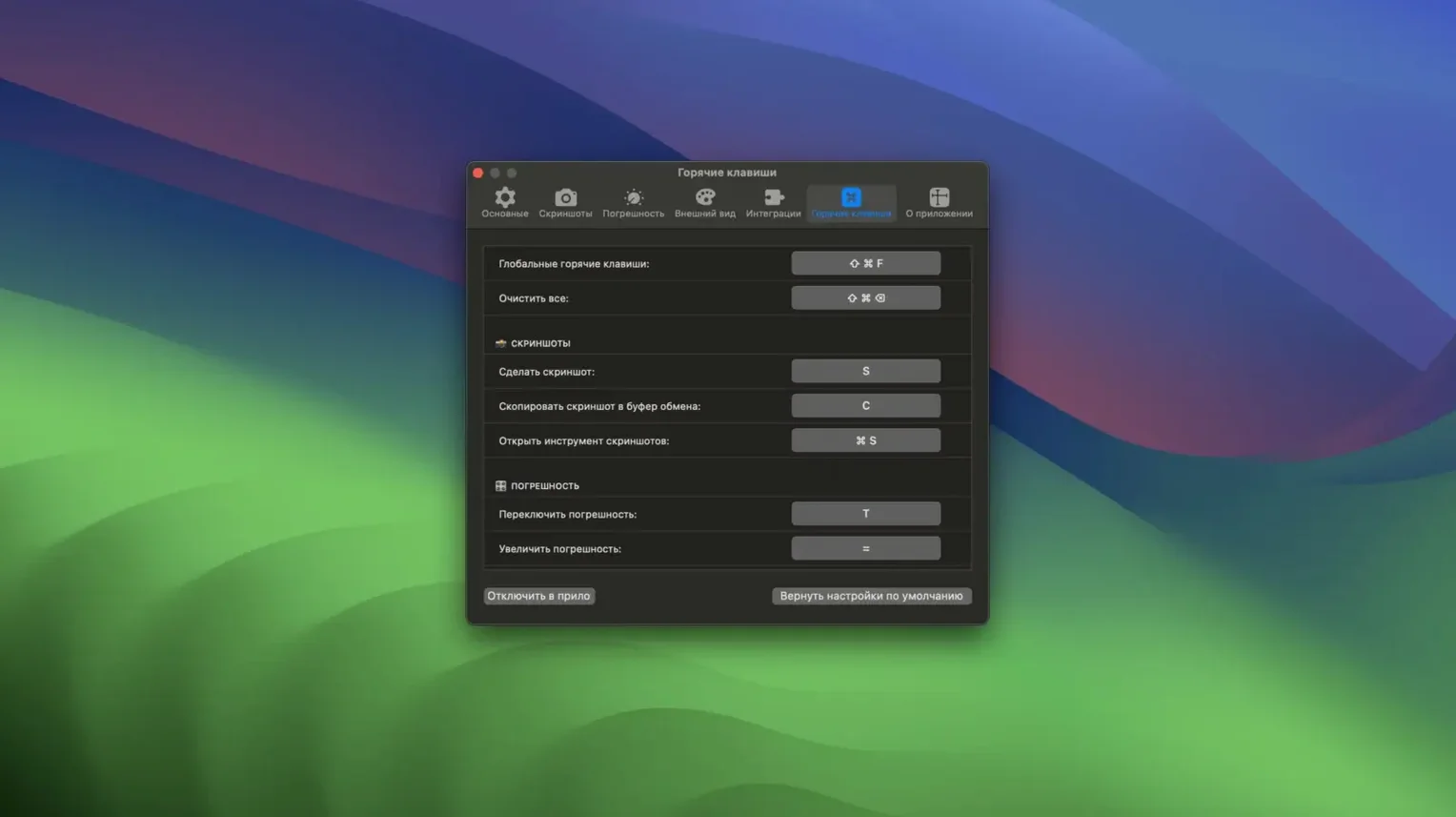
On macOS itself, the app cooperates well with Mission Control and Spaces. Measurements hold across full-screen app transitions, so you can measure a reference image on one desktop and carry the reading to a code editor on another without the tool resetting. The global keyboard shortcut for activating the crosshair mode — customisable in the app preferences — also plays nicely with system-wide shortcuts, though I recommend avoiding a chord that conflicts with Spotlight or your screenshot tool.
For designers using Sketch or Adobe XD, the full integration means Pixelsnap reads the canvas dimensions as they are, not as they appear on the scaled display. A 16-pixel margin stays 16 pixels even when you are zoomed out to see the full artboard. That alone keeps the app relevant even as design tools add their own measurement features, because a tool that understands the zoom level of another app has an advantage that a built-in ruler rarely matches. Users who grab a Pixelsnap crack Mac build can enable this integration by ensuring the helper plugin is installed and granted accessibility permissions — once that communication layer is active, cross-app measurement snaps into place beautifully.
- macOS 10.13 or later
- Runs on Intel and Apple Silicon Macs
Questions from the booth
The app runs in Russian, English, Spanish, Italian, Simplified Chinese, French, and Japanese.
Yes — it reports real pixel sizes regardless of the displayed zoom level.
Yes. Dragging between two objects shows the distance between their detected bounds, which helps with layout spacing checks.