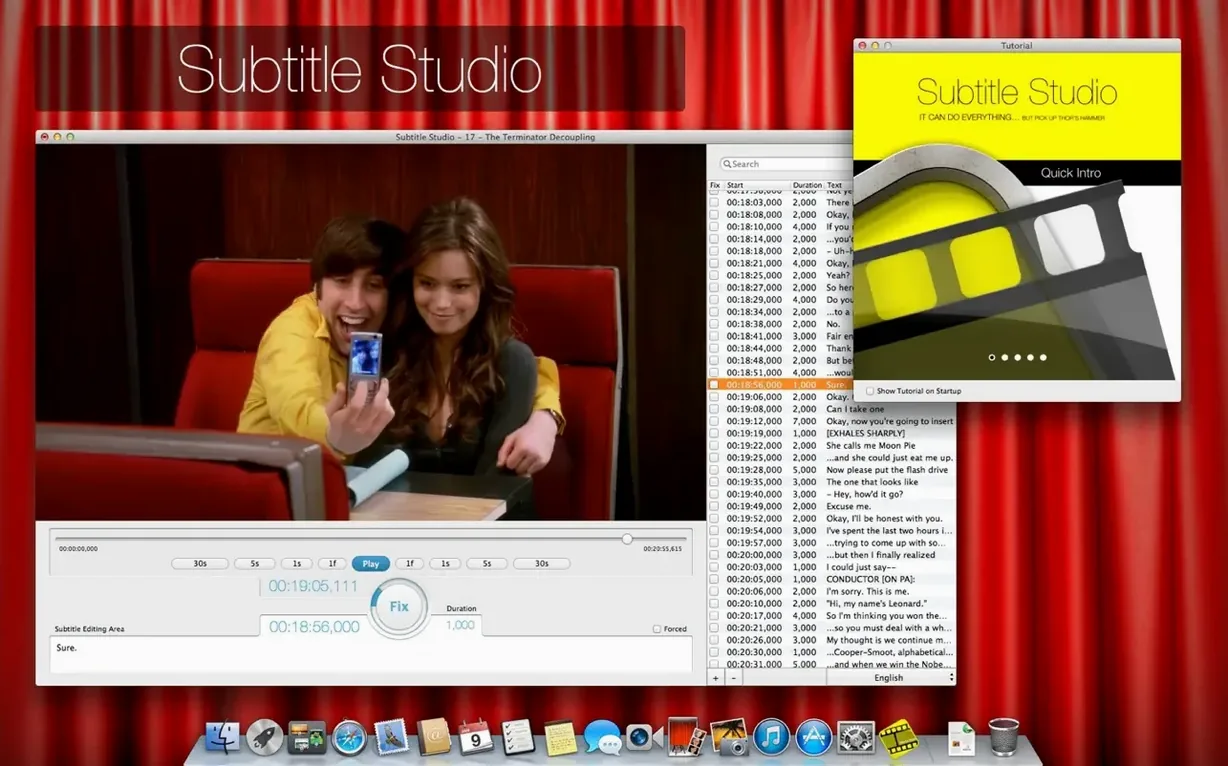
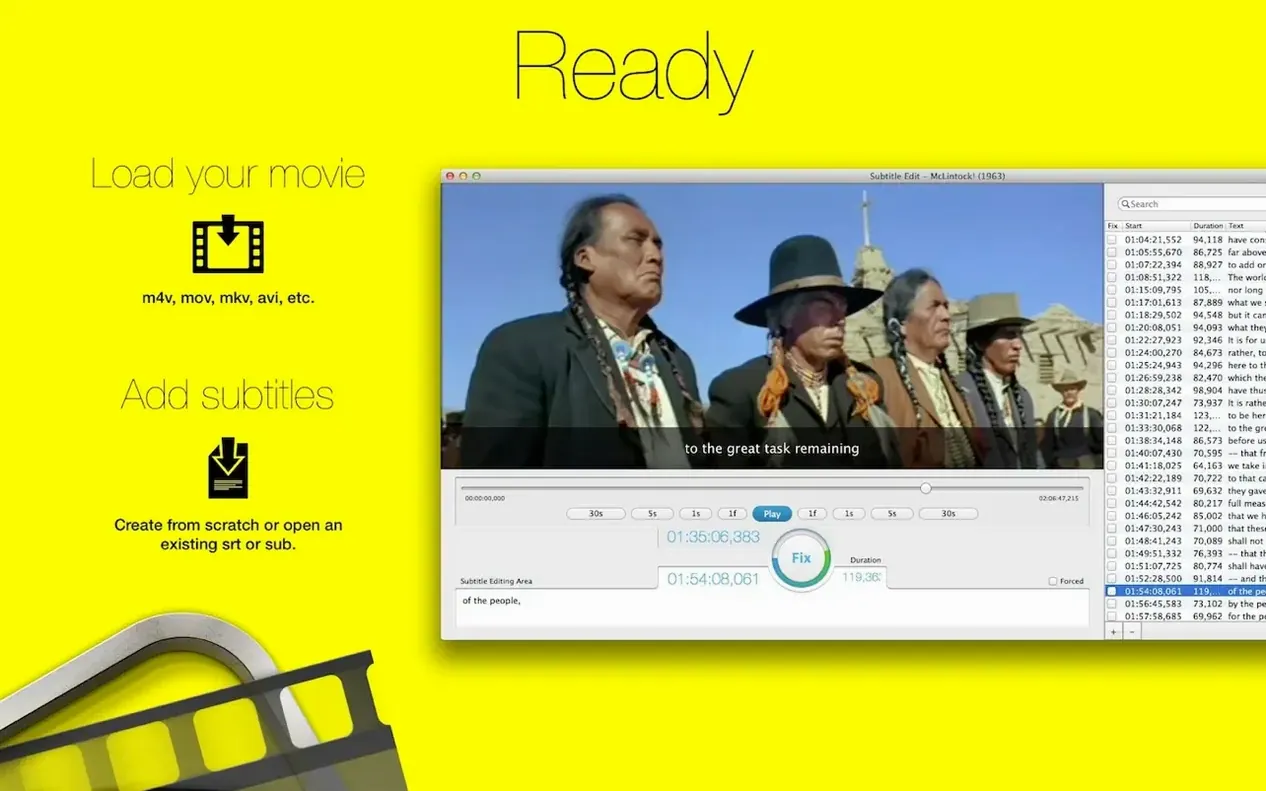
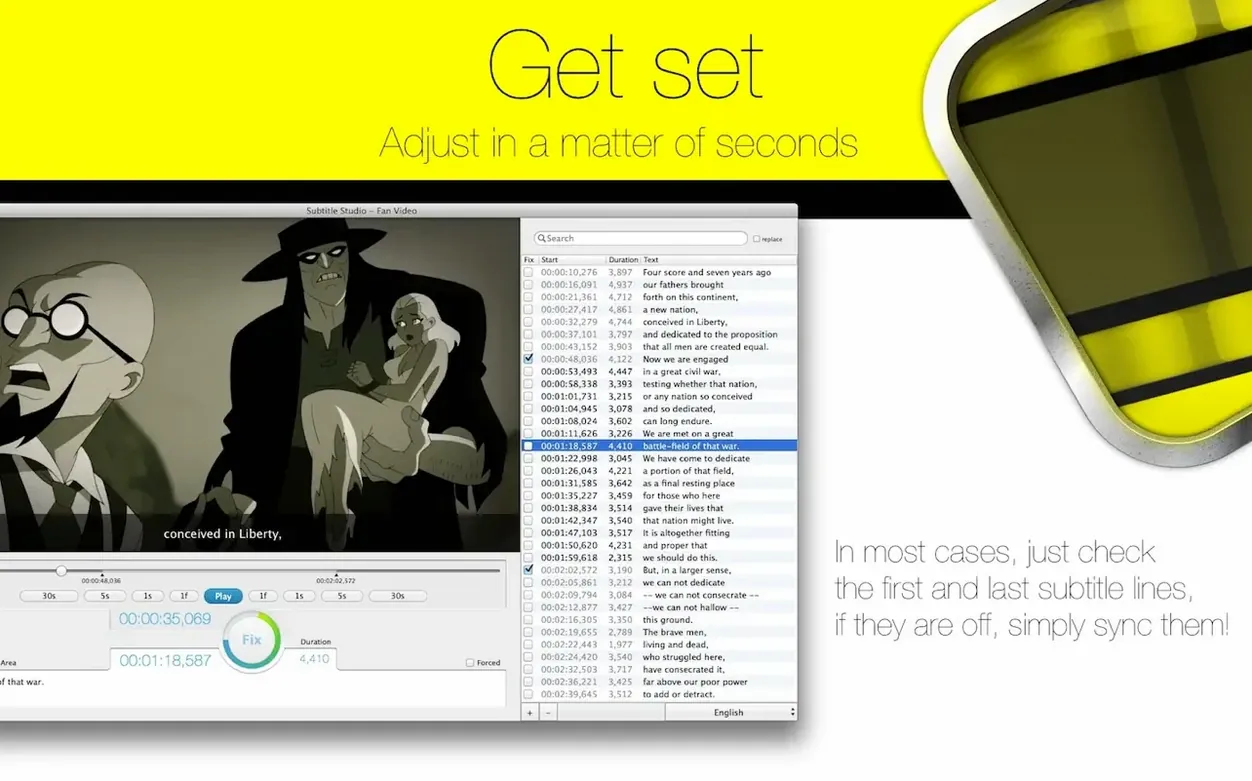
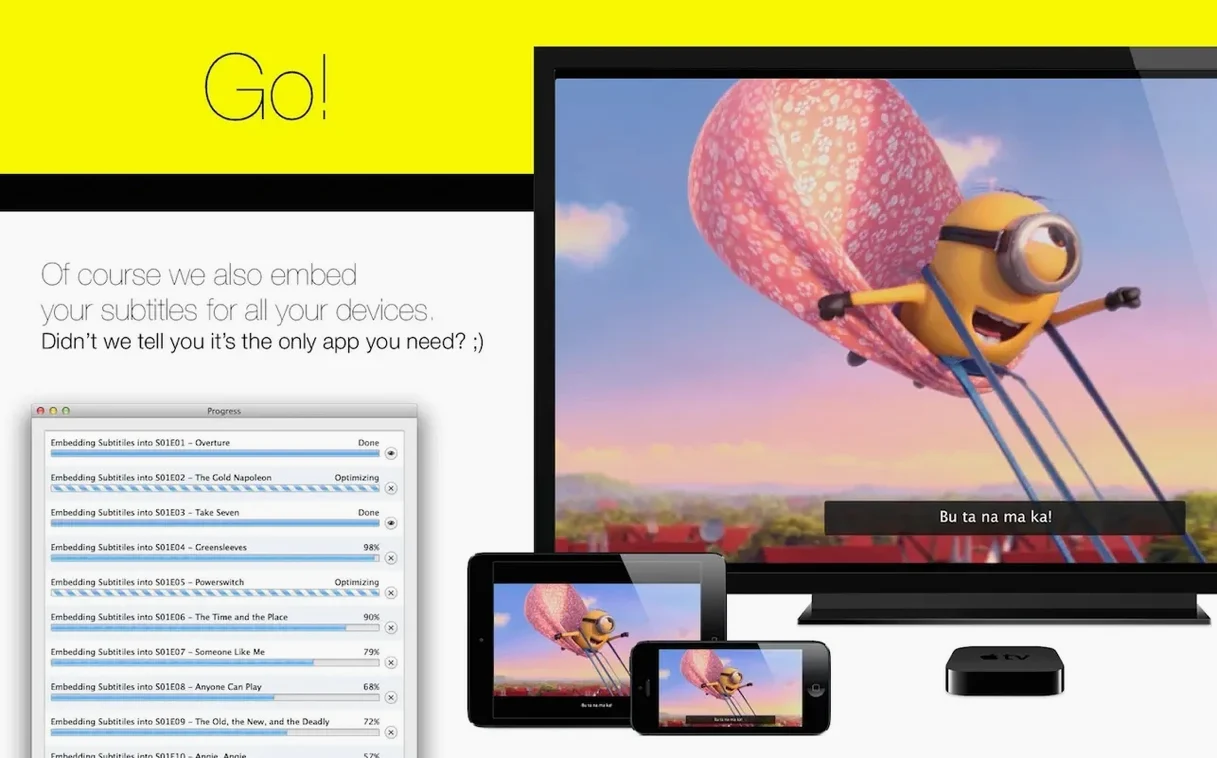
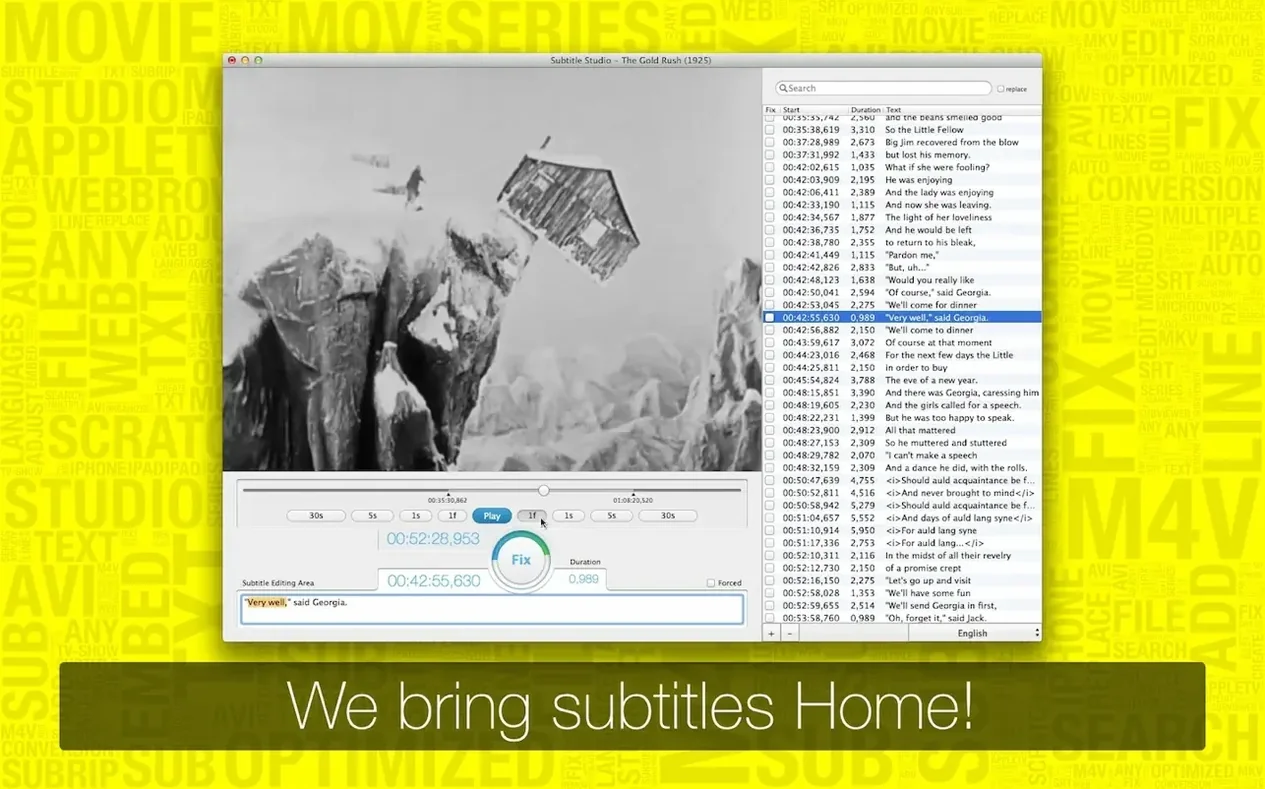
Subtitle Studio is a Mac app for creating, editing, and burning subtitles directly into a film file.
Where filmmakers embed subtitles directly into exports
- Filmmakers who need to embed subtitles into a final export without round-tripping through a full NLE
- Organizing .srt, .sub, and .txt subtitle files into a clean workspace
- Projects where the interface language matters — the app speaks English, German, Italian, and French
SRT-only export and Intel-only under Rosetta
- Export is to SRT only; if your workflow demands VTT or ASS, you will need a conversion step
- Intel-only on macOS 10.13 and later — Apple Silicon Macs run it through Rosetta
When things don't line up right away
A subtitle file that looks perfect in a text editor can fall apart the moment it touches a video — timing drifts, characters turn into gibberish, or the file simply refuses to import. Subtitle Studio's format support covers SubRip, SubViewer, and MicroDVD, but encoding mismatches still catch people out. UTF-8 is the safe bet. If French or Italian accents render as boxes, open the .srt in TextEdit, duplicate it, and save with UTF-8 encoding explicitly selected before bringing it into the app.
Sync issues after embedding are usually a frame-rate misunderstanding. A subtitle timed for a 23.976 fps edit will gradually slide out of position when burnt into a 25 fps export. The adjustment tools inside the app let you shift an entire track forward or back, but the real fix happens earlier — confirm the video's actual frame rate in QuickTime Player's movie inspector, then set the subtitle timing to match before you embed. Tap2Sync helps for quick nudges, though it rewards a light touch.
On Apple Silicon Macs running under Rosetta, the app sometimes hesitates during the M4V encoding pass — a spinning beachball that lasts longer than expected. This is not a crash. The x86 binary is grinding through a single-threaded encode, and large source files make it more noticeable. Splitting a feature-length film into reels before embedding avoids the longest waits and makes subtitle revisions less punishing.
Indie filmmakers delivering their own festival screeners
Indie filmmakers doing their own deliverables get the most immediate return. You have already cut picture, you have a timed .srt from a transcription service, and you need a watchable file for a festival screener or a producer's iPad. Subtitle Studio strips away the timeline complexity of a full editor and gives you a direct path from subtitle file to burnt-in video. The M4V output is tuned for Apple devices, so the file just works in the TV app and on iPhones without additional hand-holding.
Translators handling multiple language versions of the same film also settle in quickly. The app treats each language as its own track and keeps them organised side by side — German, Italian, French, English, all visible without hunting through folders. Someone localising a short documentary into three languages can load the original .srt as a reference, work through each translation, and embed all versions as soft or hard subtitles depending on the delivery format. The internal search that reads .zip files saves a step when source material arrives bundled from a client.
Post-production assistants who inherit messy subtitle folders and need to standardise everything before a colour session benefit too. The import covers .srt, .sub, and .txt, so cleaning up a drive full of mismatched formats into a single organised project is an afternoon task rather than a weekend one.
Test with thirty seconds of dialogue you know cold
Start with a short test file — thirty seconds of dialogue, a known-good .srt, and a video clip you have watched enough to spot tiny timing errors. Embed the subtitles, play the result on the target device, and note whether the sync feels snappy or sluggish. That one test tells you more about your particular setup than any documentation.
Let the app manage the file organisation from day one. Drag your working .srt files into its library rather than leaving them scattered across the desktop. The habit pays off the first time you need to revisit a subtitle track six months later and cannot remember which folder you stashed it in.
Keep a plain text backup of any subtitle you have adjusted inside the app, saved as UTF-8 .srt outside the project. The export is SRT anyway, so the format matches. This gives you a clean fallback that any subtitle tool can open, even if you move between machines or share files with someone running Subtitle Studio for Mac cracked on a different setup.
- macOS 10.13 or later
- Intel processor (Apple Silicon via Rosetta)
Questions from the booth
It reads .srt, .sub, .txt, and .zip files through its internal web search, and saves work as SRT.