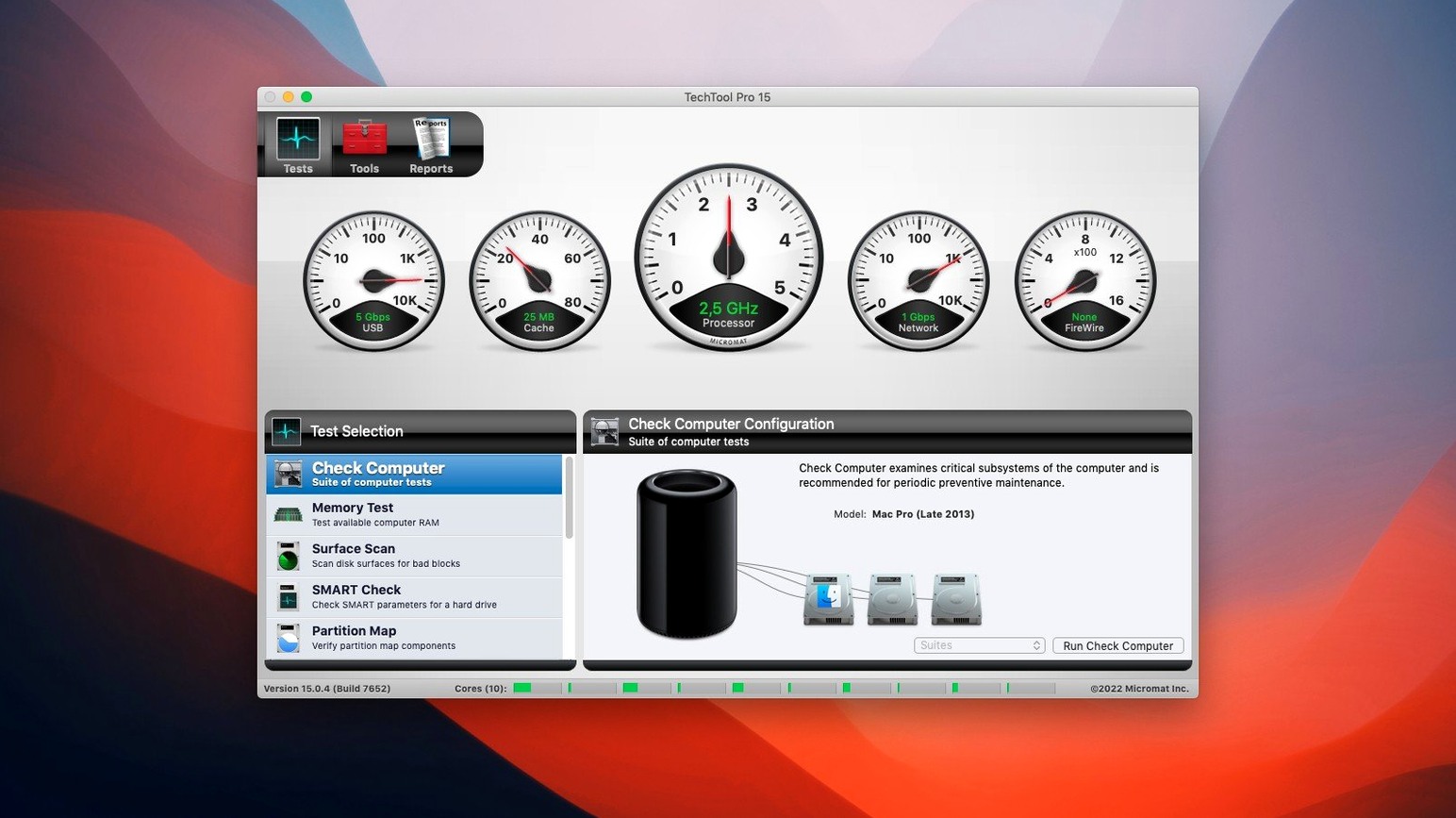
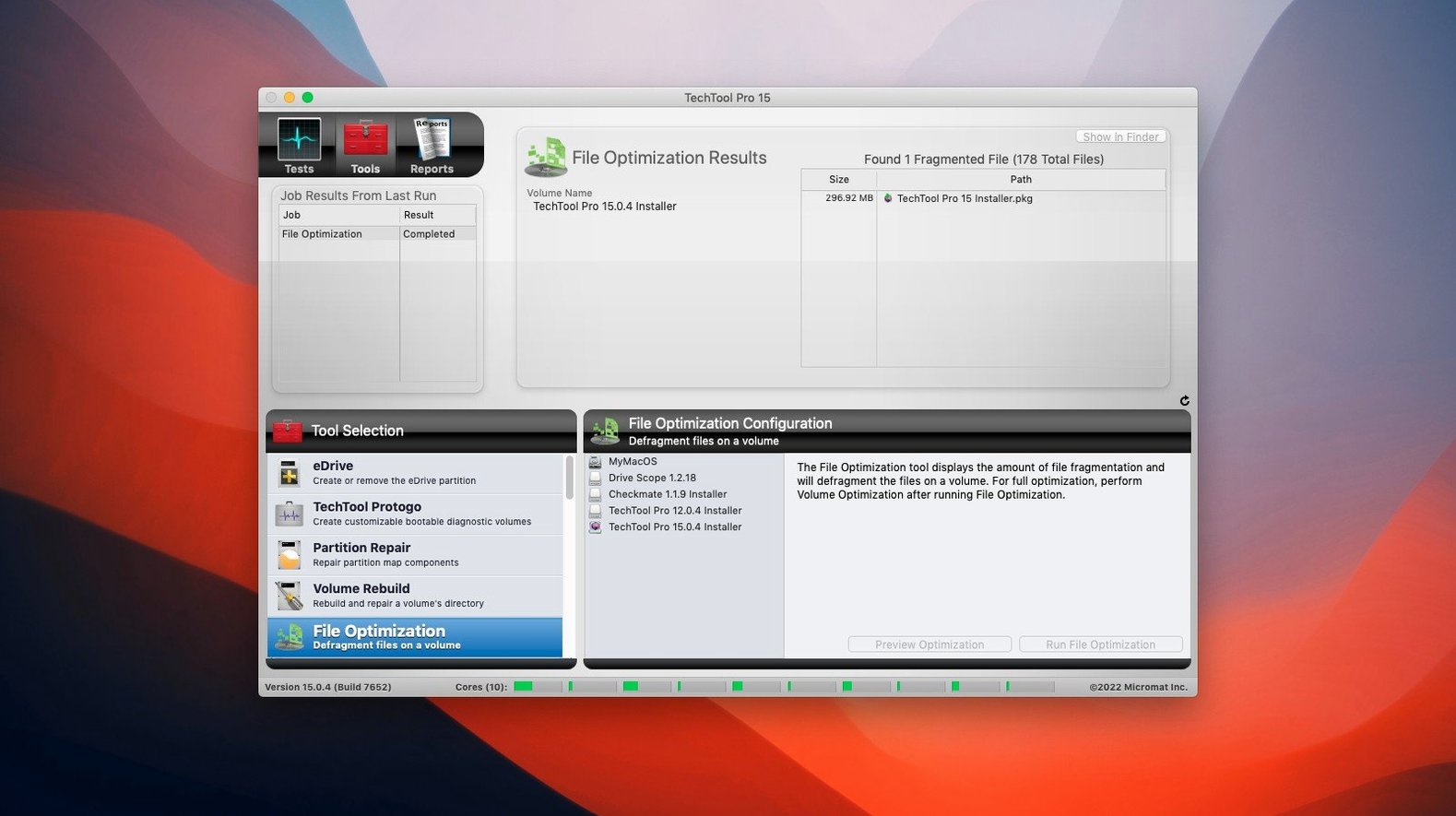
If you've ever stared at Disk Utility's First Aid and wished it could tell you a little more, Techtool Pro is the diagnostic layer that lives alongside it. Where Apple's built-in tools handle volume structure and permissions, Techtool Pro watches your drives over time — running SMART tests that flag subtle state changes before Finder notices anything is wrong. It's the difference between checking a drive and knowing it's about to fail.
What kind of monitoring does it run in the background?
Techtool Protection settings let you configure automatic background functions that watch for abnormal system behaviour. When something drifts outside expected parameters, the app surfaces a warning rather than waiting for a beachball or kernel panic to clue you in.
Can it really create a bootable rescue system without a DVD?
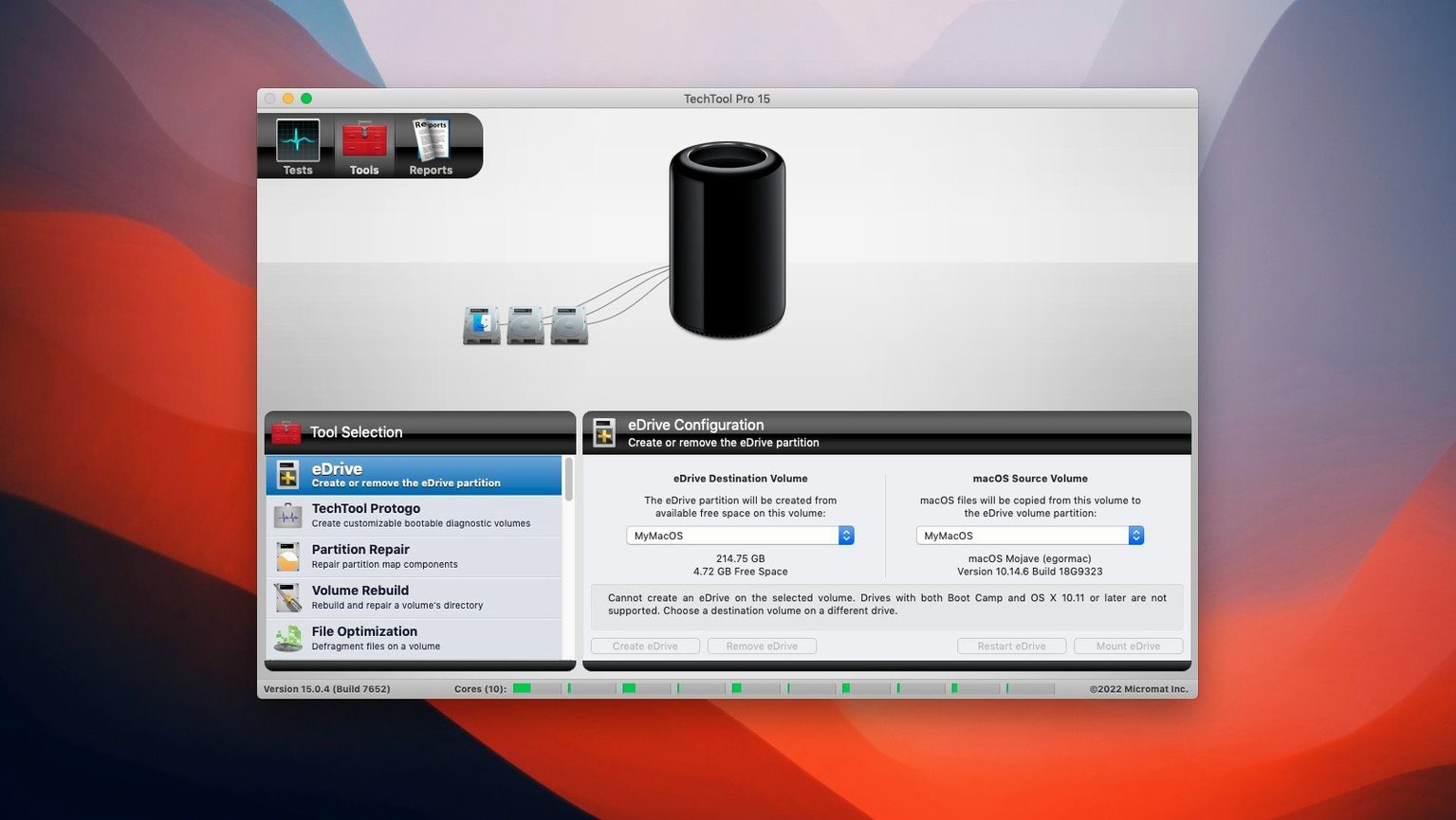
Yes — Protogo is baked in, letting you build a bootable diagnostic volume on a spare USB drive. You can also carve out an emergency boot partition directly on your active system volume, which is far more practical than hunting down a DVD in the middle of a troubleshooting session.
How does volume cloning fit into a workflow?
The cloning tool can duplicate a full volume for backup or migration. A recent fix in version 20.1.7 corrected a File Sync verification failure, so clones now complete without the process tripping over its own checksum step.
A handful of conveniences sit just beneath the surface, and they reward the kind of quiet tinkering that a lazy Sunday afternoon invites. The battery-check module, for instance, pulls cycle count and health data from System Information but presents it in a single panel you can leave open during a calibration run. Holding Option while launching the Memory Test skips the long pre-check and jumps straight to the loop count dialog — useful when you suspect a stick has gone bad and you want to run ten passes without babysitting. If you build Protogo drives regularly, you already know the interface remembers your last source volume, but what’s easy to miss is that it also preserves your custom exclusion list between sessions. That means the folders you always skip during a clone — say, a sprawling Steam library or old Final Cut Pro render files — stay deselected next time without a second thought.
Its background daemon watches your drive, not your files
One of the first things people ask is whether Techtool Pro will fight with Time Machine or iCloud Drive in the background. It won’t. The Protection daemon sits at a lower level and watches I/O and SMART attributes rather than file-system events tied to user-space syncing. Another frequent question is whether the Volume Rebuild tool can repair an SSD the same way it handles a spinning drive. It can, but the approach differs: Techtool Pro targets the logical volume structure, not the NAND cells themselves, so you are fixing partition maps and directory inconsistencies rather than remapping physical blocks. That distinction matters if you are coming from older spinning-disk habits and expect a surface scan.
People also wonder whether running the full suite on a live system volume is safe. The short answer is that every test except the Volume Rebuild can run on your boot drive without risk. Rebuilds require unmounting, which is exactly where that emergency boot partition you created earlier earns its keep. Finally, there is the inevitable question about older Macs — machines stuck on macOS 10.13 High Sierra that have been chugging along for years. The current build still runs on those systems, and the SMART monitoring alone often catches a failing drive that Disk Utility overlooks because the drive hasn’t crossed Apple’s threshold for a warning.
File Sync clones can stall at verification on older builds
The most common hiccup involves the File Sync clone stalling at the verification stage. That was addressed in build 9559, so if you are running an earlier version — say, if you found a techtool pro torrent that bundles an older release — the fix is straightforward: update to 20.1.7. Another occasional headache is the Protection daemon showing a blank window on launch. This almost always traces back to Full Disk Access permissions in System Preferences; adding Techtool Pro manually to that list, even if it appears already checked, resolves it. The app needs that right to read SMART data from external drives, and macOS can be stubborn about surfacing the prompt on its own.
Some users hunting for a techtool pro download run into a quirk where the Protogo builder refuses to see a freshly formatted USB stick. The culprit is usually the partition scheme — Protogo expects a GUID Partition Table, not Master Boot Record, and Disk Utility defaults to the wrong one on older macOS installs. A quick reformat with the correct scheme and a macOS Extended (Journaled) filesystem gets it recognised. If the Memory Test throws an error before it completes a single pass, reseating your RAM is the obvious first move, but also check whether FileVault is mid-encryption. Techtool Pro reads physical memory addresses, and a background encryption process can produce false positives that vanish once the drive finishes encrypting.
If you are working with a techtool pro 21 torrent or an early version 20 build, you might also encounter a scenario where the Volume Cloning tool refuses to clone a drive that has APFS snapshots present. The workaround is to delete local snapshots via tmutil listlocalsnapshots / and tmutil deletelocalsnapshots / in Terminal before starting the clone. It is not a bug so much as a side effect of how APFS thin provisioning interacts with block-level duplication, but it trips up enough people that it is worth mentioning.
- macOS 10.13 High Sierra or later
- Intel and Apple Silicon Macs