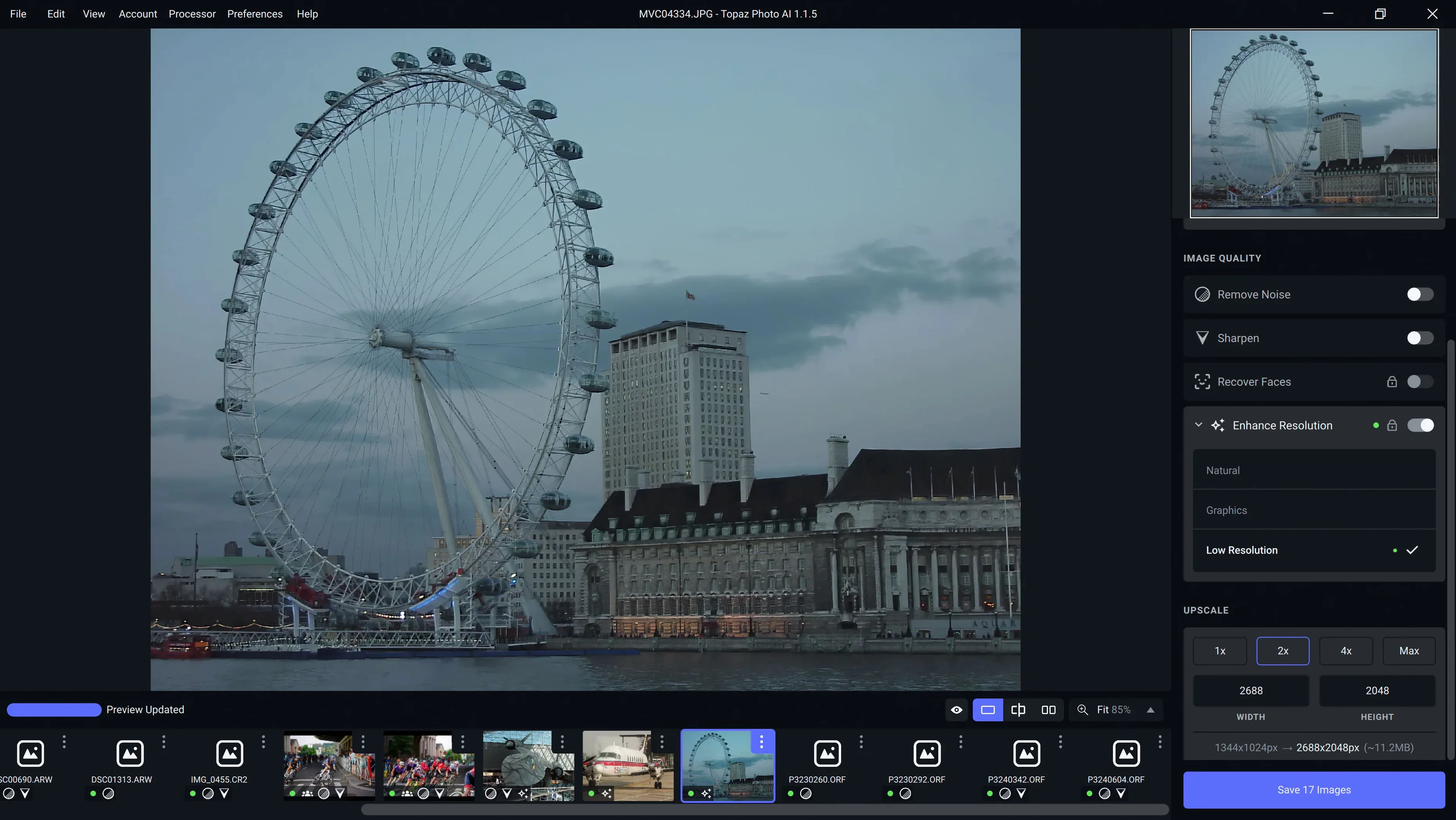
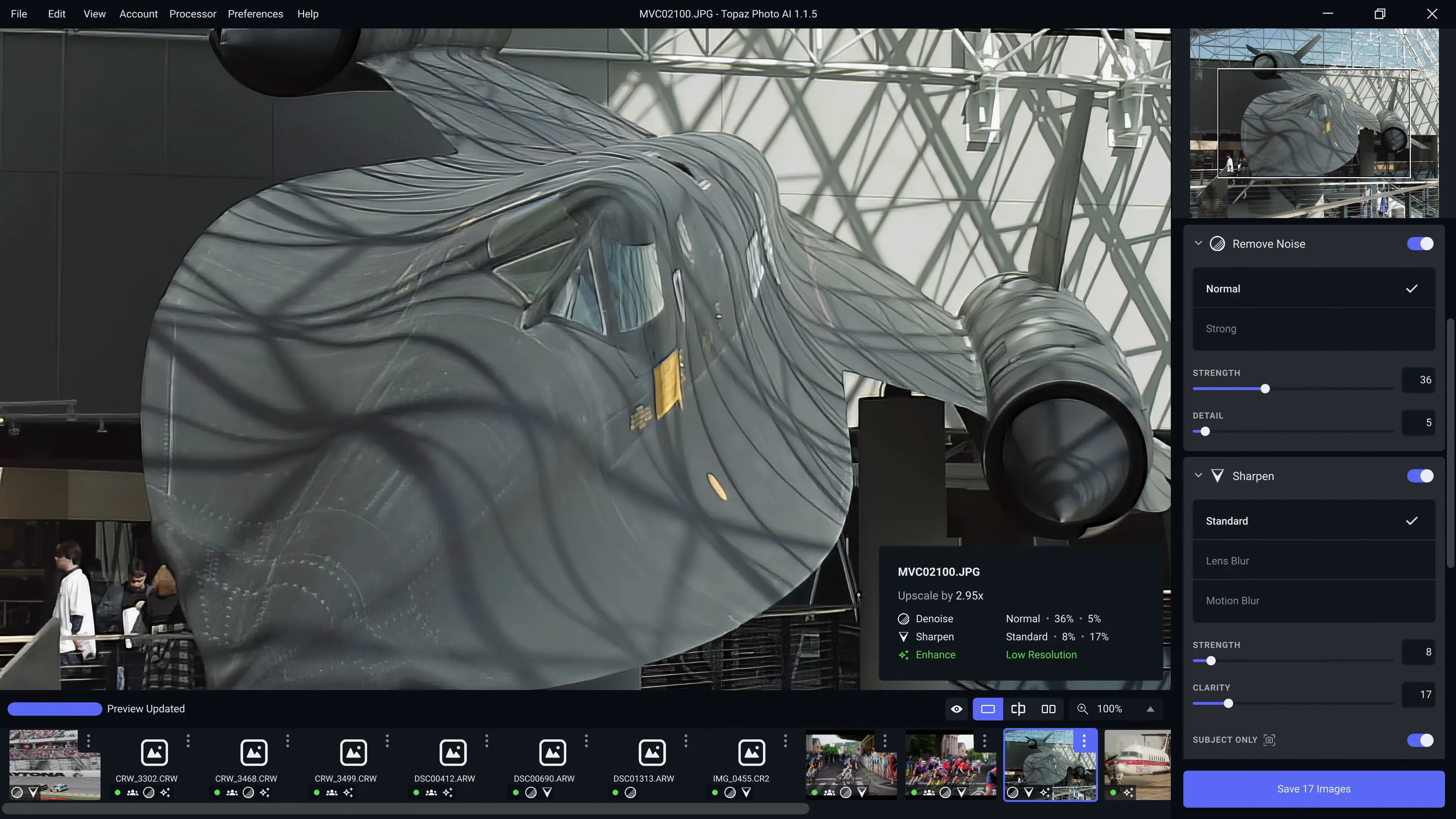
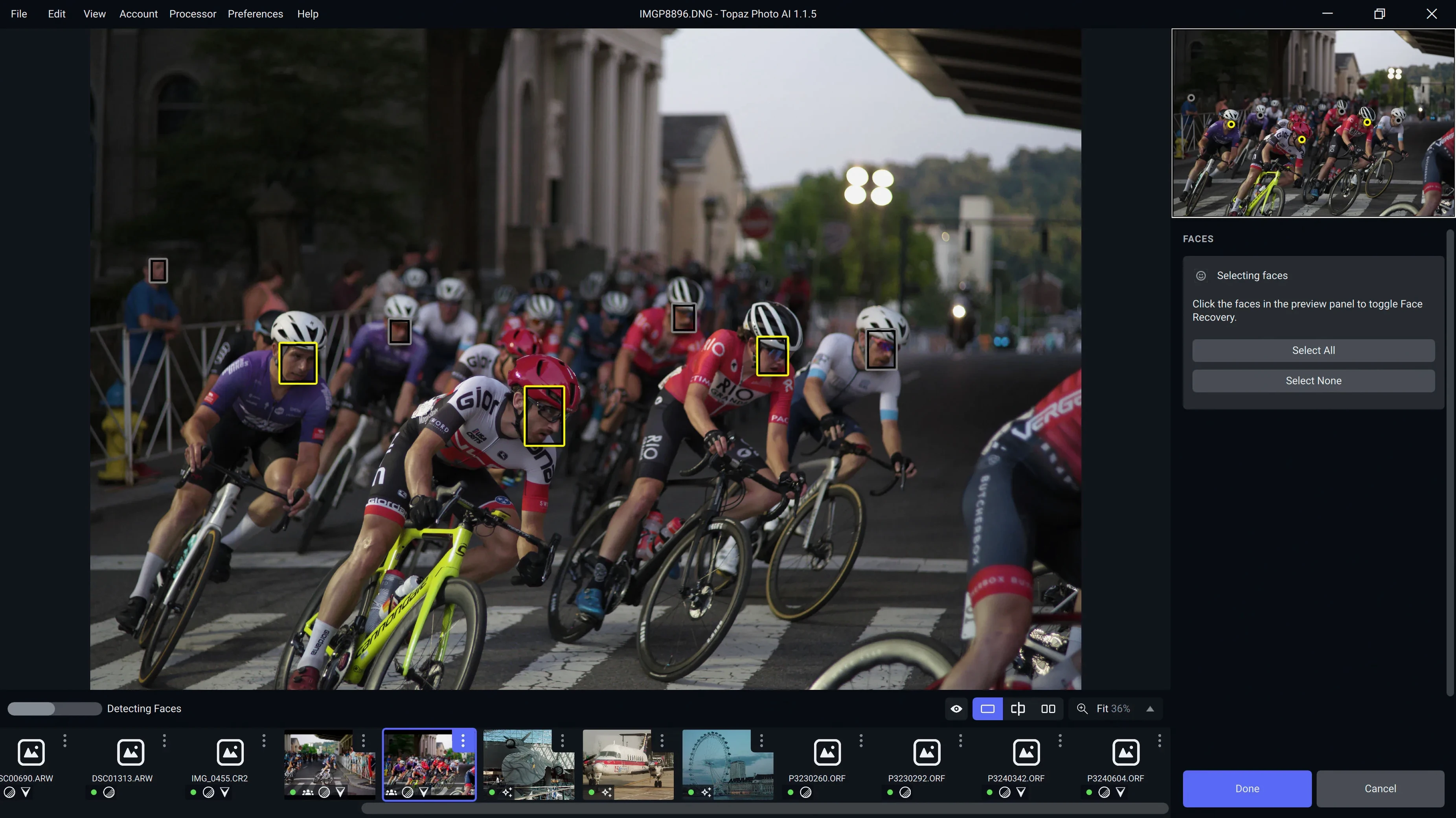
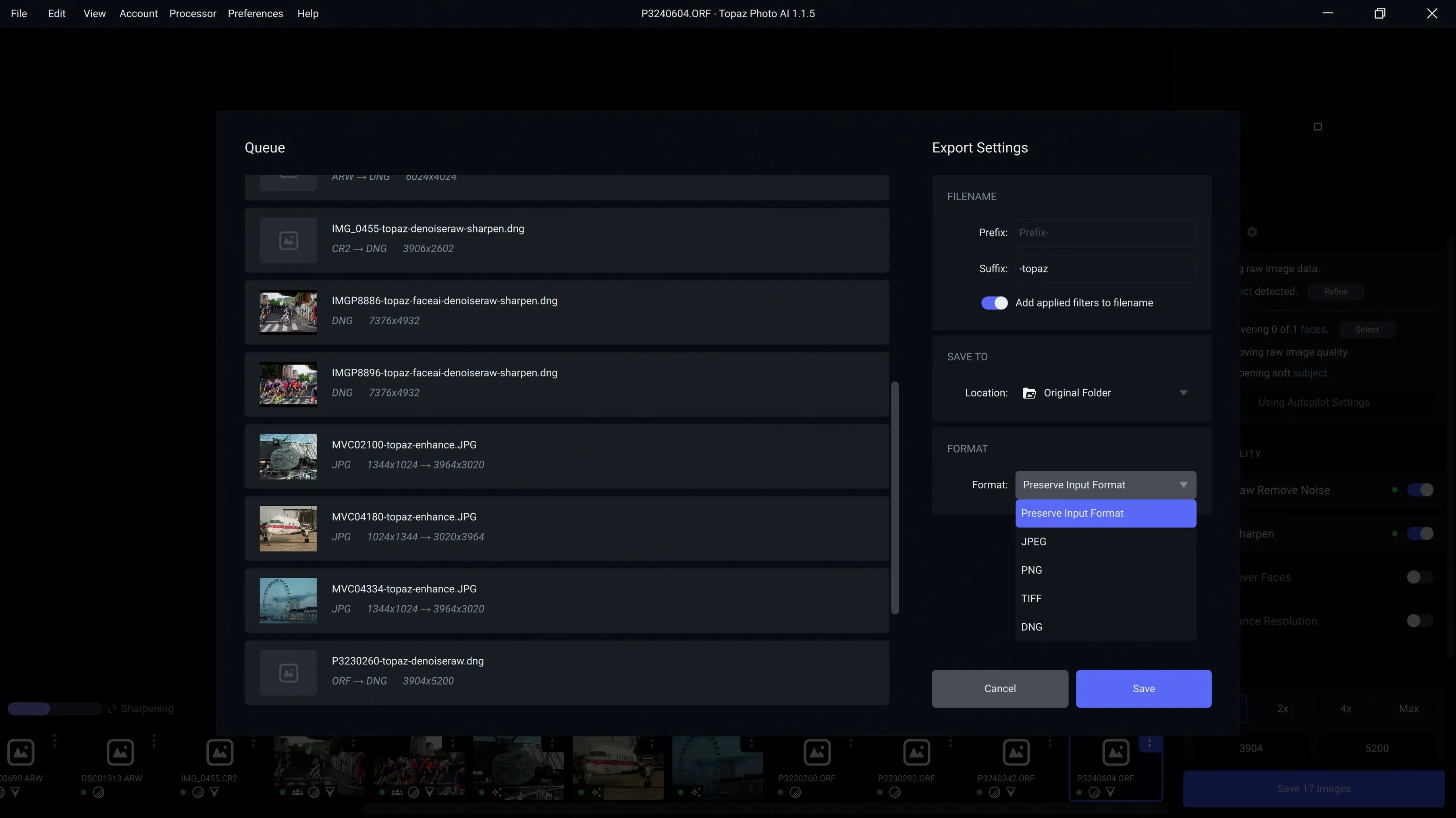
Topaz Photo is a desktop image-enhancement app that rebuilds detail, clears sensor noise, and increases resolution with a collection of AI models tuned for different photographic flaws.
Recovering focus from camera shake and motion blur
The sharpening module isolates the specific character of softness in a shot—whether it came from a slow shutter, a moving subject, or a lens that missed critical focus—and reconstructs edge definition without the halos that aggressive unsharp masking leaves behind.
Upscaling without the plastic-smooth look
When you need more pixels for a large print or a tight crop, the resolution tools generate believable texture rather than just interpolating. The output-size restriction tied to the Neuroserver has been removed in 1.7.0, so you can push dimensions further while the app pulls from native faces-and-textures training data.
Working with raw sensor noise, not just luminance grain
The denoising pipeline treats colour noise and high-ISO grain as separate problems, preserving the micro-contrast that makes skin and fabric read as real. New camera profiles for the Sony A7RV, A7RVI, and Alpha 9 III arrived in this release, giving the noise model a more precise starting point for those sensors.
The first couple of days
Right after installing, feed it a handful of your most stubborn raw files—the ones you’ve already tried to rescue in Lightroom and gave up on. Watch how the auto-pilot suggestions behave on different ISO ranges before you start overriding anything. The app learns nothing about your preferences over time, so those first passes are about you learning where its confidence lives: high-ISO denoising and moderate upscaling tend to need the least manual correction. Low-ISO sharpening sometimes overshoots on fine foliage, so toggle the preview between the original and the processed view obsessively for the first dozen images until your eye calibrates.
Another early habit worth forming: when you’re working on a batch from one camera body, export a single frame as a 16-bit TIFF and inspect it at 100% in your regular editor before committing to the rest. The preview window inside Topaz Photo is honest, but the way noise reduction interacts with your downstream editing—sharpening overlays, texture brushes, print resampling—only reveals itself outside the app. That one check saves you from processing a whole wedding gallery only to find the skin smoothing reads as wax under your usual export settings.
What actually shifted in version 1.7.0
The Wonder 3.5 model replaced the previous iteration and the difference shows most on faces. Earlier versions could flatten cheek texture when the denoising slider crept past the halfway mark; 3.5 holds onto pore-level detail further into the slider’s range, which makes a practical difference if you regularly shoot at ISO 6400 and above. The Neuroserver output-size restriction being gone means you’re no longer capped when the model routes heavy upscales through the cloud—previously you’d hit a ceiling that forced a local fallback with softer results. Now you can stay on the Neuroserver path for large prints and get consistent texture synthesis across the whole frame.
The new Sony profiles for the A7RV, A7RVI, and Alpha 9 III don’t just add model names to a dropdown. They give the denoising engine a sensor-specific noise fingerprint, so the app isn’t guessing from a generic full-frame profile. If you shoot any of those bodies, you’ll notice cleaner shadow recovery in the first stop above black—the colour speckling that used to linger at +100 shadow pulls is largely gone.
When a raw file won't open but other apps read it fine
One recurring hitch is the app refusing to open a raw file that other software handles without complaint. This usually traces back to a camera model that’s supported for noise profiling but not yet mapped for raw demosaicing in this build. The workaround is to convert to DNG first using Adobe’s free converter, or export a linear TIFF from your raw processor and let Topaz Photo treat it as a bitmap—you lose some of the noise-model precision, but the sharpening and upscaling still operate at full quality.
Another sore spot: the preview can stall when you stack heavy sharpening with a large upscale on an Apple Silicon machine with 8GB of unified memory. Reducing the preview zoom to 50% before adjusting the sliders almost always unsticks it, because the app is trying to render a full-resolution preview for a destination size that doesn’t yet exist in memory. Once your settings are dialled in, switch back to 100% for a final check.
If you’re working through a folder of mixed raw and JPEG files, occasional colour shifts appear on the JPEGs when the auto white-balance detection misreads tungsten light as daylight. The fix is straightforward: turn off the auto-lighting toggle for those frames and apply a manual colour temperature in your raw processor beforehand. The app’s strength is geometry and noise, not colour science—giving it a neutrally balanced starting file avoids most of the frustration people report in forums.
When someone searches for topaz photo for mac cracked or topaz photo torrent, they’re often trying to see whether the software handles their specific camera’s raw files before committing. The best test is to run those edge-case frames through the trial and check whether the sharpening module leaves artefacts on high-contrast edges or whether the denoiser smears fine hair at the ISO you actually shoot. A topaz photo mac torrent can be a quick way to load those same frames and confirm the engine’s behavior across your full session without any time-limited preview constraints.
Version 1.7.1 ships with the latest round of fixes and improvements from the developer.
- macOS 12 or later
- Apple Silicon or Intel 64-bit processor
Questions from the booth
It requires macOS 12 or later and runs on both Intel and Apple Silicon Macs.
Yes, it targets camera shake, motion blur, and missed focus by analysing the type of softness in the image and rebuilding lost edge detail.
It added the Wonder 3.5 AI model, removed the Neuroserver output-size restriction, and introduced support for the Sony A7RV, A7RVI, and Sony Alpha 9 III cameras alongside several bug fixes.