If you have ever plugged a Windows-formatted USB stick into your Mac, you already know the built-in behaviour: open the drive, see your files, copy something to the desktop — and then watch the paste command do nothing. Apple's NTFS support has been read-only for years. That is where Microsoft NTFS for Mac by Tuxera picks up the conversation. It slides a kernel-level driver into macOS that gives you the same freedom with an NTFS volume that you expect from a Mac-native drive.
The driver runs on macOS 10.9 and later, on both Intel and Apple Silicon machines, so the compatibility net is wide. It covers every version of NTFS and works whether you are plugging in an external disk or sharing files between macOS and Windows running in a virtual machine. Version 2023.1 fixed a small but telling bug: file timestamps on copied items could drift, and that is now corrected.
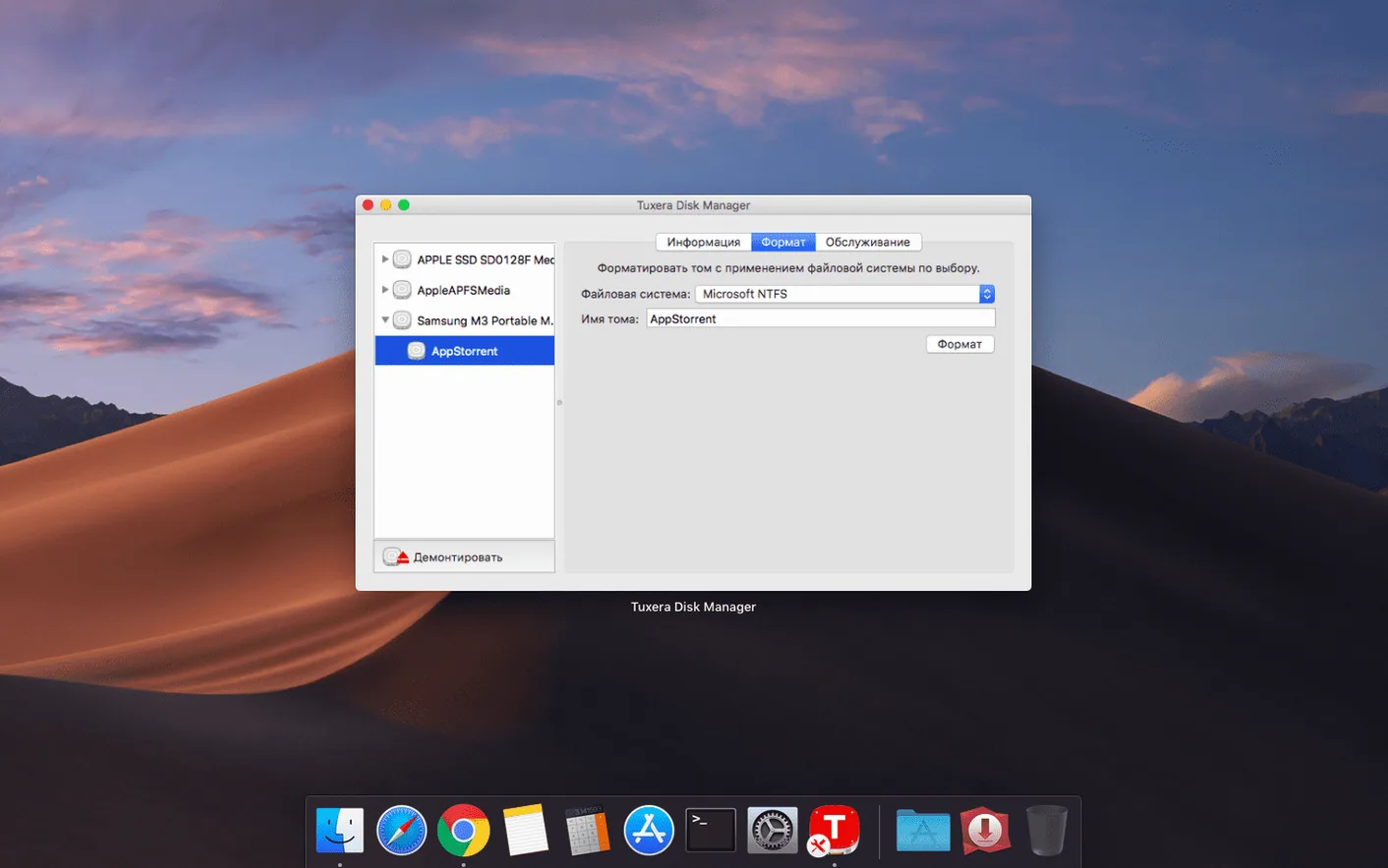
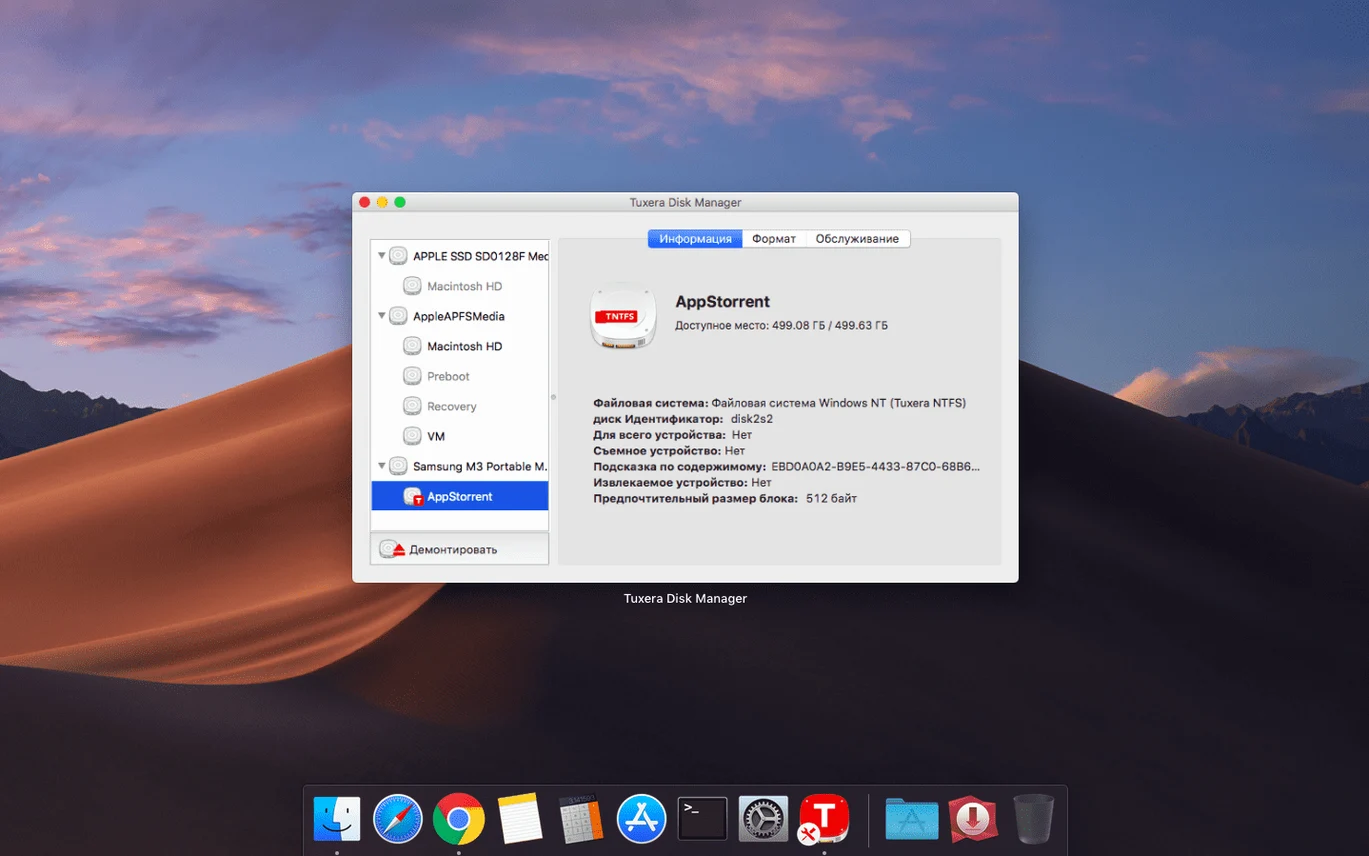
Beyond everyday file access, the software can verify and repair an NTFS volume without you needing to find a Windows PC. That turns a driver into something closer to a caretaker — you notice it most when a drive has been ejected abruptly and you want to know the data is still sound.
Habits from macOS-only workflows that break NTFS access
A freshly formatted NTFS drive plugs in, the icon lands on the desktop, and the assumption is that everything is ready. What trips people up is not the driver itself but the habits they carry over from macOS-only workflows. The most common stumble is pulling the drive without ejecting it. On a Mac-native volume, the system scolds you with a warning. On an NTFS drive running through microsoft ntfs for mac by tuxera, an abrupt unplug can leave the file system in a state that Windows later flags as dirty. The driver includes repair tools, but the smarter move is to treat the eject gesture as non-negotiable. Every time.
Another quiet trap is naming. macOS lets you use characters in file names that Windows finds unacceptable — colons, trailing spaces, certain punctuation marks. You copy a project folder named final_edit: onto an NTFS drive, the operation appears to succeed, and only later, back on a Windows machine, the file refuses to open or copy. The driver does not always warn you during the write. It assumes you know the rules of the destination file system, which is fair but catches newcomers off guard.
People also misunderstand what "NTFS write support" means for permissions. The driver gives you access, but it cannot magically grant ownership of files that Windows has locked down with user-level permissions from another machine. If you plug in a drive that was encrypted or tightly permissioned on a work PC, you may still see folders you cannot enter — not because the driver failed, but because the security descriptors were set on Windows and macOS has no way to authenticate against them.
Forty minutes with a project drive, step by step
Imagine a Tuesday afternoon. You have a 2 TB external SSD that lives mostly with a Windows editing rig, formatted NTFS and carrying the raw footage from a documentary shoot. You plug it into a MacBook Pro running the driver. The drive appears on the desktop within seconds — no prompt, no delay that feels different from a native disk.
You open the drive and navigate to the footage/day_03 folder. The first thing you do is select a dozen clips and drag them to a local working folder on the Mac's internal storage. The copy dialog shows a steady transfer speed, and each file lands with its original modification date intact — the version 2023.1 timestamp fix quietly doing its job in the background.
Now you need to return a colour-graded export to the same drive, into a folder called exports/for_review. You drag the ProRes file across. The write happens without complaint. You right-click the file, choose Get Info, and confirm the size matches. Then you create a new folder on the drive, name it graded_v2, and copy a batch of LUT files and an XML project into it. All ordinary actions, but on a Mac without an NTFS driver, none of them would have been possible beyond reading the original clips.
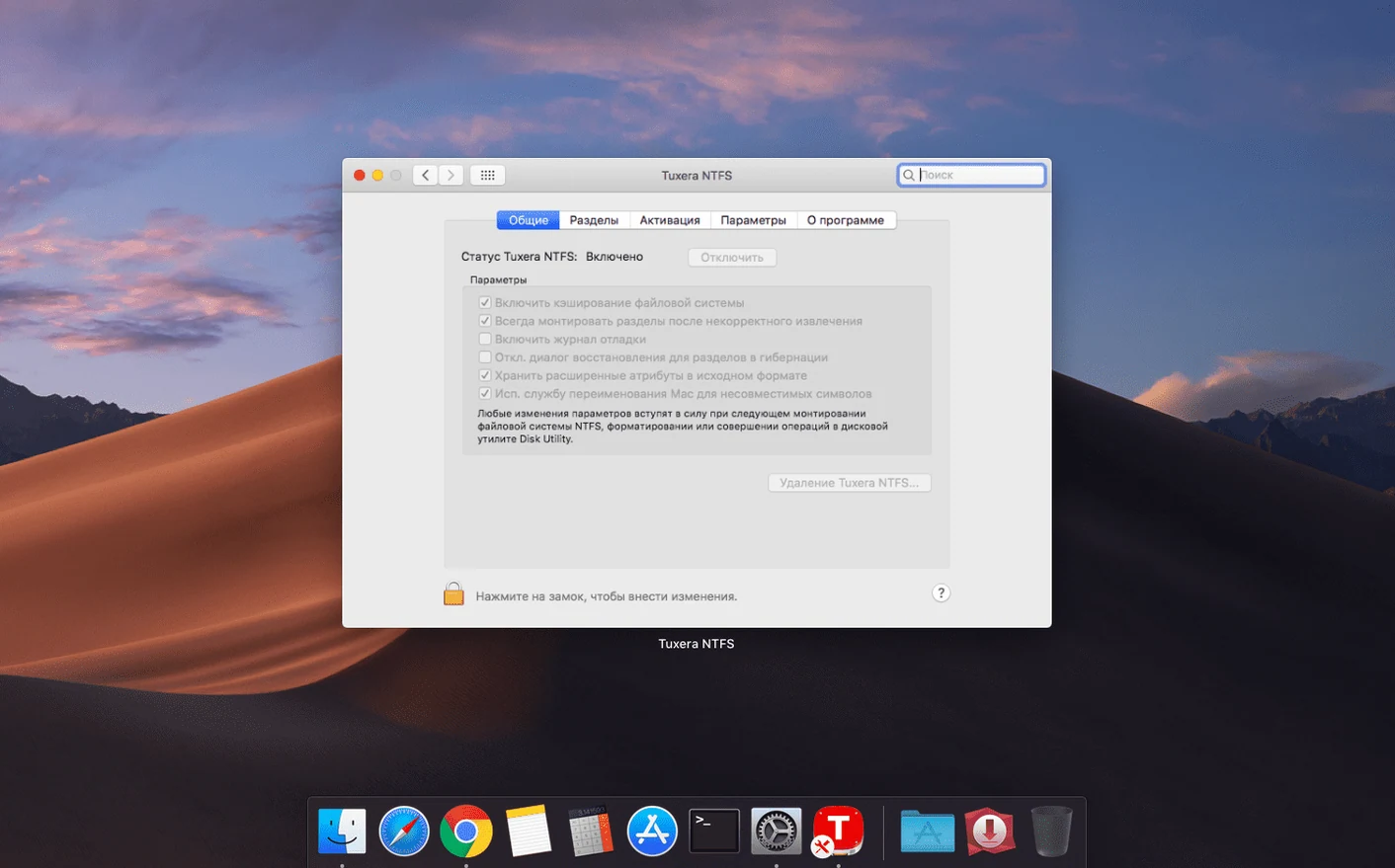
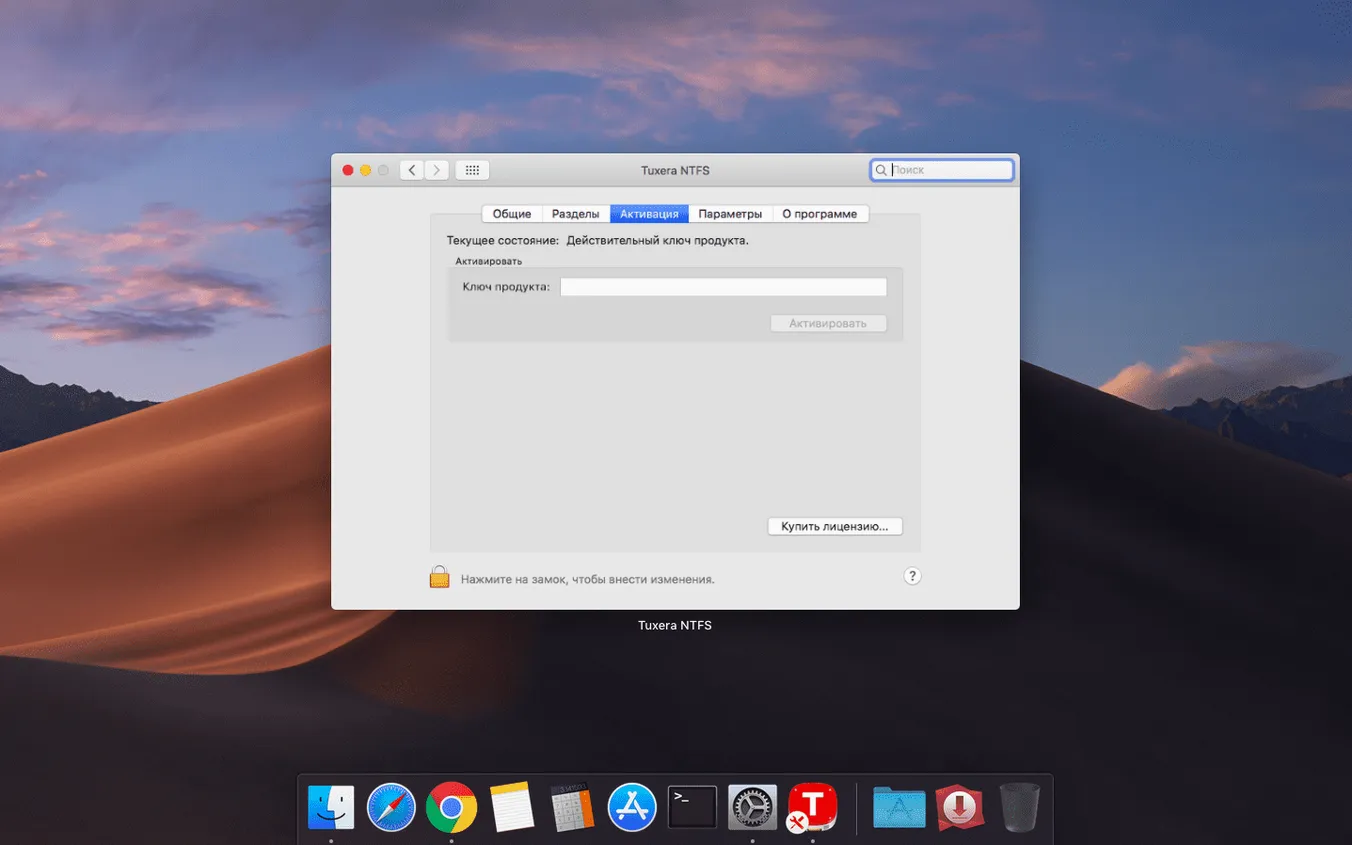
Before ejecting, you open Tuxera's disk management pane — accessible from System Preferences — and run a quick verification. The tool scans the volume and reports a clean bill of health. Had there been an error from the last time someone yanked the drive from a PC without ejecting, you would see the option to repair right there. Instead, you eject properly and move on.
The kernel-extension parity with Paragon ends where support cases begin
The landscape of NTFS solutions for Mac has a few familiar names. Paragon's NTFS for Mac takes a similar kernel-extension approach, with a clean preferences pane and a long track record. In daily use, the two feel comparable: both deliver read-write speeds that saturate a USB 3.0 bus, and both handle file sizes well above 4 GB without a stutter. Where Paragon sometimes nudges ahead is in its bundled disk-management utilities, which feel a touch more graphical. Where tuxera ntfs holds its ground is in its lightweight footprint and its repair-and-verify tool, which Paragon offers in a less direct way. If you are the kind of person who wants the driver to stay out of the way until a disk problem arises, Tuxera's approach makes sense.
Then there is the open-source NTFS-3G paired with FUSE for macOS. It is free, it works, and it has been around for years. The trade-off is speed. Write operations through NTFS-3G are noticeably slower — fine for a handful of documents, punishing for video assets. It also lacks the commercial driver's integration niceties, such as automatic mounting and the preference pane for quick disk checks. People who search for an ntfs mac torrent often end up trying NTFS-3G first, then look for something faster when the transfer bar crawls. A tuxera torrent might promise the full driver without the transaction, but what the installed driver actually provides — kernel-level throughput, repair tools, ongoing compatibility updates — is hard to replicate with a repackaged install.
Apple's own experimental NTFS write support, buried in the terminal and disabled by default, barely counts as an option. It exists as a proof-of-concept, not a daily tool, and Apple has left it untouched for so long that relying on it feels like an act of faith.
Small shortcuts and quiet conveniences
The preference pane carries a checkbox labelled "Enable extended attributes." Most people skip it. When it is on, the driver preserves macOS metadata — Finder tags, Spotlight comments, custom icons — on the NTFS volume. These attributes sit in alternate data streams that Windows ignores, so the drive stays clean on the PC side while your Mac sees all the colour-coded tags you rely on to organize footage. It is a small thing that becomes indispensable once you taste it.
Another overlooked detail is the automatic mount behaviour. If you have a drive that occasionally fails to appear — perhaps after a sleep-wake cycle — holding the Option key while clicking the Tuxera menu bar item reveals a "Force remount" command. It sends a fresh mount request to the kernel without requiring a physical unplug. I have used it more times than I expected to, especially with bus-powered drives that sometimes drop their connection silently.
The disk image creation tool, buried in the same preference pane, lets you format a new NTFS volume as a .dmg directly. That means you can build a Windows-compatible disk image on your Mac desktop, load it with files, and hand it to a colleague on a USB stick later. No need to borrow a PC for the formatting step.
Disk Utility sees the volume but cannot repair it
The driver does not live in isolation. It plays well with macOS's built-in disk arbitration, so tools like Disk Utility can see the volume and report its capacity — even if they cannot repair it. When you run a backup with Carbon Copy Cloner or ChronoSync, the NTFS drive shows up as a valid destination, and the copy proceeds with the same fidelity you expect from an HFS+ target. Just remember that ownership and permission flags may not translate perfectly; scheduling a verification pass after a large sync is a habit worth forming.
Virtual machine users get an interesting benefit. If you run Windows in Parallels or VMware Fusion, you can point the VM at a physical NTFS partition. The driver handles the low-level reads and writes from the Mac side, while Windows sees its native file system. For workflows that bounce between a Boot Camp partition and a virtualized instance, that dual access eliminates the old dance of shutting down one environment to read files in the other. You can keep the Boot Camp volume mounted in macOS, pull a document into your Mac workspace, and still boot the same partition later without corruption — provided you always shut Windows down cleanly rather than suspending it.
On the Finder level, the driver integrates with Quick Look and Spotlight indexing if you enable the option. A search for a file name fragment can reach inside an NTFS volume and return results as fast as it does for your internal drive. That is not a given with every third-party file system; the driver's indexing hooks are well-implemented, and they hold up even on large volumes with hundreds of thousands of files. If you are the type who finds projects by searching rather than by clicking through folder trees, this alone can justify the choice of driver.
Version 2023.1 corrects a timestamp issue where files copied to an NTFS volume could show incorrect date or time stamps.
- macOS 10.9 or later
- Apple Silicon or Intel processor
Questions from the booth
Yes, the driver can verify and repair NTFS volumes directly on your Mac, which is useful after an unsafe ejection or when a drive starts behaving oddly.