
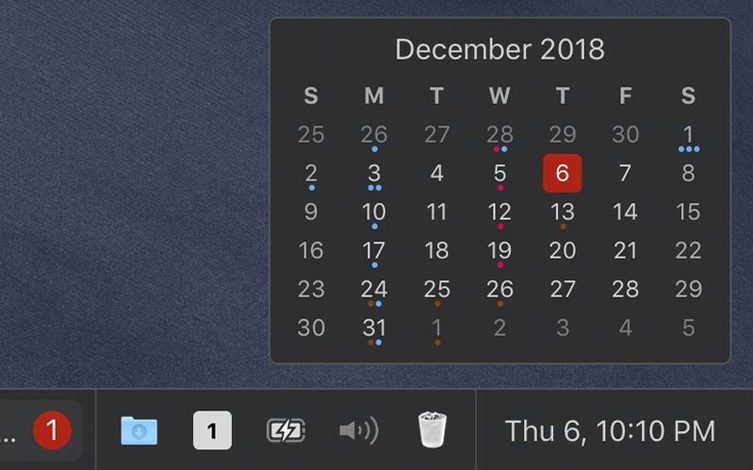
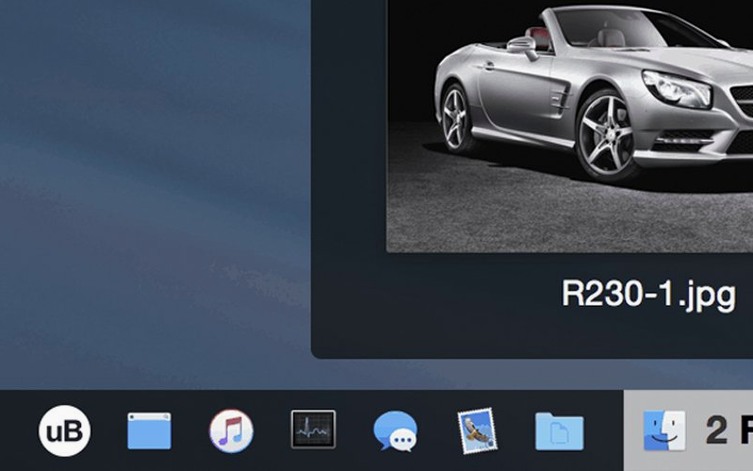
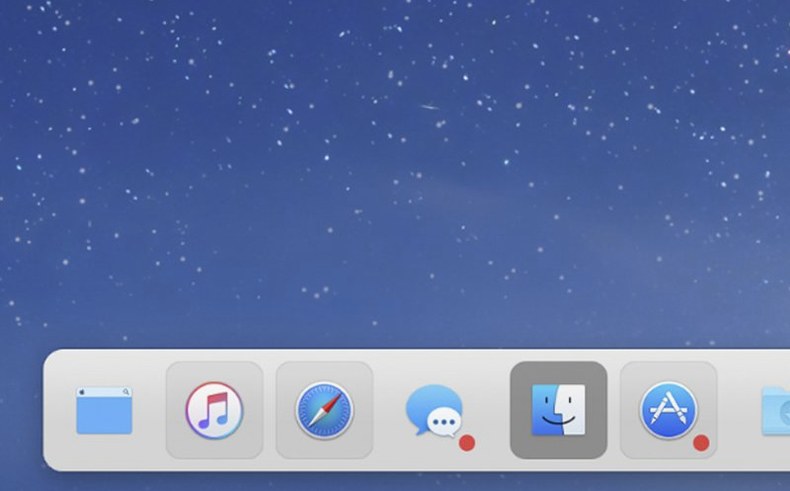
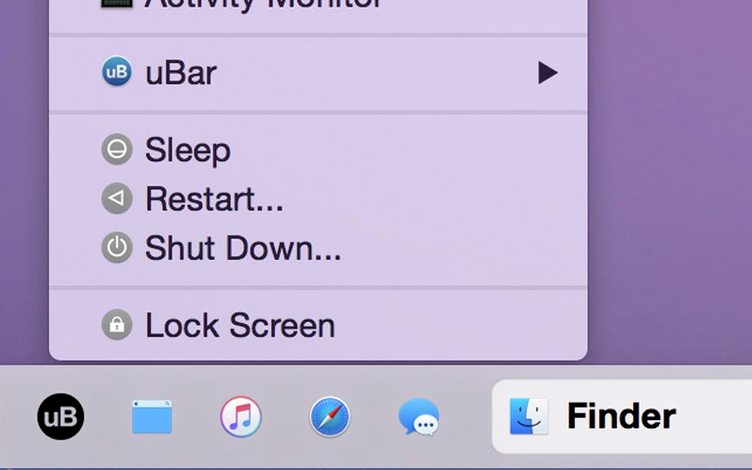
uBar is a taskbar for the bottom of your macOS desktop that replaces or extends the Dock with a compact, window-oriented application switcher.
Pick a theme and row height until your taskbar feels like home
Open uBar's preferences and switch to the light or dark theme that matches your system, then adjust the height — up to five rows of app entries can be visible at once, which makes scanning open windows feel closer to the taskbars you remember from other platforms.
Set three hotkeys to leap between windows without touching the mouse
Enable hotkeys in the preferences under General. Assign a key to summon the bar, another to cycle through individual windows of the frontmost app, and a third to jump straight to a favourite app. In a few keystrokes you move between a script in Final Draft, a reference clip in QuickTime, and your scoring timeline without touching the mouse.
Collapse everything by app or give every document its own slot
Spend ten minutes with the grouping options — you can organize taskbar entries by application, which keeps each app's windows together, or expand them so every single document gets its own entry. The expand mode suits longer editing sessions where you juggle distinct project files; the application mode works better for quick daily switching between a handful of tools.
Where does the real time-saver hide?
Right-click any uBar entry and glance at the visual previews of that app's windows, complete with titles. It often lets you jump directly to the exact Safari tab group or Logic Pro project you need before you even finish the click.
Runs natively on Apple Silicon and Intel from macOS 10.13 onward
A few practical details tend to come up. uBar 4.2.5 works on any Mac running macOS 10.13 or later, with native support for both Apple Silicon and Intel machines — no translation layer, no performance trade-off. The interface ships in sixteen languages, so if your editing suite is set to German, Korean, or Portuguese, the taskbar follows along. If you have been looking for a macos ubar setup that coexists with the stock Dock rather than obliterating it, you can configure uBar to sit alongside the Dock as a secondary bar that handles window management while the Dock still holds your application shortcuts and Trash. That hybrid approach often makes the transition less jarring for people who want the window grouping without abandoning every macOS convention overnight.
A working session inside a deadline
Picture the final evening before a rough-cut screening. You mount the disk image and run the Gatekeeper-friendly installer, then drag the app into Applications. On first launch, you set the bar to appear at the bottom centre, three rows high, with the dark theme that matches your colour-correcting monitor profile. You group entries by application because you need Logic Pro, DaVinci Resolve, and three Finder windows for media drives to stay distinct under their own icons. By eight o’clock you have seven projects open. A client calls asking for a specific take from last Tuesday — you right-click the Finder entry on uBar and scan the window thumbnails until you spot the folder named dailies_1107. One click opens it. Twenty minutes later you are dragging a revised stereo mix into the timeline, switching between Resolve and Logic with a single keystroke assigned in uBar’s hotkey preferences. The Dock hides itself; you rarely notice. When someone mentions later that the ubar download fixed their window chaos, you understand exactly why.
- macOS 10.13 or later
- Apple Silicon and Intel 64-bit
Questions from the booth
It can fully replace the Dock or sit above it as a supplementary taskbar — you decide which behaviour fits your setup.
The interface comes in English, German, Danish, Hebrew, Spanish, Italian, Simplified Chinese, Korean, Dutch, Norwegian, Polish, Portuguese, Turkish, French, Swedish, and Japanese.