Ulysses tends to attract people who write in layers — novelists shaping chapters over months, researchers pulling notes into a thesis, bloggers who draft three posts at once and publish when the rhythm is right. It is not a word processor in the traditional sense. It is a Markdown-driven writing environment that strips everything back to text, then gives you ways to organise that text that feel closer to a library than a file drawer.
Writing in scenes and sections, not pages
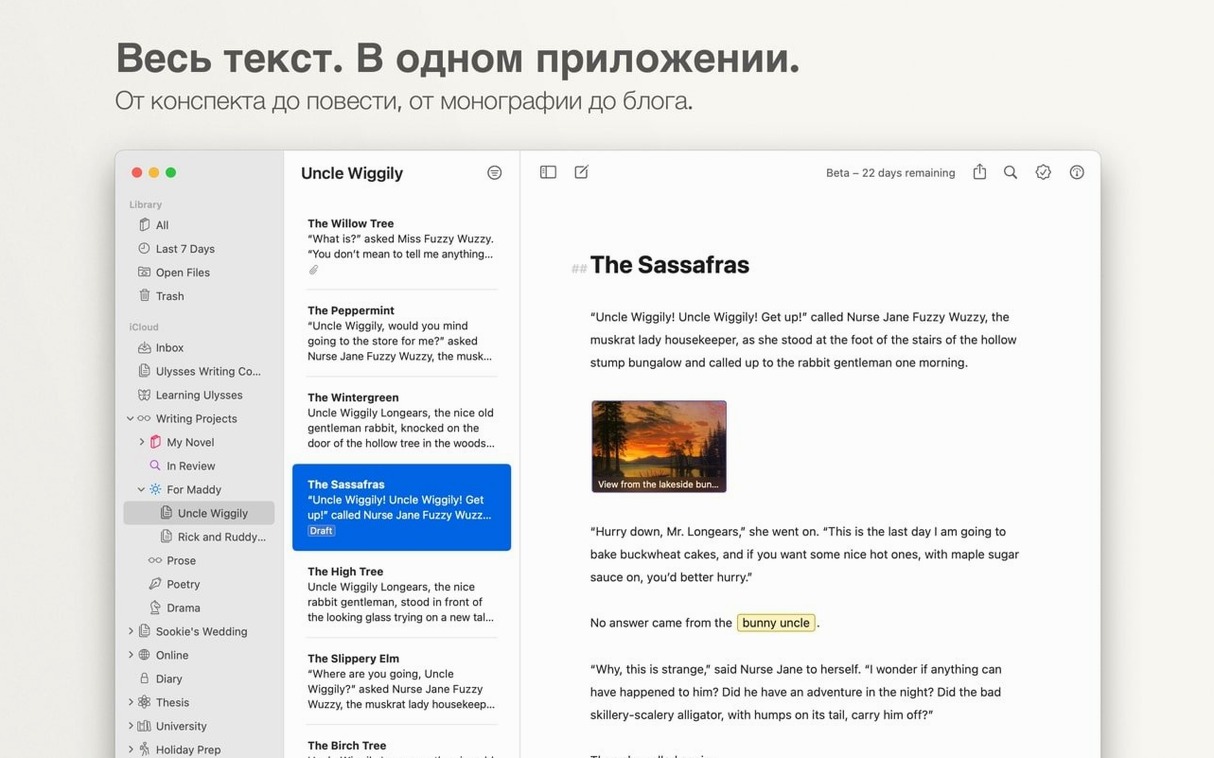
- Writing projects where structure matters more than page layout — the sheet-and-group system lets you break a manuscript into scenes, a report into sections, or a course into lessons without losing the whole.
- People who publish directly from the app — built-in WordPress and Medium support means a draft can go live without leaving Ulysses.
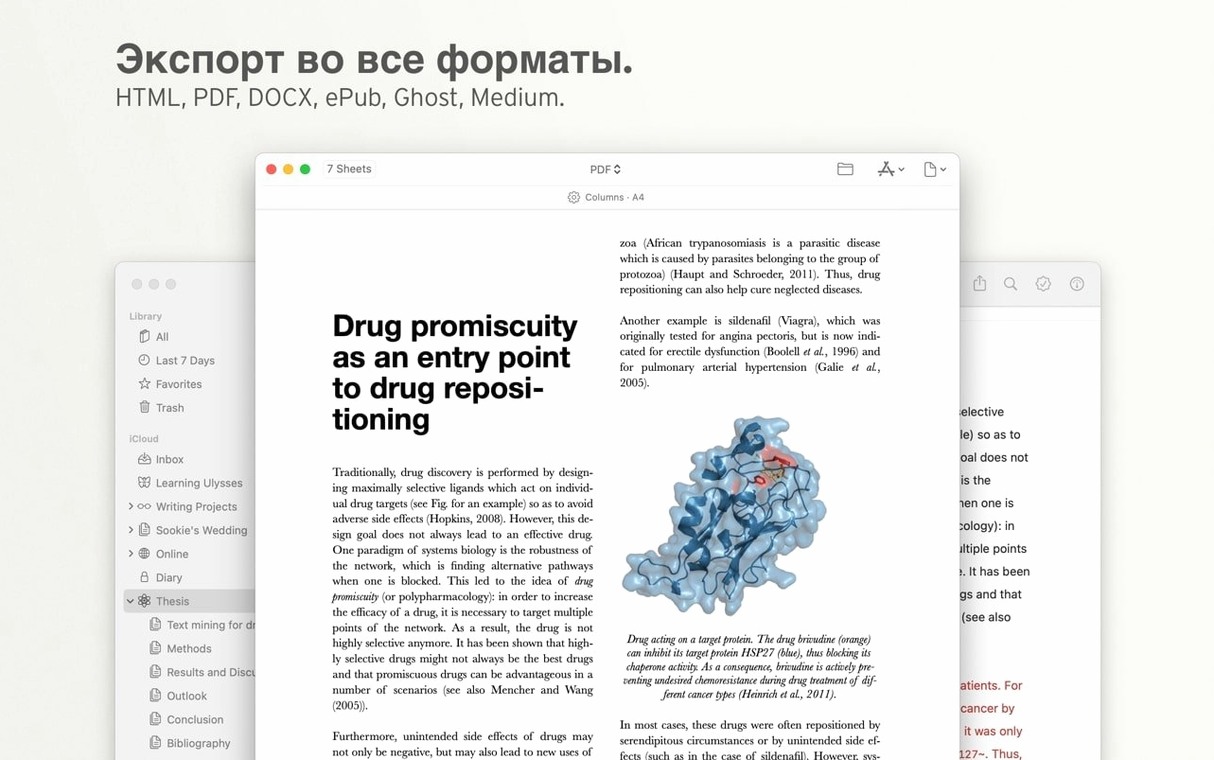
- Export flexibility that covers real-world needs — PDF, Microsoft Word, plain text, and several other formats are available from the same sheet.
- Writers who move between devices — iCloud sync keeps sheets and groups current across Mac, iPad, and iPhone, and auto-save means nothing disappears between trains of thought.
Markdown-first on macOS 13 and up
- It requires macOS 13 or later, so older Macs are left out.
- Markdown is central — if you need a live page-layout view while writing, this is a different kind of tool.
- The interface is available in several languages, including English, German, French, Japanese, and Simplified Chinese, but the organisational approach takes a few sessions to feel natural.
No Markdown skills needed to start writing
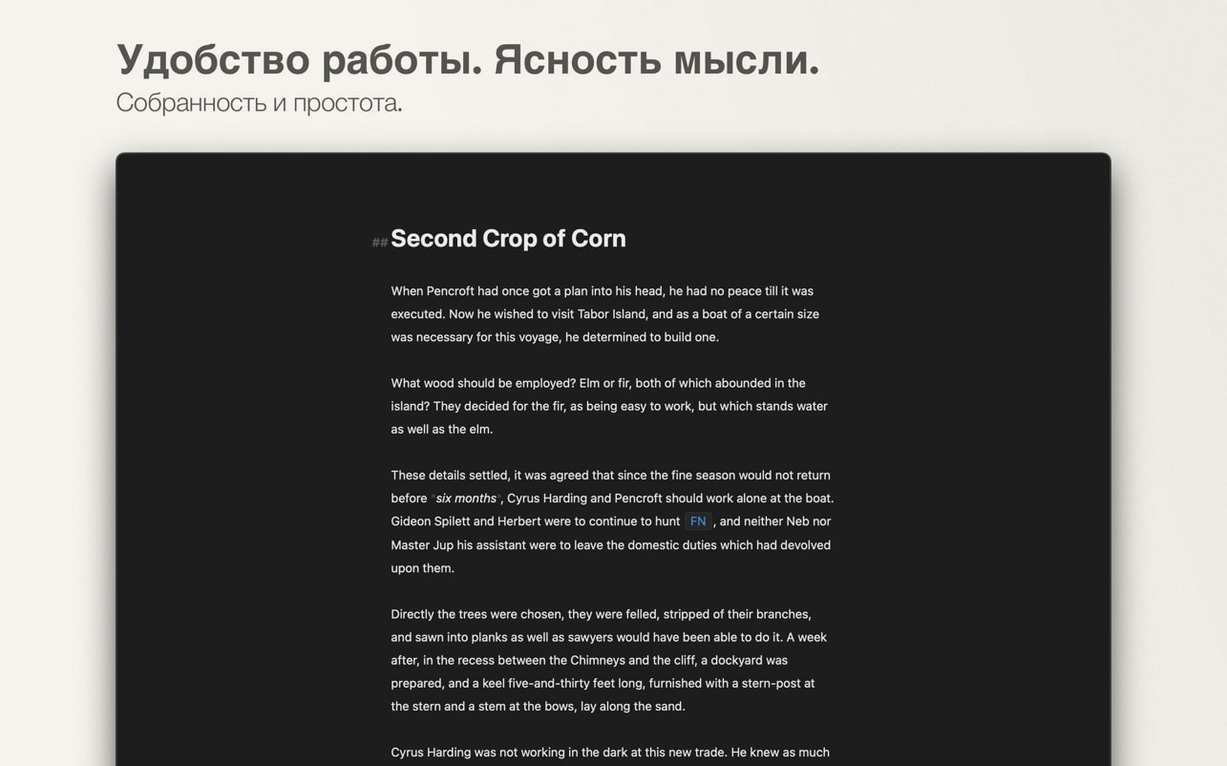
Whether someone writes fiction, academic papers, or newsletter drafts, a few concerns tend to surface before they commit to a writing environment. One of them is whether Markdown knowledge is a prerequisite — it is not. The formatting bar runs along the top of the editor and handles headings, bold, links and lists with familiar buttons, much like a rich-text editor. The Markdown syntax shows in the body of the text only if you want it to; a typewriter mode and a dark theme push everything else out of the frame so the mechanics of markup fade into the background.
Another recurring question is about file portability. Sheets are stored inside Ulysses' library rather than as loose files on disk, which worries people who have been burned by proprietary formats before. The export panel addresses that directly: a single sheet can leave the app as a .docx, a styled HTML document, or a plain Markdown file with all the original formatting intact. Nothing is locked inside the library forever.
People also ask what happens when the internet drops — the answer is that everything saves locally and syncs through iCloud when the connection returns. There is no browser-based editor to worry about and no cloud-only storage that holds your work hostage.
Handoff between Mac and iPad mid-sentence
Ulysses occupies a space that sits between a full layout engine like Pages and a bare text editor like BBEdit. It integrates with macOS at a system level in ways that make daily use smoother: Handoff lets you pick up a sheet on an iPad the moment you open the lid, and the share sheet talks to Shortcuts so a rough draft can be sent to a proofing app or added to a Reminders list without manual copying. The dark mode follows the system appearance setting, and the font size respects the accessibility preferences set in System Settings.
For writers who publish to the web, the WordPress and Medium integration removes the step of exporting and re-uploading. You connect an account once and the blog's categories and tags appear inside Ulysses, ready to attach to a sheet. It pairs well with image editors and research tools too — drag a PNG from Pixelmator Pro into a sheet and it embeds as a relative-path Markdown image link, ready for export.
One export style per publication you write for
Freelance journalists and bloggers who file copy to multiple outlets tend to settle into Ulysses quickly because the group-and-filter system can mirror a publication workflow — one group per publication, sheets tagged by status, and a single export style that matches each outlet's formatting requirements. Academics benefit from the same structure when a dissertation spans a dozen chapters and the bibliography lives in a separate sheet that exports alongside the main text.
Novelists and screenwriters who work scene by scene often describe the sheet list as the standout feature: each scene is its own sheet, reorderable by dragging, and the combined word count sits at the bottom of the window. There is no temptation to tinker with margins or font choices mid-sentence because those options simply do not appear in the editing view. The app gets out of the way and lets the structure carry the momentum — and for long-form writers, that is what turns a tool into a daily habit.
Version 41.1 fixes a markup bar layout issue that appeared on smaller iPhones, and resolves a hang some users saw on first launch when already subscribed.
- macOS 13 or later
- Intel 64-bit or Apple Silicon Mac
- iCloud account for device sync