
Vectorworks is a professional 3D design application that bundles CAD, BIM, and modelling tools for architects, landscape designers, and entertainment production. Before setting it up on a Mac, a few practical questions tend to surface—about file compatibility, the kind of work it actually supports, and whether the current build runs smoothly.
- Will it open the files I receive from a studio?
Yes. The software imports and exports IFC, DWG, and SKP formats, which covers most exchanges with Revit, AutoCAD, and SketchUp workflows. An improved IFC import reliability was specifically addressed in the latest update, alongside better Revit import and export. - Is it built only for architecture, or can I draft for a stage or a short film set?
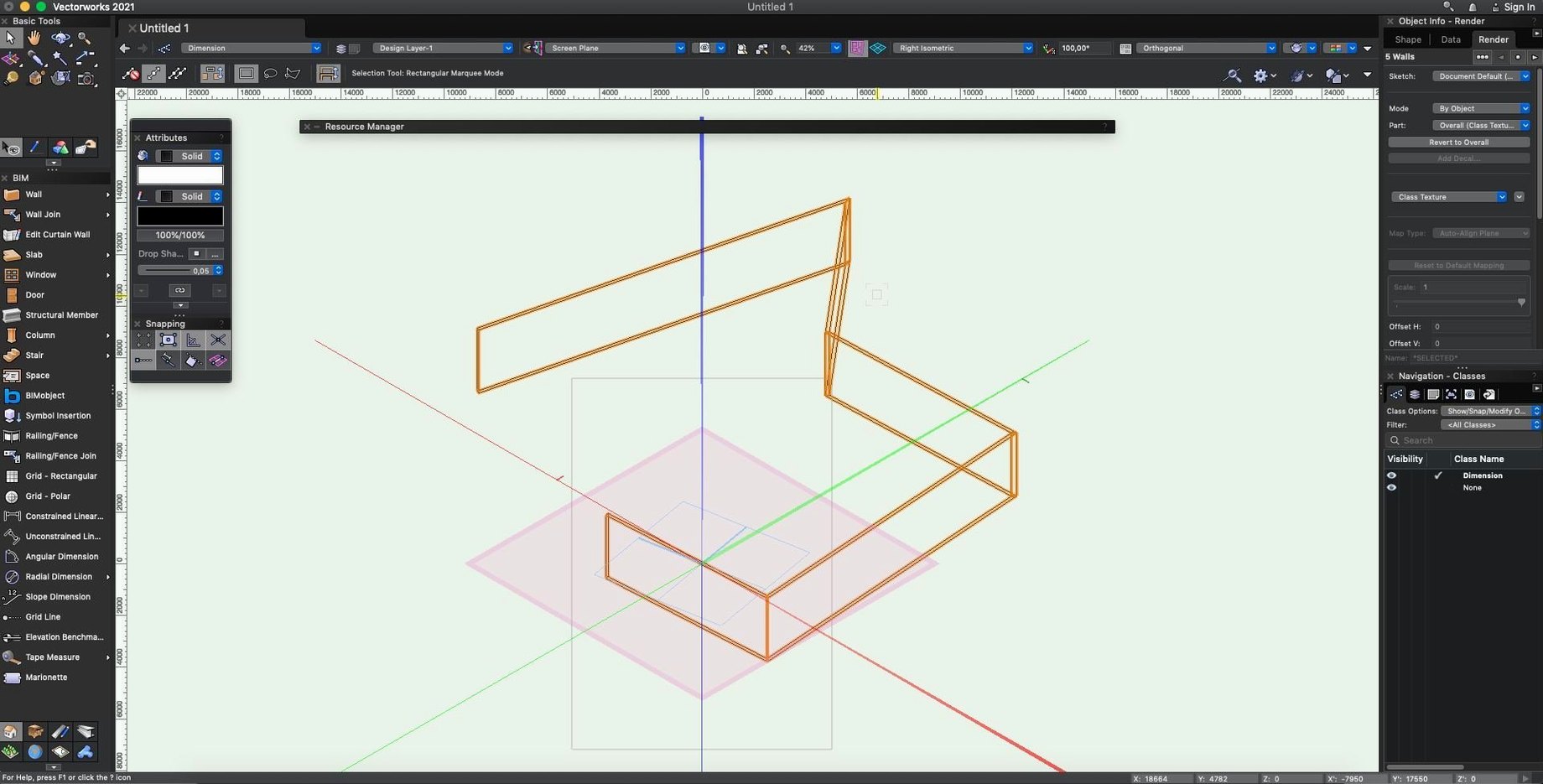
It handles both. Alongside wall and stair modelling tools, there are 2D graphics capabilities and a renderer that places images onto objects with a decal-like workflow—useful for blocking out scenic details without leaving the model. - Does the current version feel stable on macOS?
Update 7 for Vectorworks 2025 brought general stability and quality improvements. It runs on macOS 12 and later, with native support for both Intel and Apple Silicon machines, so you are not leaning on Rosetta.
Vectorworks Cloud Services runs alongside the desktop app for offloading renders or sharing project files, and the SDK exists for studios that build custom tools. It is a deep system meant to carry a project from concept sketches through construction documentation, not a quick viewer. The installer package includes the activation steps you will need to get moving.
A fresh install tends to lure you into drawing before you set up the class and layer system properly. The moment someone sketches a dozen walls on the Design Layer labelled “Design Layer-1” and then tries to control visibility in a viewport, the frustration starts. Create a small set of named design layers early—even if you only have three—and pair them with a few custom classes so every object carries some organizational logic from the first click. The same impatience shows up with walls: dropping them with the default unstyled wall tool instead of building a wall style means every thickness and component has to be fixed by hand later. Spend fifteen minutes defining a couple of styles before modelling, and you save hours of cleanup when sections and schedules get involved.
Another common snag arrives with hybrid objects and 2D components. A door or a lighting fixture that looks crisp in 3D can appear as a ragged, auto-generated blob in a top-plan viewport until you open its 2D component and draw a clean symbolic representation. After importing a batch of manufacturer symbols, check a few in both views before scattering them across the model. Quietly fixing forty symbols after the fact is nobody’s idea of a good evening.
On the performance side, sluggish navigation in a modest model often traces back to the Unified View setting. When it is off, stacking layers triggers unnecessary redraws; keep it on unless you have a deliberate reason to isolate one layer visually. If a file still feels heavy, run Tools > Purge periodically. Imported DWG survey files carry a surprising amount of invisible cruft—hatch remnants, zero-length lines, orphaned text styles—that chokes the snap engine before you even notice it.
People also trip over the difference between saving a file and committing it to a Project Sharing server. A local Save writes to your working file, but other users will not see those changes until you explicitly Save and Commit. If a collaborator complains that your adjustments are missing, that is usually the culprit. And when Vectorworks Cloud Services refuses to sync, quit the desktop client entirely, relaunch it, and give it a moment to re-index; the connection tends to right itself without touching the project data.
Update 7 for Vectorworks 2025 is a stability and quality release. General performance feels steadier, and the team tightened up IFC import reliability along with Revit import and export. No new feature flags—just a round of fixes that make the daily drafting and model-exchange rhythm less likely to trip.
- macOS 12 or later
- Intel or Apple Silicon processor
Questions from the booth
Yes, it imports and exports IFC, DWG, and SKP files, and the latest update improved both Revit import/export reliability and IFC import stability.
It does. The software supports both Intel and Apple Silicon Macs running macOS 12 or later, with no Rosetta translation layer required.