You’ve just wrapped picture lock on a project that mixed live-action footage with CG elements rendered through a Windows-only plugin. The timeline is stable, but now the colour grade needs a pass in a Linux tool your team prefers. On a second display, a local Kubernetes cluster hums inside a FreeBSD VM, spinning up test instances for a companion interactive piece. None of this requires a second machine — just a Mac with enough memory and a hypervisor that treats complex workloads as first-class citizens.
Tools beneath the surface
Beyond the straightforward act of running Windows on a Mac, Fusion Pro reveals itself in the corners an experienced user actually inhabits. The 26H1 release stamps each virtual machine with creation and last power-on timestamps — a small addition that becomes indispensable when you're juggling a dozen project-specific VMs and need to confirm which snapshot belongs to which sprint. Remote connections to ARM-based ESX hosts now work natively, so a MacBook Air on set can reach back to a beefy server at the studio without a kludge of third-party clients. Guest OS support stretches into the latest Fedora and openSUSE releases, along with FreeBSD 15.0, keeping sandbox environments current with what production pipelines demand.
The layer most people miss
Where Fusion Pro pulls ahead is in its command-line OCI container support and local Kubernetes cluster capabilities. A director I know uses it to bundle a render farm’s orchestration layer inside a lightweight Linux VM, testing scaling behaviour before touching the cloud. eGPU passthrough means a Windows guest can address an external graphics enclosure directly for CUDA-accelerated tasks, while USB 3.1 devices enumerate without the usual translation lag. It is a suite of understated features that asks very little attention until a deadline reveals how much you actually lean on them.
A morning's work: from cold boot to a functioning test bed
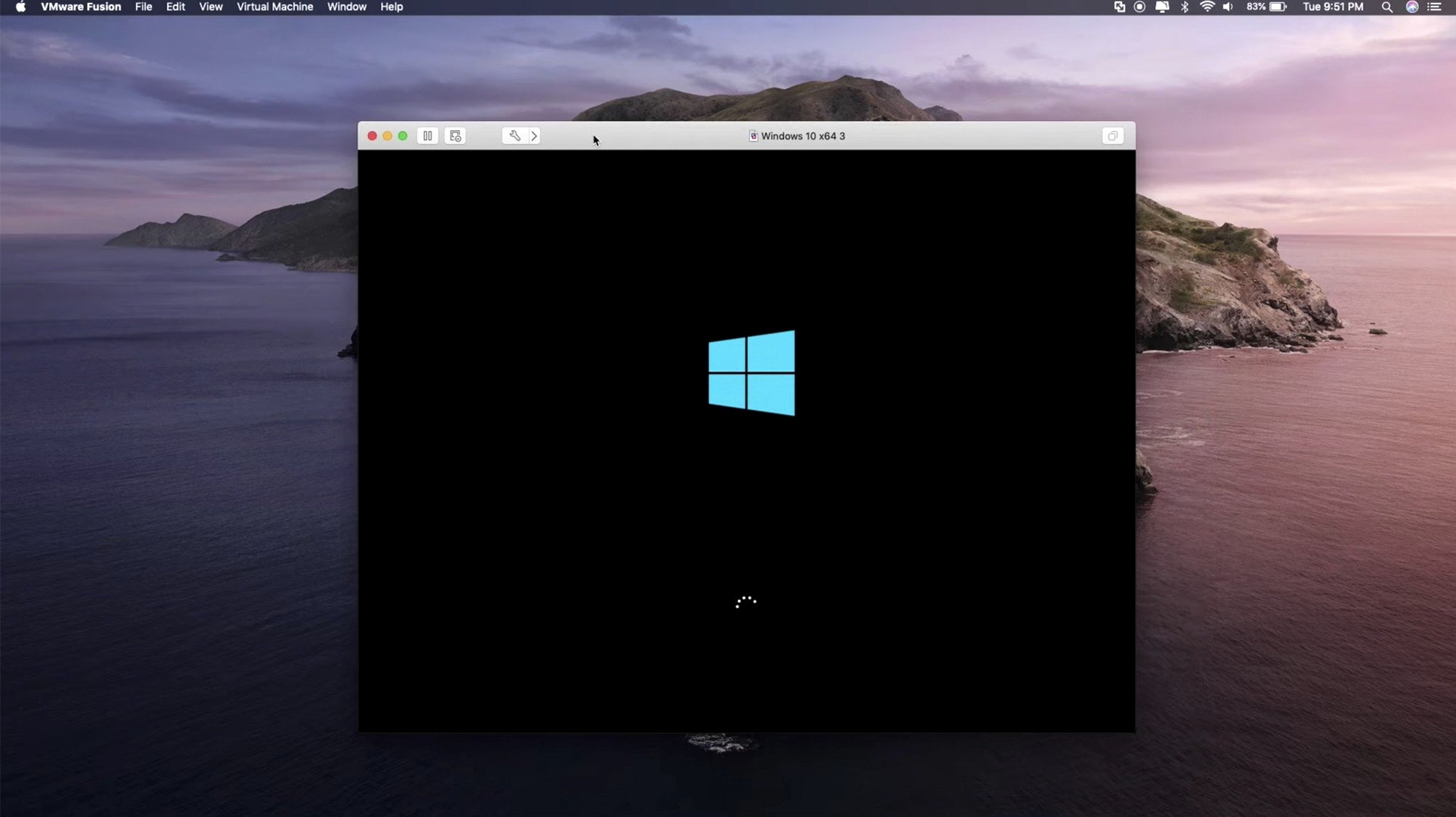
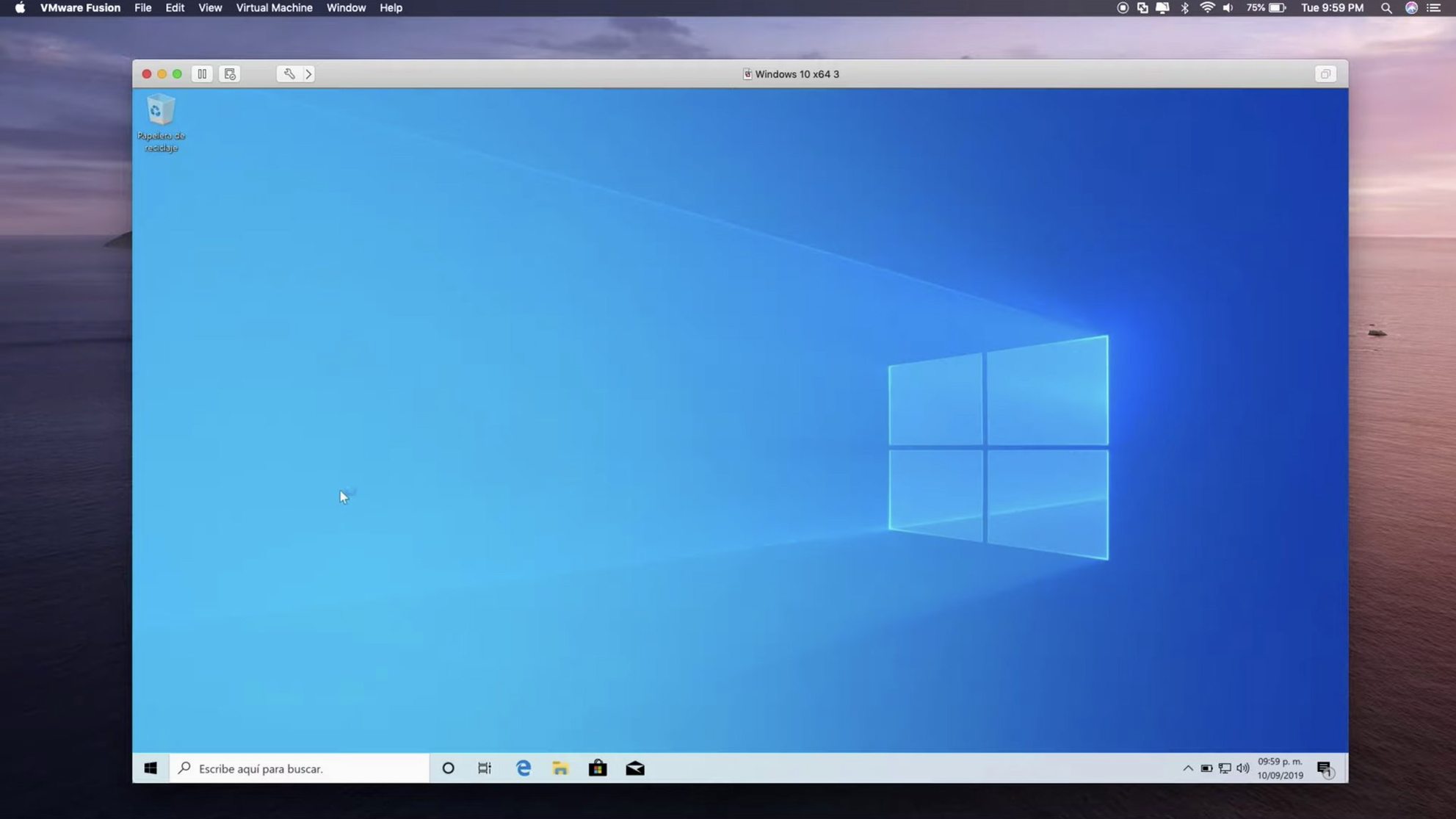
The VM I keep for cross-compiling a Unity project boots in nine seconds from an NVMe-backed volume — about three seconds slower than a native macOS restart, and fast enough that I don't reach for my phone while waiting. The workflow goes like this: launch Fusion, select the Windows 11 ARM VM from the library sidebar, and let the snapshot that captured a clean build environment do its work. While it loads, I drag a folder of fresh C# scripts from the Mac desktop into the VM's shared directory. Fusion's drag-and-drop file transfer has been reliable through three major versions now; I drop thirty megabytes of source files and they appear in the guest's Documents\Builds folder without a pause or a permissions hiccup.
Inside the VM, Visual Studio picks up the changed files and the incremental compile finishes in under a minute. I run the build script, which spits out a Windows executable and a companion Linux server binary. The Linux binary needs testing against a Postgres instance I keep on a separate Ubuntu VM. Rather than powering on a second full desktop, I fire up the Ubuntu server in headless mode — Fusion's vmrun command-line tool starts it silently, and I SSH in from macOS Terminal as if it were a bare-metal box on the local network. That VM idles around 380 MB of RAM and barely registers on the Activity Monitor CPU graph. The whole chain — Windows build, Linux test, result inspection — takes under twelve minutes from the moment I sat down, and most of that time is waiting on compilation, not waiting on the hypervisor.
8 GB and four cores keeps a Windows 11 VM snappy all day
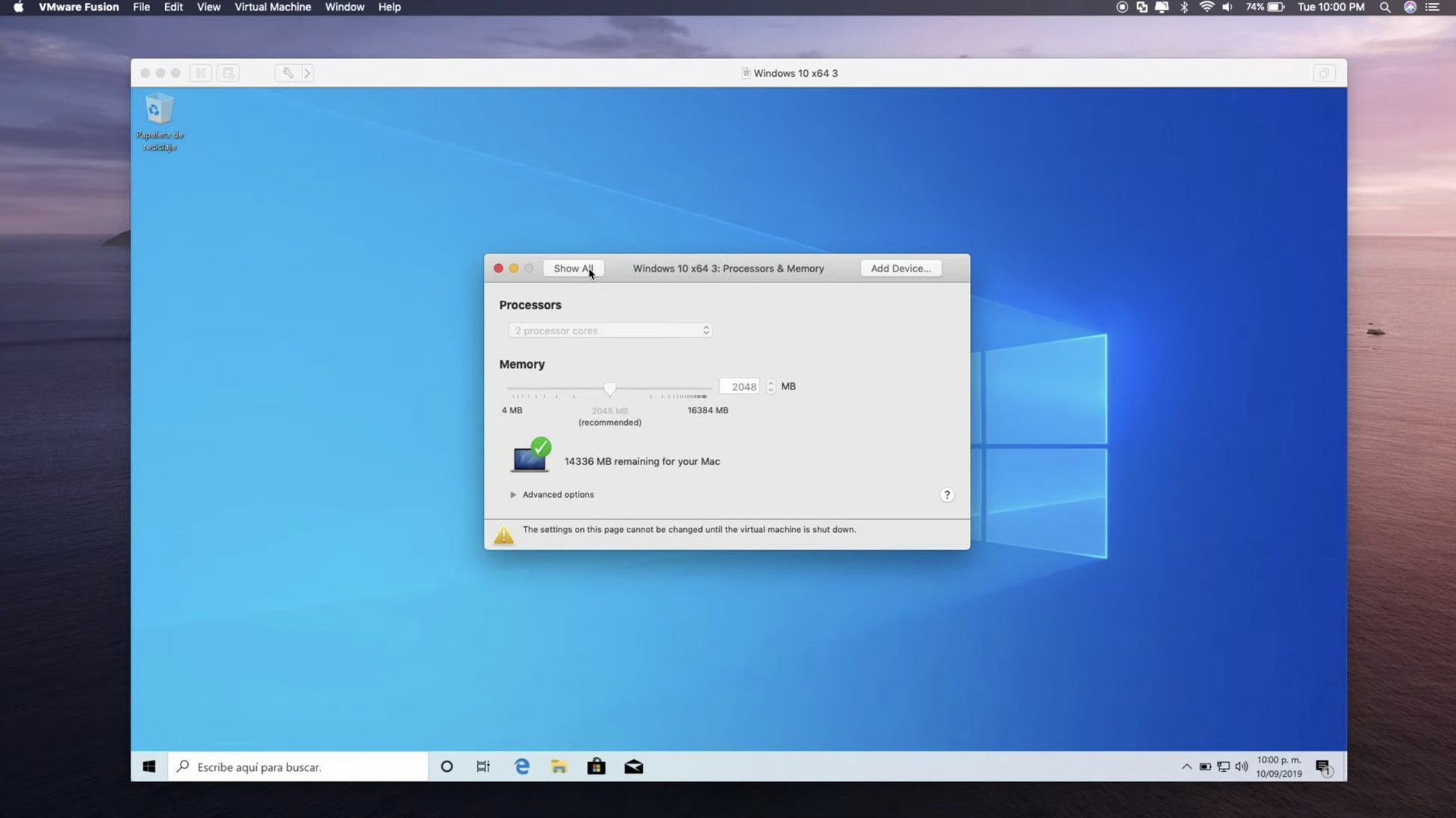
After six months of running Fusion Pro daily on an Apple Silicon Mac with 24 GB of unified memory, a few patterns have settled into predictability. A single Windows 11 VM allocated 8 GB of RAM and four cores feels transparent — windowed 3D applications run with DirectX 11 hardware acceleration at frame rates that hover within ten percent of what the same title manages under Parallels Desktop on identical hardware. The difference is perceptible mostly in shader-heavy scenes, where Parallels tends to land slightly higher on minimum framerates; Fusion compensates with fewer visual artifacts in OpenGL fallback paths, which matters more to me than a benchmark average.
Running two VMs simultaneously — one Windows, one Linux — pushes total memory pressure into the yellow zone on a 24 GB machine, though the system never enters swap. With three VMs, macOS memory compression kicks in aggressively and a lightweight FreeBSD instance will occasionally stutter during disk I/O. The hypervisor itself has not crashed once across this period. A kernel panic did happen during an early beta of macOS 15 when Fusion's networking bridge conflicted with a VPN driver, but the 26H1 release resolved that. USB 3.1 device passthrough for a capture card has been flawless; I leave an Elgato dongle mapped to the Windows guest permanently and it survives sleep-wake cycles without requiring a reconnection ritual.
Alongside Parallels and UTM
The comparison with Parallels Desktop is the one most Mac users ask about first. Parallels still wins on integration polish — Coherence mode blends Windows application windows into the macOS desktop more convincingly than Fusion's Unity view, and the installation wizard for fresh Windows VMs is friendlier to someone who has never partitioned a drive. Fusion Pro counters with the things a developer or IT admin actually needs after the first week: OCI container support, the vmrun automation interface, remote ESX connections, and the absence of a subscription model nagging you annually to keep basic features turned on. The 26H1 timestamps feature is a case in point — it is not flashy, but it solves a real inventory problem that Parallels simply ignores.
Against UTM, the open-source QEMU wrapper, Fusion occupies a different category entirely. UTM handles exotic ISAs and emulation of architectures like PowerPC or RISC-V with a flexibility Fusion does not attempt, but its performance on Apple Silicon with Windows guests is markedly slower — graphics acceleration relies on software rendering that makes any DirectX workload a slide show. UTM is the tool for running Mac OS 9 inside a VM out of archival curiosity. Fusion Pro is the tool when you need a Windows build environment that feels native and finishes work before lunch. The two coexist on the same Mac without conflict, and I use both for exactly those different missions.
Calendar events that boot three VMs and run a test suite
Fusion Pro's vmrun utility turns it from a desktop application into a scriptable piece of infrastructure. A shell script triggered by a calendar event at 6 a.m. starts three VMs in sequence, runs a test suite inside each, and shuts them down before I open my laptop — the results are waiting in a Slack channel. This kind of automation dovetails naturally with macOS Shortcuts, where a single command can fire off a VM snapshot before a risky software update, or with LaunchBar and Alfred workflows that let me type "winsql" to power on the VM that holds a SQL Server instance.
Shared folders bridge the gap between macOS apps and the guest's filesystem without duplicating data. A DaVinci Resolve project lives on the Mac side; the Windows VM picks up rendered EXR sequences from the same /Volumes/Projects mount and feeds them through a Windows-only compression tool, dropping the output back into a folder that the Mac sees immediately. Nothing syncs, nothing copies. The guest's networking, set to bridged mode, gets its own IP from the router, so a colleague on the same LAN can RDP directly into the VM while I continue working in macOS — a setup that feels mundane but remains impossible on Apple's own virtualization framework without third-party layers. When a project demands a specific Windows-only SDK or a Linux build target alongside the creative apps that keep a filmmaker's Mac humming, Fusion Pro sits at the centre of that arrangement, quiet and largely invisible until someone asks how the whole thing actually holds together.
Version 26H1 brings timestamps for virtual machine creation and last power-on, so tracking the provenance of a VM becomes a glance rather than a forensic exercise. Remote connections now reach ARM-based ESX hosts, and the guest OS roster expands to welcome Ubuntu 26.04 LTS, Fedora 43 and 44, SUSE Linux Enterprise 16, openSUSE 16.0, and FreeBSD 15.0.
- macOS 13 or later
- Apple Silicon or Intel Mac