
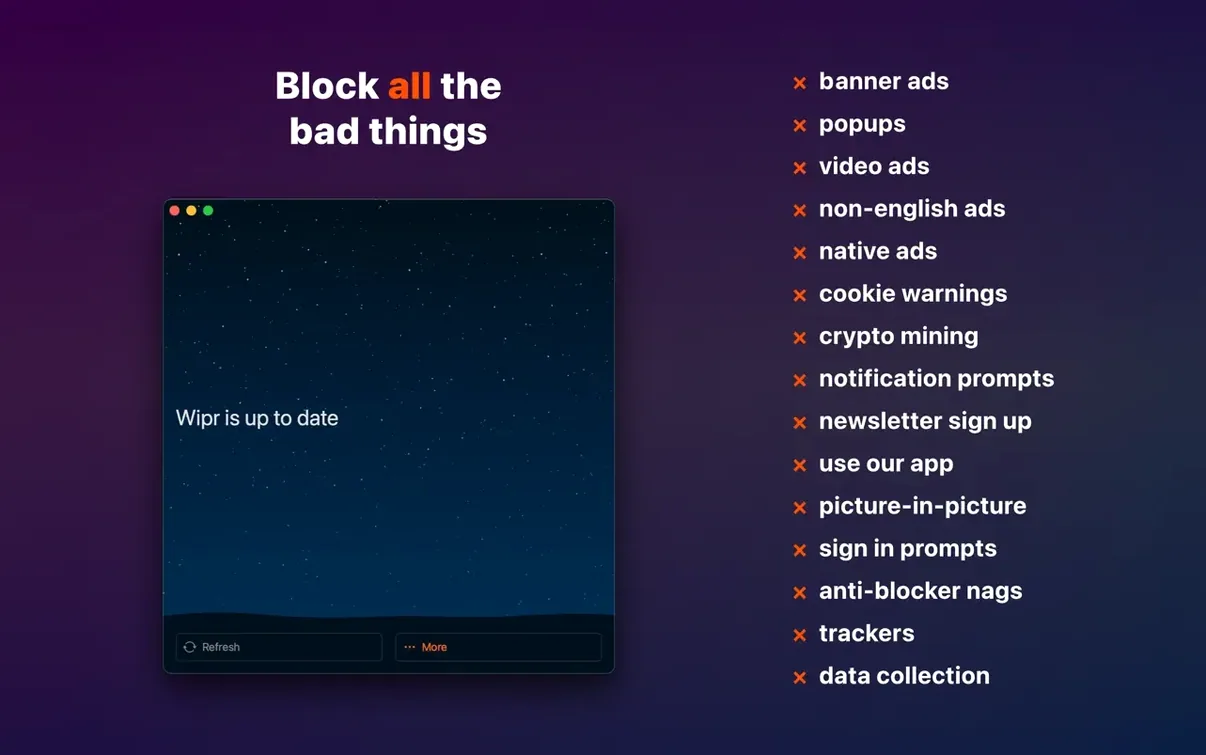
You click a link, the page starts to paint, and then the cookie banner slides in, followed by a video ad swelling across the header. You didn't come for any of that. Wipr steps in before the clutter loads, pulling it out at the browser level so what reaches your eyes is the article, the recipe, the thread — nothing else.
Filter the noise before it lands
Wipr runs as a native Safari content blocker, which means it hands the rules to the browser and lets the browser do the heavy lifting. Ads, trackers, and those GDPR consent pop-ups are stopped before they ever download, so pages feel lighter and arrive faster.
Stay current without lifting a finger
The blocking list refreshes twice a week, quietly pulling in Wipr Extra improvements that sharpen coverage on sites where annoyances keep shifting their shape. No whitelist management, no dials to turn — just a cleaner web that stays clean over time.
One app across every screen
The same Wipr works on iPhone, iPad, Mac, and Vision Pro, so the reading experience holds its calm wherever you pick up. It speaks the architecture of both Apple Silicon and Intel machines, running back to macOS High Sierra.
When a site pushes back
Most of the web bends to Wipr without a fuss, but you'll occasionally land on a page that refuses to scroll, leaves a white gap where a video should be, or shows a terse "please disable your ad blocker" overlay. The first thing to try is holding the reload button in Safari and choosing Reload Without Content Blockers — a quick way to check whether Wipr is actually the culprit or the site is just having a bad day. If the page springs to life, you can add it to Safari's per-site exceptions: right-click the address bar, choose Settings for This Website, and toggle content blockers off for that domain alone. No global surrender, just a narrow exemption that sticks between visits.
Cookie consent fatigue is its own beast. Wipr catches most of the pop-up banners and modal overlays, but some sites bake the consent logic directly into the page structure. When a cookie wall survives, tapping the Escape key or refreshing once often gives Wipr's latest rule set a second chance at catching a selector that slipped through the first time. The twice-weekly updates mean a stubborn banner that survives today may be gone by Thursday.
Small moves you might not think to try
Wipr keeps its interface deliberately spare — an on/off toggle and little else — so its best shortcuts live in Safari's own muscle memory. On a Mac, pressing Command-Shift-N opens a private window where Wipr stays active by default, and that's where you can test whether a site's breakage is cookie-related rather than ad-related: private windows shed session baggage that regular tabs carry. If the site works in private mode, the problem is probably old cookies, not the blocker.
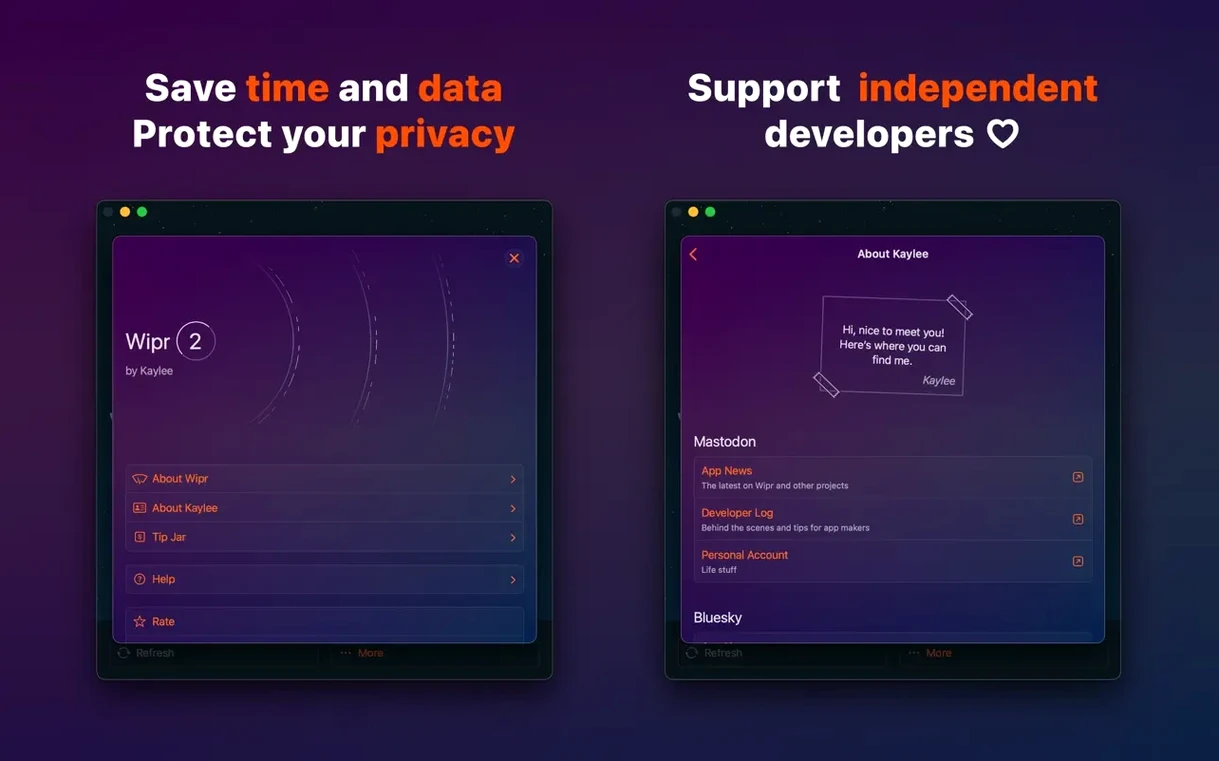
Another quiet convenience: Wipr's extension icon sits in Safari's toolbar, and right-clicking it reveals the option to Manage Websites, jumping you straight to the per-site exception list without opening Safari's preferences. It saves maybe four clicks, but after the third broken checkout form in a week, those saved clicks add up.
One editor, three deadlines
Mornings start with research tabs — a dozen or so, half of them local news sites heavy with autoplay video and tracking scripts. Before Wipr, a research session meant waiting for each tab to finish its ad auction before any text was readable. Now the pages snap into view almost instantly, and the fan on the Intel iMac stays quiet because fewer scripts means fewer CPU cycles burned on background auctions. The real difference shows up around 2 p.m., when three article drafts are open in separate windows and the system isn't swapping. A content blocker that strips twenty-odd megabytes of tracking cruft per page turns into a memory savings when you live in thirty tabs at once.
Under the hood, day to day
Wipr's performance footprint is almost invisible because it doesn't run as a background process; it compiles a JSON rule list and hands it to Safari's content-blocking engine, which does the filtering at the WebKit level. On an M1 Mac, the rule compilation finishes in under a second after an update, and memory usage for the app itself hovers in the single-digit megabytes. On an older Intel machine, the same process takes maybe two seconds and leaves no measurable dent in Geekbench scores or battery estimates.
Stability is a quiet strength. Wipr doesn't inject scripts or run a proxy, so it can't trip over itself when a page loads unusual markup. Over weeks of heavy use, it's rare to see a Safari crash that traces back to the content blocker. The twice-weekly rule updates download in the background — a few kilobytes each — and apply without a relaunch. The only visible sign is a page that suddenly stops nagging you about cookies when it didn't the day before.
Version 2.38 sharpens the Wipr Extra rules across a wide range of sites, catching more of the cruft that slips through default lists, while tightening up accessibility throughout the app.
- macOS 10.13 or later
- Apple Silicon or Intel 64-bit processor
Questions from the booth
By blocking ad scripts, tracking code, and cookie notices before they download, Wipr reduces the amount of data each page pulls in, which lets the content you want appear noticeably faster.