Monkey's Audio update and faster waveforms arrive
The latest release brings an updated Monkey's Audio codec (11.08), faster waveform calculations, and a fix for a libVorbis conflict that could trip up third-party plugins. The localization tables also got a refresh across several of the interface's twenty-plus languages, from Belarusian to Simplified Chinese.
Cleaning up a live orchestral recording
I had a folder of 24-bit FLAC files from a concert — no metadata, generic filenames, a flat waveform that made scanning impossible. Here is how a single pass through AIMP solved it, start to finish.
- Set the interface scale first. On a Retina display the default UI can feel small. I opened the app package, launched KegworksConfig from the
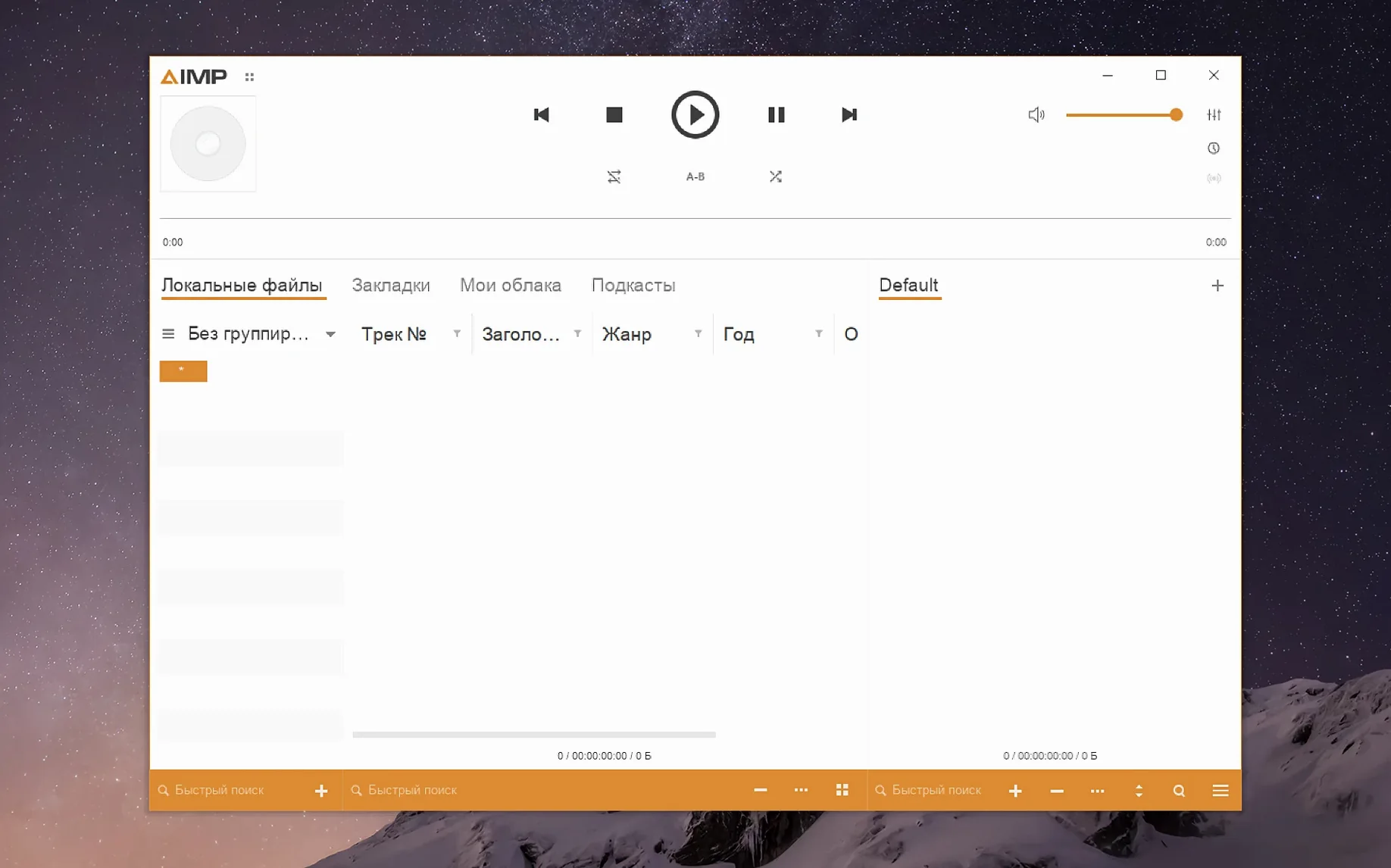
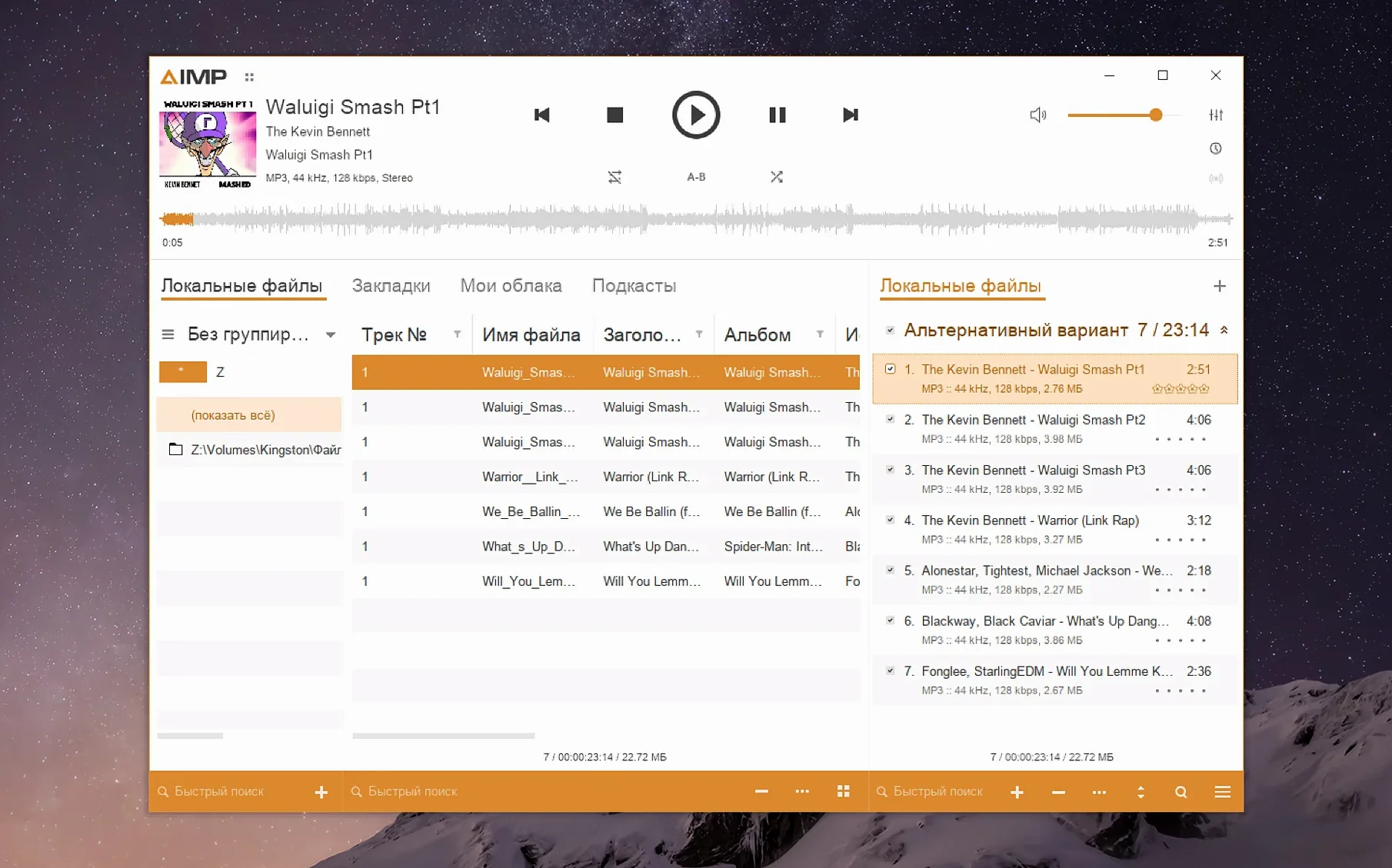
Contentsfolder, went to Tools > Config Utility (winecfg), and set the Graphics tab's screen resolution to 132 dpi. After applying, the playlist text was comfortably readable. - Point the library at the folder. I dragged the concert folder into the main window. The files appeared instantly — no scanning delay — and the player read the embedded bit depth and sample rate correctly.
- Tag in the editor. With all tracks selected, I opened the tag editor and filled the album, ensemble, conductor, and year fields. AIMP wrote the metadata to every file in under a second.
- Rename from tags. Still in the editor, I used the rename function to rebuild the filenames as
tracknumber - title.flac. One click, done. - Check the waveform. Back in the player, I switched to the waveform seekbar. The recalculation from this build rendered the long orchestral swells clearly, letting me jump to the climax of the adagio without guessing.
What began as an anonymous dump of audio became a navigable album. The Wineskin packaging means the app does not feel native in every interaction — menus draw with a slight delay, and you will see the Kegworks helper on first launch — but the playback engine and the metadata tools behave exactly as they do on Windows. For a library of high-resolution local files that needs real sorting, it is a calm, focused workhorse.
Before dragging the disk image into your Applications folder, a few things are worth knowing. The player arrives wrapped in Wineskin, which means the app bundle contains a self-contained Windows compatibility layer. That layer adds about 200 MB to the footprint, and the first cold launch can take fifteen to twenty seconds while Kegworks initializes. Subsequent launches are quicker. On Apple Silicon, everything runs through Rosetta 2 automatically — you do not need to flip any switches — and CPU usage during playback stays low enough that the fans on a MacBook Air remain silent even with 96 kHz material. People often ask whether AIMP can replace a media player like IINA or VOX for daily listening. The answer depends on your library: if you live inside a folder structure of FLAC, WavPack, or Monkey's Audio files and you tag obsessively, AIMP for macOS slides in cleanly. If you rely on streaming services or AirPlay, this is not the tool for that job.
When things do not behave
The most common snag on first run is a Gatekeeper error that refuses to open the app because it cannot be checked for malicious software. The disk image includes a small Fix script that resets the quarantine attributes — run it once, and the app launches normally afterward. Another early headache: the interface can appear tiny on high-DPI displays. The KegworksConfig route works reliably, but if the Config Utility refuses to open, try launching the app once first to let the Wine prefix finish setting up, then quit and re-enter KegworksConfig. A handful of users report that the audio device dropdown shows no output until they plug in headphones or switch the system output in macOS Sound settings, after which AIMP picks up the change. If you import a large library and the grouping tree seems to freeze when Alt+Clicking a branch, this build contains a specific fix for that — it should no longer lock the UI.
A folder-first player that keeps tags within reach
AIMP does not try to be a Finder replacement or a media server. It reads a folder, it plays the contents, and it keeps the tagging logic close to the surface. Because the macOS build shares the same library format as the Windows version, you can point both at a network share or a synchronised external drive and your ratings, play counts, and custom layouts follow you. The Wineskin layer does mean drag-and-drop from Finder occasionally hesitates — dropping files onto the playlist window works, but dropping onto the dock icon does nothing. For quick conversions, the built-in Audio Converter handles batch transcoding to MP3 or Ogg without calling out to a separate encoder app. If you already use something like MusicBrainz Picard for tagging, AIMP’s editor plays a complementary role: it is faster for single-album clean-up, while Picard handles bulk matching against online databases. And if you miss the old Winamp visualisation plug-ins, the Skin Engine supports a subset of them, though the mouse-wheel fix in this release was needed because scrolling inside the visualisation window previously sent erratic zoom commands back to the playlist.
Version 5.40.2675 updates the Monkey's Audio codec to 11.08, speeds up waveform calculation, and fixes a libVorbis conflict with third-party plugins and a sampling-frequency buffering issue. Localizations were also updated.
- macOS 11 or later
- Apple Silicon