Serato Studio runs on any Mac that can boot macOS 10.14 Mojave or later, and the 2.5.0 update extends that support all the way through macOS 26 Tahoe. It works natively on both Intel and Apple Silicon machines, so whether you're holding onto an older MacBook Pro or working from a current M-series desktop, the installer handles the architecture without Rosetta gymnastics. The real question isn't just whether it launches — it's what lands in front of you once it does.
A DJ's production desk, rethought
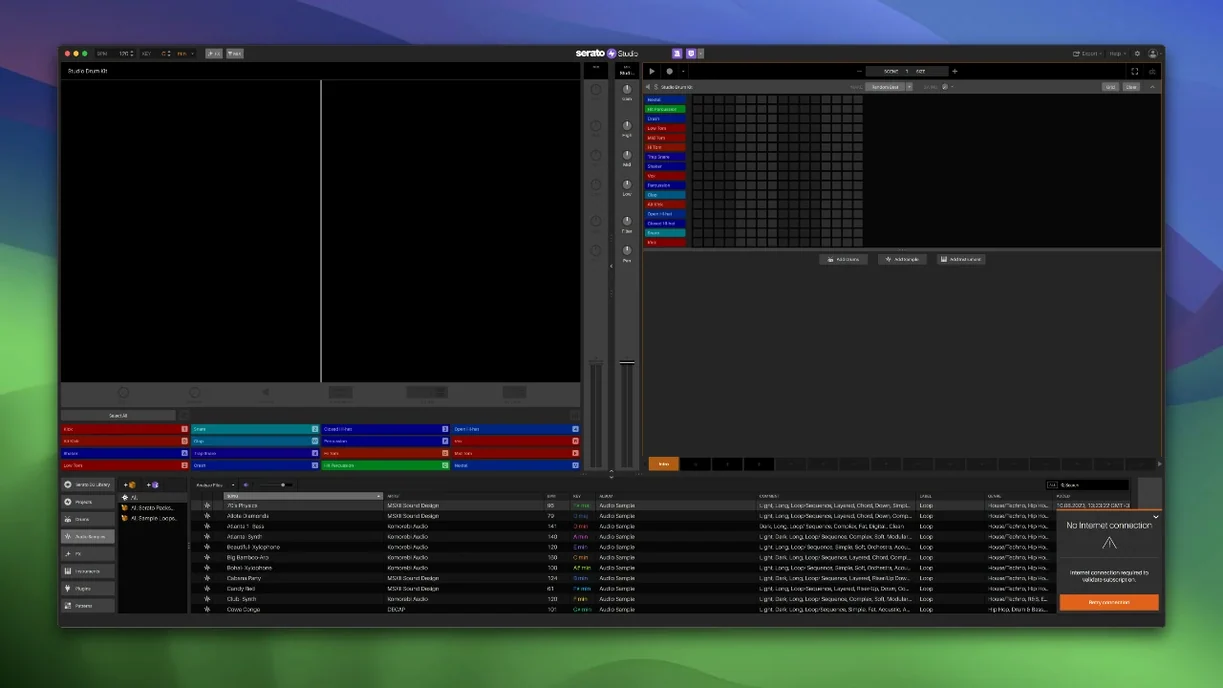
What separates Studio from a general-purpose DAW is how much it borrows from Serato's DJ lineage. The mixer channel, colour-coded waveforms, and BPM-synced effects are pulled straight from performance software, which means a producer who already knows their way around cue points and faders can start laying down ideas without translating muscle memory. Scene View lets you automate Stems On/Off and individual stem levels — acapella, melody, bassline, drums — right inside a Sample Deck, so a vocal hook can fade into a bassline over four bars without touching an arrangement lane. There are ready-made drum patterns for sketching, one-touch key switching that keeps everything in the project's scale, and an Auto Chord mode that generates progressions from a single finger. It all points toward one idea: the gap between mixing a track and building one from scratch should feel smaller.
Stems and the AlphaTheta SLAB
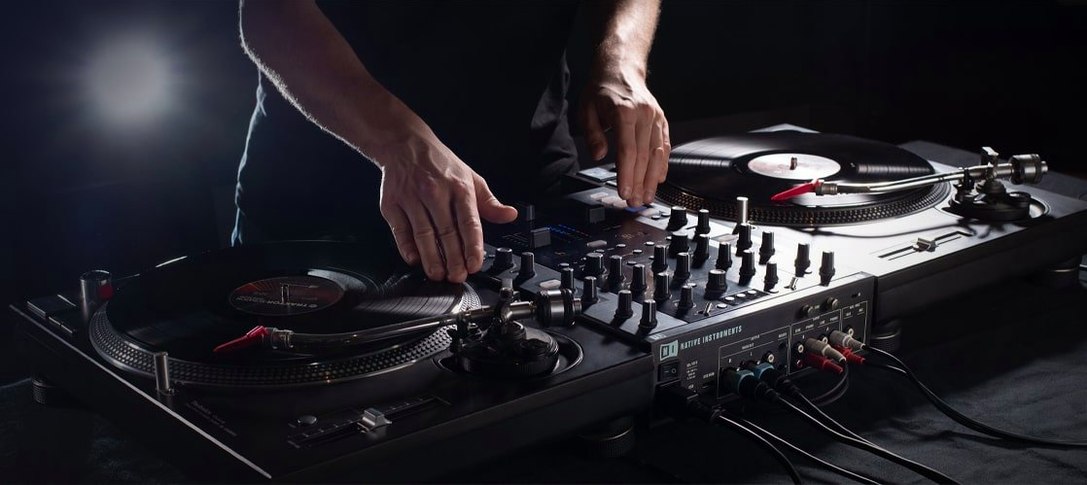
The stem engine got serious attention in 2.5.0. You can now adjust acapella, melody, bassline, and drum stems independently in any Sample Deck, and export those separations as audio files — useful for pulling a kick pattern from a dusty record or isolating a melody for a remix without leaving the application. On the hardware side, native control arrived for the AlphaTheta SLAB, which maps its pads and knobs to Studio's scene and stem controls directly. For anyone working with a controller-heavy setup, that integration turns the software into something closer to an instrument than a screen-and-mouse arrangement tool.
Your DJ crates become your production raw material
DJs who already live inside the Serato ecosystem get the shortest ramp. Your crates, cue points, and track ratings carry over from Serato DJ, so the library you've been building for years becomes the raw material for original productions. Instead of auditioning sample packs you don't know, you pull from music you've already tested on dance floors. That continuity is hard to overstate — it means a producer can hear a transition in their head during a gig and rough it out the next morning without switching mental models.
Sample-heavy beatmakers who find full DAWs overbuilt for their workflow are another natural fit. If your process starts with chopping a loop, pitching it, and stacking drums underneath, Studio strips away the mixer architecture and routing decisions that slow that down in general-purpose software. The Feel control is a small detail that matters here: it introduces tiny timing variations to mimic a live keyboard player, so quantized hi-hats and chord stabs breathe a little. Electronic producers who want grid-tight drums but humanized melodic elements can dial it in per track.
Producers migrating from hardware samplers and grooveboxes also tend to settle in quickly. The colour-coded waveform display, dedicated mixer channel, and BPM-synced effects mirror the signal flow of a desktop production station, and the Auto Chord mode removes the theory barrier for someone who composes by ear. Hit a pad, get a full progression in the project key, tweak the inversion — no chord wheel required.
Launches in four seconds on a base M1 MacBook Air
On an M1 MacBook Air with 8GB of RAM, Studio launches in about four seconds and sits at roughly 360MB of memory with a modest project loaded — a few Sample Decks, a drum kit, and two instrument tracks. That footprint stays reasonable as you add stems because the engine streams audio from disk rather than loading everything into RAM at once. On a more powerful M2 Pro machine, real-time stem separation on a full track takes under ten seconds, and you can automate stem level changes during playback without dropouts or interface lag. The waveform redraw during scrubbing is immediate; there's no ghosting or stair-stepping even at high zoom levels.
It's not immune to edge cases. Stacking multiple instances of heavier VST synths — Diva, Pigments, Phase Plant — will eventually push CPU meters into the red, especially if you're running at a 32-sample buffer. But that's true of any host, and Studio's own instruments and effects are optimized well enough that most projects built with the included tools stay comfortably in the green. Crash recovery has been uneventful in testing: the auto-save interval is short, and reopening after a forced quit restores the arrangement where you left it. Users who go looking for a Serato Studio Mac crack to explore the stem engine before committing often mention being surprised by how stable the patched build runs, which says something about the underlying code quality.
Adjust the audio buffer and auto-save before you start
A few defaults are worth adjusting the moment the installer finishes — the kind of changes that shift the software from working acceptably to working the way you actually produce. First stop is the Audio tab in Preferences: the buffer size defaults to 512 samples, which is safe but introduces noticeable latency for pad playing. Drop it to 128 or 64 if your interface handles it. The sample rate should match whatever your projects will target; Studio defaults to 44.1kHz, but switching to 48kHz early prevents resampling headaches later.
The Reverse Pad Order checkbox on the setup screen is easy to miss and worth toggling depending on your controller habits. If you've spent years on Akai-style pad layouts where the kick lives bottom-left, flipping the order can prevent a lot of accidental rimshots. Under Library, turn on Track Rating and Favorite Crates if they weren't enabled during setup — the 2.5.0 update added both, and they sync bidirectionally with Serato DJ. For stem workflows, check that Stems On/Off automation is visible in Scene View before you start recording automation passes; it's on by default but confirming it saves confusion when a stem doesn't fade the way you expected mid-scene.
One last setting that rewards early attention: the metronome routing. By default the click goes out the master, which is fine for headphone work but disastrous if you're previewing through a PA. Route it to a separate cue output in the mixer section and you'll thank yourself the first time you test a half-finished beat at volume. Users who grabbed a serato torrent to explore the full feature set will find all of these options present and working — the preference file structure hasn't changed, so the tweaks stick between sessions exactly as they would in any other build.
Version 2.5.0 brings native control for the AlphaTheta SLAB, support for macOS 26 Tahoe, and a deeper stem workflow. You can now adjust acapella, melody, bassline, and drum stem levels individually in Sample Decks, and automate Stems On/Off plus those individual levels directly in Scene View.
- macOS 10.14 or later (including macOS 26 Tahoe)
- Intel or Apple Silicon Mac