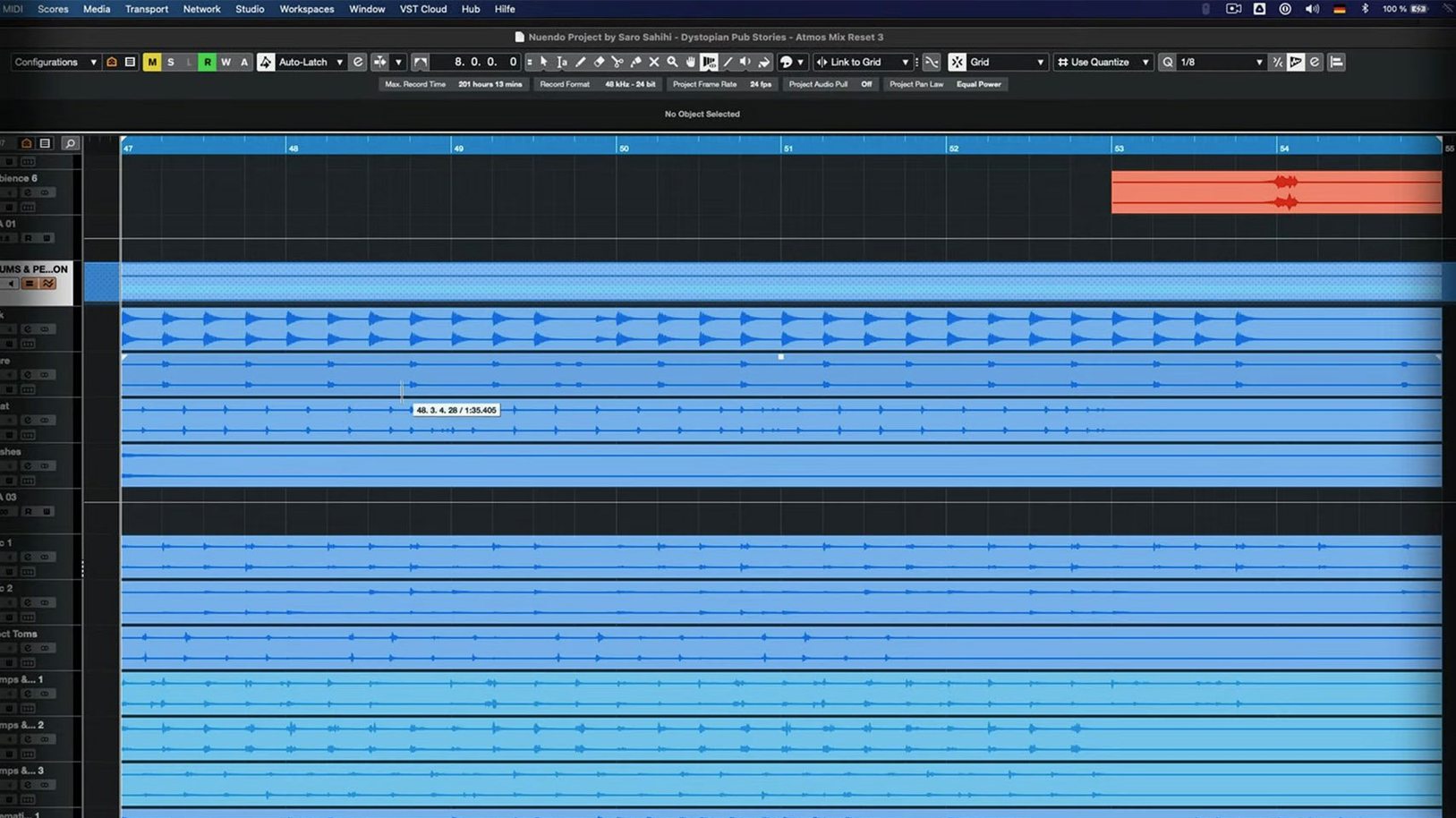
The 15.0.30 application update lands with a quiet, methodical purpose: it sands down the rough edges that slow a dialogue editor's afternoon. Folder tracks have rethought their relationship with Group Channels, routing that now folds into a session with less friction, while the Analyzer track surfaces what you need to see without pulling you out of the flow. It's the kind of release that doesn't announce itself loudly—it just makes the next cue sheet go faster.
- Picture cut comes in. An AAF from the offline edit lands on your timeline. Imported track settings and archive handling got attention in this update, so the translation from editorial to your mix template behaves more predictably.
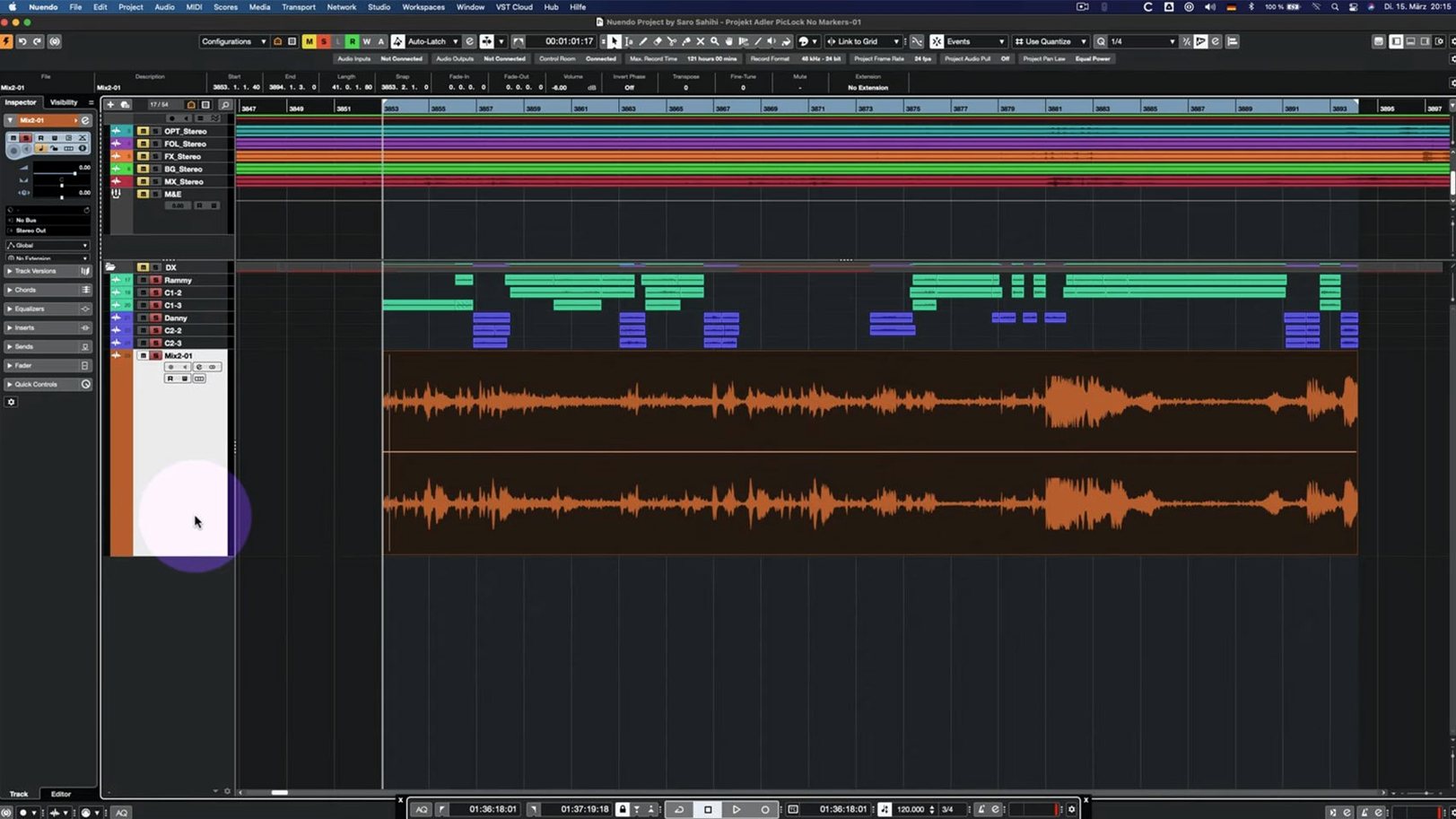
- Dialogue assembly and the Comp Tool. Building the production sound edit with grouped tracks, the Comp Tool plays nicer with Group Editing now. Quick Link behaviour with MIDI ports and channels has also been adjusted, keeping control surfaces and outboard in tighter step.
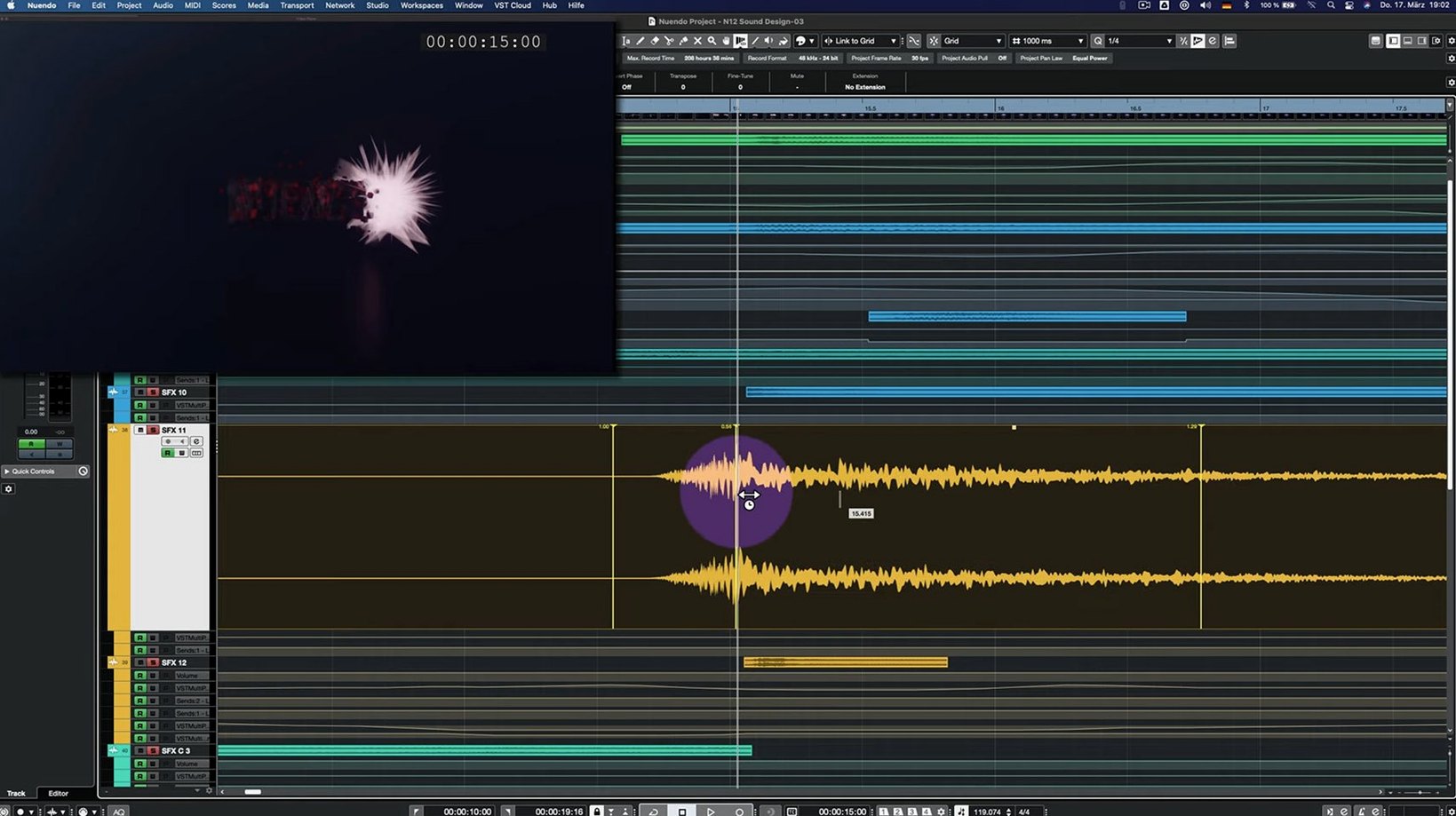
- Spotting effects with the Analyzer track. The Analyzer track changes in 15.0.30 make it a more natural companion when you're hunting resonant frequencies in a room tone or checking the low-end spill from a practical effect. It feels less like a separate window and more like part of the same conversation.
- Direct Offline Processing and the final pass. Applying VST Bass Amp or VST Amp Rack in Direct Offline Processing no longer trips over its own interface. The Multiband Envelope Shaper received a bypass performance optimization, so toggling it on and off during a stem print no longer hesitates.
On a Mac, Nuendo sits alongside the Finder bins of location audio and the video reference playing in a second window—a workstation that understands the shape of a post schedule and, with this update, smooths a few more steps between the first ingest and the final M&E.
What the day-to-day feels like
Open a session with two hundred tracks, a picture locked to a Blackmagic card, and three reels of dialogue waiting for assembly. Nuendo on macOS loads the whole thing without the beach ball theatrics some workstations perform at 8:45 in the morning. The 15.0.30 build keeps its memory footprint steady through long days—switching between the Project window and the MixConsole doesn't trigger a redraw pause, and scrubbing locked picture while a dense ambience bed plays underneath stays fluid. On an Apple Silicon Mac the application barely registers as a presence; even on older Intel hardware the difference between this and a version from two years ago is the silence where the fan used to be.
Resource use follows a pattern you can plan around. A full post template with 5.1 routing, two instances of the Analyzer, and a handful of spectral processors sits comfortably within 6–8 GB of RAM. The performance optimization for the Multiband Envelope Shaper in bypass means you can leave it sitting on a dialogue bus without stealing cycles—something that matters when you're printing stems at eleven at night and every second counts. Stability in 15.0.30 has been uneventful in the best way: no mysterious crashes when importing track archives from a colleague's Windows machine, no MIDI port confusion after a control surface wakes from sleep. The fixes are small, cumulative, and exactly the kind that don't make headlines but do make deadlines.
Old sessions open without a conversion dance
A few questions come up in forums and group chats every time a new build appears. The first is always about sessions from older versions—yes, projects created in Nuendo 14 open in 15.0.30 without a conversion dance. Track archives and imported settings got specific attention in this update, so the handoff is cleaner than it was in the early 15.x releases. The second question is about plug-in compatibility: all VST3 plug-ins that worked in the previous version remain functional, including the ones people rely on for a nuendo 15 torrent setup where a full plug-in collection travels with the installer. Third, people want to know if the new folder track routing breaks existing templates. It doesn't—the Group Channel behaviour change is an addition to the routing options, not a replacement, so sessions from 14 or earlier open with their original signal flow intact.
Another frequent question is whether the smaller download size—under 1.8 GB—means content has been stripped out. It hasn't. The slimmed installer is a packaging change, not a feature cut. Everything from the full sound library to the VST instruments is still there, just compressed more efficiently. People searching for a nuendo mac torrent often wonder about Apple Silicon native support, and the answer hasn't changed: the application runs natively on both ARM and Intel, with no Rosetta translation layer needed. The final question that keeps surfacing is whether the Analyzer track changes mean you need to relearn the metering workflow. You don't. The changes added clarity and responsiveness; they didn't move the furniture around.
Dialogue editors shape scenes instead of wrestling lanes
Dialogue editors working on long-form drama get the most immediate return. The Comp Tool fixes with Group Editing mean building a scene from six lav mics and a boom across a dozen takes feels more like shaping and less like bookkeeping. The track archive improvements shorten the handoff between the dialogue team and the effects editor—import settings arrive with fewer surprises, which on a tight post schedule is worth more than any flashy new feature.
Game audio designers also find a natural rhythm in Nuendo, particularly those juggling thousands of assets across branching dialogue trees. The Quick Link and MIDI adjustments in 15.0.30 make switching between a Wwise session on one machine and a Nuendo session on the Mac feel less like negotiating a border crossing. The ability to run the same project on a studio desktop and a portable rig without format conversions keeps the work moving between offices, recording stages, and a living room at 2 AM. If your week splits between spotting sessions on a dub stage and solo sound design at home, the application bends around that schedule rather than dictating it.
Folder tracks are not just Finder directories
The most common early mistake is treating the folder track routing as purely organizational. Someone new to Nuendo will drop tracks into folders like they're dragging files into Finder directories, then wonder why their aux sends stopped behaving. The Group Channel functionality layered into folder tracks is powerful but opaque until you open the routing inspector and see what's actually flowing where. The fix is simple: before building a template, spend ten minutes with the routing panel on a single folder track and watch how signal moves when you toggle the group behaviour on and off.
Another early pitfall is the Analyzer track placement. Beginners tend to insert it on the master bus and leave it there, squinting at a full-spectrum readout that tells them everything and nothing. The better habit—one that takes a few projects to internalize—is dropping an Analyzer on a specific group bus and using it surgically: checking the low-mid buildup on a dialogue stem, or watching the transient smear when you layer three impact sounds. The 15.0.30 update made the Analyzer more responsive, but it still rewards precision over blanket monitoring.
A subtler mistake is ignoring the Direct Offline Processing queue. New users often reach for insert effects on every channel, piling up real-time processing that eats headroom. Bouncing spectral repairs, de-noising, and amp simulations into the offline queue keeps the session light and the playback responsive—a discipline that becomes automatic the first time a hundred-track project plays back without crackling. The interface fix for VST Bass Amp and VST Amp Rack in Direct Offline Processing means there's one less reason to avoid it. Finally, people coming from other DAWs sometimes assume a nuendo 14 download or a nuendo free download will behave like a lightweight cut-down version. It won't. Nuendo is built for post-production from the ground up, and treating it like a general-purpose recorder will bury you in features you don't need while hiding the ones you do. Start with the post template, not a blank session.
The 15.0.30 update brings a long list of refinements across the application. Folder track routing and Group Channel behaviour have been updated, alongside improvements to the Analyzer track and how imported track settings and archives are handled. Quick Link and MIDI port or channel assignment received adjustments, while the Comp Tool with Group Editing and the Score Editor with locked global tracks both saw fixes. The Direct Offline Processing interface for VST Bass Amp and VST Amp Rack is now stable, and the Multiband Envelope Shaper plug-in has been optimized to reduce its footprint when bypassed.
- macOS 11 or later
- Apple Silicon and Intel Macs
- Interface language: English